Depth-Guided Spatial Motion, Hybrid 2D Live-Action Turnarounds, and Multi-Camera A-Roll Synthesis
AI filmmakers are anchoring complex visual transformations using grayscale depth maps, multi-panel expression grids, and wide studio reference photos to generate consistent synthetic camera angles. By locking timelines and color grades prior to diffusion rendering, creators maintain strict narrative control while avoiding costly generation cycles.

Top learnings
Extracting grayscale depth maps from live footage allows diffusion video engines to preserve spatial geometry and camera movement during complete environment replacements.
Pairing neutral-gray A-pose character turnarounds with 3x6 facial expression grids enables consistent 2D cartoon acting inside live-action plates.
Locking the edit, color grade, and dialogue-only audio stems before generating AI shots prevents wasted credits and simplifies downstream compositing.
How do depth maps preserve scene geometry during complete environmental restyling?
When directing AI video transformations, feeding standard video clips directly into diffusion models often causes the engine to warp spatial dimensions and miscalculate background perspective. A depth map—a grayscale representation where lighter values represent proximity to the camera and darker values denote distance—provides an explicit geometric guide that keeps subject motion and camera trajectories stable during generation.
Curious Refuge demonstrates that extracting a depth map from source footage via tools like fal.ai using the VDA Large model or running local open-source scripts on macOS takes roughly 60 seconds. Once rendered, importing this depth video alongside a target aesthetic keyframe into Magnific with Seedance 2.5 forces the engine to adhere to the physical layout and motion paths of the original take. ReelStack suggests using depth maps as motion references whenever replacing practical environments with synthetic locations to eliminate spatial drifting.
 Curious Refuge
 Read source excerpts 2
very quick way to create a depth map so you can use it in your next project. Now, if you're not familiar, a depth map is basically a black and white representation of the
Curious Refuge
I have Cance 2.5 selected. And I've imported our depth map video. I've imported a single frame that embodies the overall look and feel that we want from the final video. And
Curious Refuge
Why do A-pose turnarounds and expression grids anchor hybrid 2D animation?
Integrating animated 2D characters into live-action footage presents severe continuity hurdles, as models easily alter character proportions and facial expressions across alternating cuts.
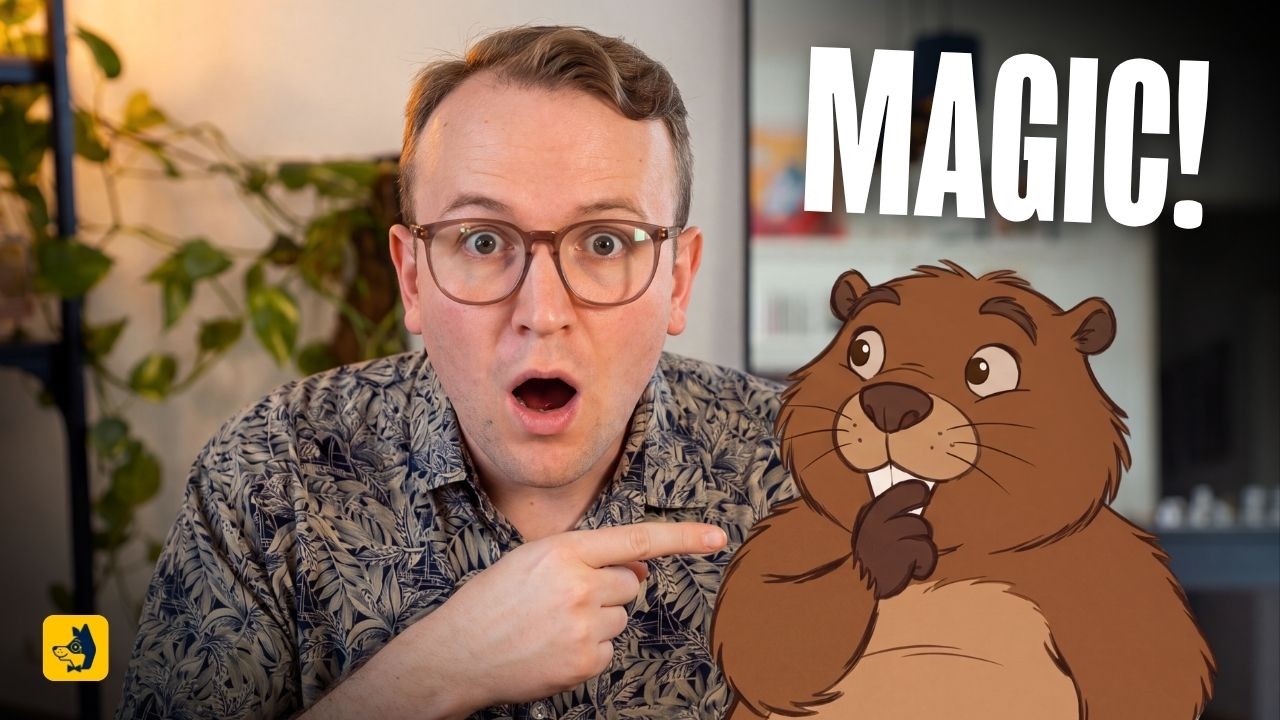
Creator Albert Bozesan details that maintaining 2D asset consistency requires generating full character turnarounds—front, side, back, and facial close-up—rendered in an A-pose against a neutral gray background (#808080). Bozesan notes that an A-pose conserves frame space compared to a standard T-pose. To govern performance, the frontal turnaround is cropped into a style reference to generate a dedicated 3x6 grid expression sheet. Referencing both the turnaround sheet and the expression grid across video prompts enforces emotional and structural consistency.
For onset prop interactions, Bozesan screenshots the real physical prop and instructs the diffusion model to use the image strictly as a shape guide. This preserves exact physical scale when replacing practical items with stylized cartoon assets.
 Curious Refuge
 Read source excerpts 2
A pose front side and back view. Additional close-up of just the face with a neutral expression. Neutral gray #8880 background. No text. So the 80880 is a hex code that just
Curious Refuge
as style and character reference. Create a 3x6 grid expression sheet with a variety of completely different expressions of the beaver. Use the exact same style and frontal
Curious Refuge
How can creators synthesize multi-camera coverage from a single A-roll take?
Shooting multi-camera setups requires extensive hardware, lighting configurations, and storage overhead. Modern generative pipelines allow filmmakers to extract believable secondary angles directly from a single primary camera take.
Creator Dan Kieft illustrates that supplying a desktop-connected reasoning model like GPT-6 Astra with a single wide, behind-the-scenes reference photo of the studio space allows it to generate synthetic B-cam and C-cam perspectives. By examining the room geometry and practical lighting positions in the reference photo, the model accurately renders side-angle coverage of the subject using Seedance 2.5 via the Higgsfield connector.
To manage large raw camera files without running into cloud upload ceilings, Kieft uses the ChatGPT desktop application with local file system access, bypassing the platform's 512 MB cloud upload restriction.
 Dan Kieft
 Read source excerpts 2
can see, you're limited to 512 megabits. And I don't know about you guys, but my camera files are way bigger than that. So, make sure you switch to on your computer. Then you
Dan Kieft
feed JGPT to what your surrounding looks like. So, I gave it this image. It's with all of the studio lights turned off. It's a bit of a behind the scenes. It's It's not the
Dan Kieft
Why must live-action edits, grades, and audio stems be locked prior to AI generation?
Generating generative video plates before finalizing editorial timing or color balance leads to redundant render passes and inflated credit consumption.
Albert Bozesan demonstrates that in hybrid workflows, the live-action edit should be cut to exact timing with additional head and tail handles before initiating AI synthesis. Applying a timeline-wide color grade in DaVinci Resolve prior to export ensures that generated elements match the final contrast and saturation of the project. Furthermore, Bozesan silences background music and ambient effects, exporting reference video clips with clean dialogue stems only. This prevents synthetic sound generators from baking unwanted music artifacts into rendered video tracks.
Dan Kieft corroborates this timeline discipline, using structured prompt templates to have reasoning models mark potential cutaways and insert timeline adjustment notes before triggering generative tasks.
Curious Refuge Read source excerpts 2
workflow gives me. But generally all the clips are in order and I've even um graded them already. The grading is very important. So what I did in Da Vinci Resolve Studio where
Curious Refuge
doubled reasons like that. So, always make sure your inputs are um only including dialogue and sound effects that you want the AI to work with and free of anything you don't
Curious Refuge
Where do autonomous commercial agents and synthetic angle generators encounter limitations?
Despite progress in automated editing and reference-guided generation, autonomous agent workflows continue to exhibit noticeable visual and narrative flaws when left unguided.
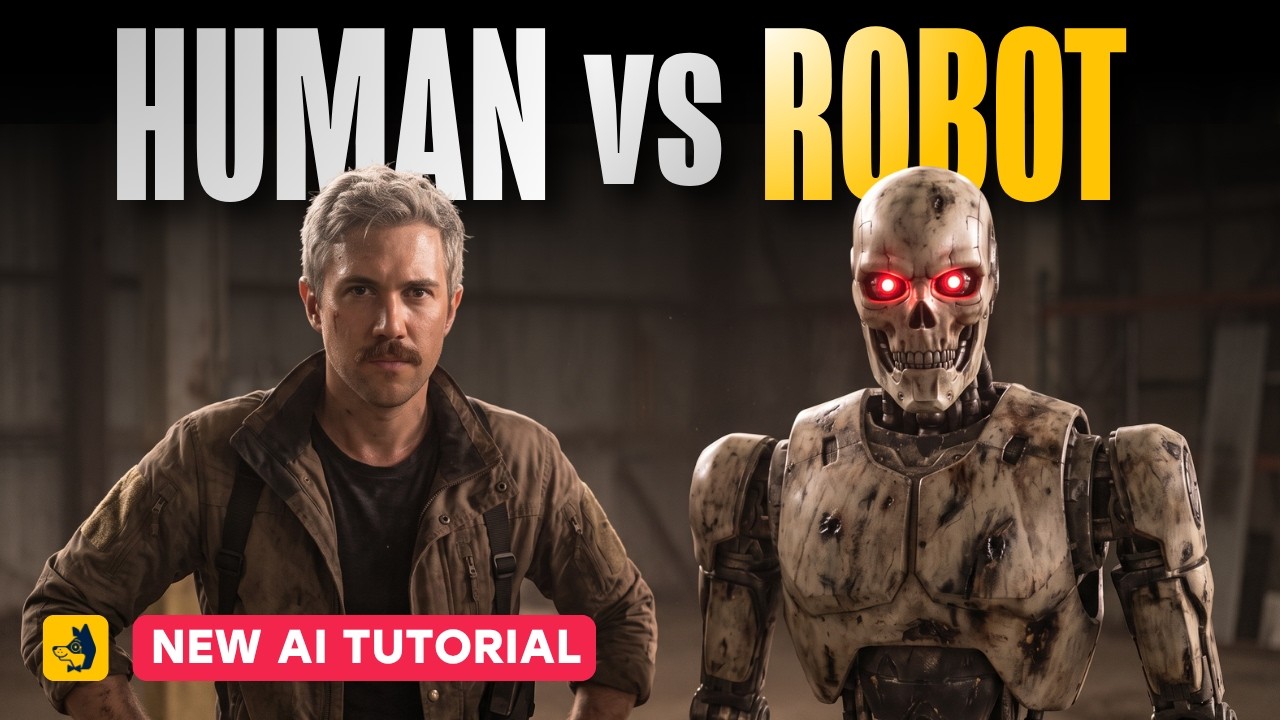
In comparative ad testing by Curious Refuge, fully autonomous agents like Luma and ChatGPT Astra connected to Runway completed 30-second commercial briefs in under 18 minutes for $14 to $20. However, the resulting outputs suffered from brand logo distortions, disjointed pacing, and unprompted language shifts, lacking the emotional nuance and conceptual clarity achieved by human artists. Autonomous agents remain best suited for rapid mood boards or timeline bin sorting rather than final creative direction.
Additionally, synthetic multi-camera generations can introduce unflattering facial angles or misaligned background props, requiring editors to carefully screen AI coverage before cutting between real and synthetic camera positions.
 Curious Refuge
 Read source excerpts 2
inside of ChatGpt, the entire process took about 17 minutes and 22 seconds, and it cost us about $12 in runway credits along with around $8 to render using Astra for a grand
Curious Refuge
transformative in this way. I think those models are the future. And at this time, I think the best application for those tools is to perform routine tasks that require very
Curious Refuge
Key moments to explore
Optional deep divesWant to see a technique in action? Jump into the source videos. These AI-extracted timestamps may be approximate.
- 0:16 ↗Depth maps serve as black-and-white representations of spatial depth that help AI tools adhere accurately to original reference footage during environment transformations.Curious Refuge · How to Create a Depth Map Using AI + FREE Tool Download
- 01:14 ↗Hybrid 2D and live-action projects require thorough pre-production planning with detailed scripts and storyboards since every shot is handled both on set and in post.Curious Refuge · The Best AI Workflow for a 2D + Live Action Film
- 02:10 ↗Using the desktop ChatGPT app with local file access bypasses the 512 MB cloud upload limit for handling large camera files directly on the PC.Dan Kieft · Master AI Video Editing in 25 Minutes (Full Course)
- 01:18 ↗Application-based AI agents and frontier model agents can autonomously process a creative brief into keyframes, video clips, and edited video files.Curious Refuge · I Tested AI Agents Against a Real AI Artist
- 0:41 ↗Depth maps can be generated in cloud aggregators like fal.ai using models like VDA Large in roughly 60 seconds.Curious Refuge · How to Create a Depth Map Using AI + FREE Tool Download
- 02:23 ↗Generating full character turnarounds (front, side, back, face close-up) in an A-pose against a neutral gray hex background (#808080) establishes character consistency.Curious Refuge · The Best AI Workflow for a 2D + Live Action Film
Put it into practice
Get the practical weekly briefing →The useful ideas in one email. Subscribe to keep learning. Need a filmmaker for your project? →Tell us what you want to make and submit a project brief.Go to the source
4 videos