Multi-Speaker Dialogue Rules, Design Bibles, and Parametric After Effects Rigging for AI Pipelines
AI filmmakers are eliminating visual drift and credit waste by deploying structured technical design bibles, multi-panel character sheets, and explicit conversational prompt rules. By directing dialogue timing to stop dual-speaker lip-sync errors, embedding hard cuts into single video generations, and using agentic scripts to convert static illustrations into rigged After Effects shape layers, creators maintain absolute narrative control without manual animation overhead.
 CyberJungle
Top learnings
Add explicit conversational rules and declare dialogue language in prompts to prevent two-character mouth glitches and Mandarin language defaults.
Lock character consistency and lighting across cuts using three-panel reference sheets and separate pre-motion texture passes.
Script hard cuts with timestamp ranges directly into single video renders and convert static art into rigged After Effects shape layers.
How do technical design bibles and multi-panel reference sheets prevent visual drift?
When launching multi-shot narrative projects or interactive environments, prompting models on an ad-hoc basis leads to erratic character builds, shifting proportions, and fragmented color palettes.
Creator CyberJungle demonstrates that consistency requires establishing a technical design bible and an art direction bible before generating final assets in GPT-6 Astra and GPT Images 2.5. Outlining internal visual logic, material specs, and precise entity scale upfront prevents premature credit burn across failed renders.
To lock human subjects across shot angles, creator Youri van Hofwegen builds a three-panel reference sheet inside Claude via the Higgsfield Model Context Protocol (MCP) connector. Combining a front view, back view, and tight facial close-up on a single canvas gives diffusion models complete anatomical and wardrobe data. Van Hofwegen then applies dedicated texture and lighting passes in tools like Nano Banana Pro to lock fabric detail and environmental contrast before initiating video motion. ReelStack suggests compiling visual bibles and multi-angle turnarounds as locked reference anchors prior to executing downstream video prompts.
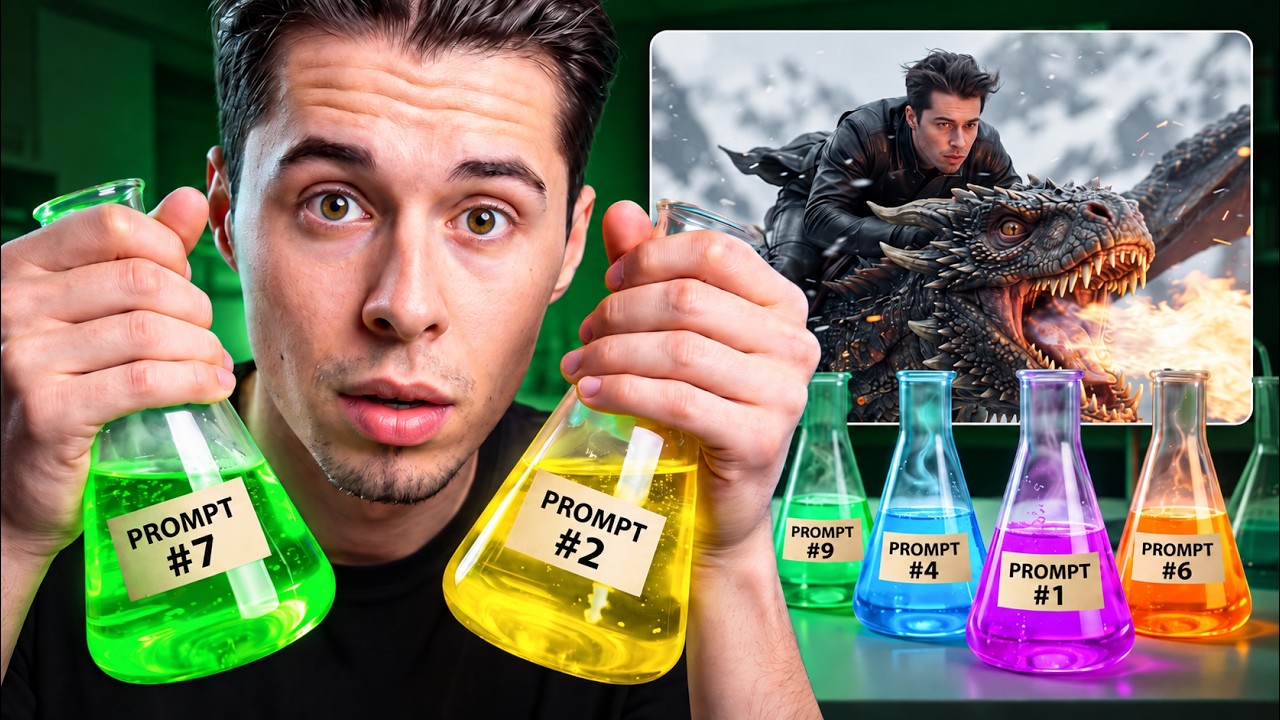
Read source excerpts 2
first thing first I ask from GPT6 to create a design bible which should be internally consistent. The design bible is really important because it details the game dynamics,
CyberJungle
panels in one image, a front view, a back view, and a tight closeup of the face. three panels because that gives the model the face, the build, and the hair from the front,
Youri van Hofwegen
How can filmmakers eliminate dual-speaker lip-sync errors and default language glitches?
Directing multi-character dialogue scenes in generative video models frequently causes catastrophic failures where both characters animate their mouths simultaneously or models default to foreign language phonemes.
In video generation tests using Seedance on BytePlus, Youri van Hofwegen reveals that Chinese-developed models can default to Mandarin dialogue unless prompts explicitly declare that all spoken lines are in English. To resolve the common glitch where two characters on screen speak the same line at once, van Hofwegen inserts a mandatory directive right before the script block: 'only one character's mouth moves at a time.' He pairs this with explicit character speaker tags for every line and assigns physical reactions—such as eyebrow raises—to the listening character.
Alternatively, van Hofwegen shows that framing conversations as one-sided phone calls with second-by-second timestamps for pauses naturally resolves multi-speaker rendering conflicts while maintaining natural pacing. ReelStack recommends isolating multi-speaker dialogue into dedicated conversational prompt blocks with explicit turn-taking constraints.

 Youri van Hofwegen
 Read source excerpts 2
dialogue is in English. If you leave it out, the model can just default to Mandarin because it's made by a Chinese company. And that's a whole generation wasted. Once the
Youri van Hofwegen
single instruction. It goes in before the dialogue and it's the most important line in the whole prompt. So, I'll paste the prompt and I'll make sure the line only one
Youri van Hofwegen
How do timestamped cut prompts and motion references compress multi-shot production?
Generating separate video renders for every individual shot in a scene consumes significant credit pools and introduces continuity drift across edits.
To maximize efficiency, Youri van Hofwegen scripts multiple camera setups into a single 10-second generation. By writing explicit hard cuts and second-by-second timestamp ranges into the prompt, a single render delivers three distinct camera angles—such as alternating driver and passenger shots—without requiring multiple generation passes. This timestamped cut method also naturally enforces dialogue separation by keeping only one subject on screen per cut.
For motion graphics and physical interactions, creator Adil demonstrates using natural motion video references alongside GPT-6 Astra. Rather than manually keyframing complex physics or buying commercial dynamics plugins, feeding reference footage to Astra allows the model to calculate realistic weight, rotation, and bounce trajectories directly. ReelStack suggests evaluating whether multi-shot dialogue coverage can be consolidated into single timestamped render passes before generating individual coverage plates.
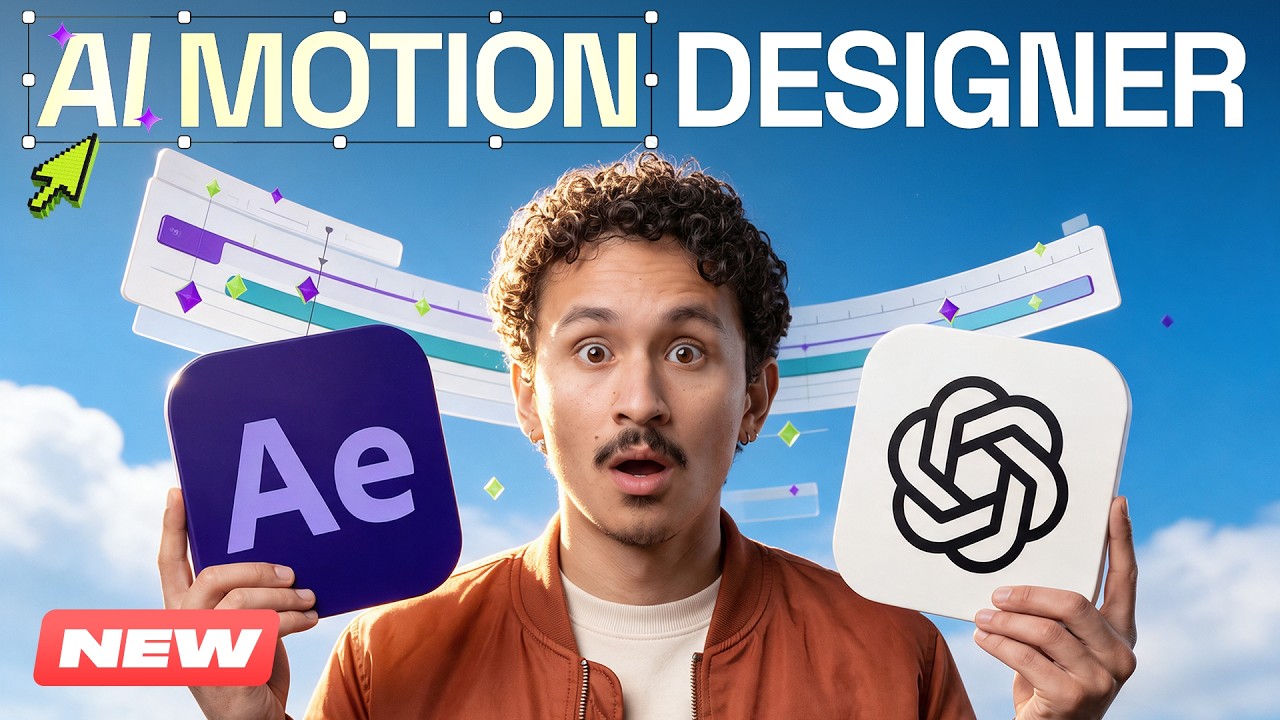
Read source excerpts 2
generation is one shot, you'll spend three separate generations building a single scene. But if you write hard cuts straight into the prompt, you get three different camera
Youri van Hofwegen
chat, writes the request, and gives itself the task. I can just sit back and watch it work. Take the falling labels for example. To create that sense of weight by hand, I'd
Higgsfield AI
How does parametric layer conversion and vector rigging enable editable motion graphics?
Rendering animated graphics or typographic sequences as flattened video clips prevents granular client revisions and locks editors out of post-generation adjustments.
Creator Adil illustrates how connecting GPT-6 Astra to Adobe After Effects via the Higgsfield plugin enables fully editable parametric motion design. Rather than producing flat video outputs, Astra writes custom Python and ExtendScript utilities directly inside After Effects. In one workflow, a custom script analyzes video brightness values across a grid to convert motion plates into transparent, editable ASCII symbol sequences.
Furthermore, Adil demonstrates that static 2D character illustrations generated in Higgsfield can be automatically deconstructed by Astra into isolated vector shape layers. Astra builds the underlying skeletal hierarchy, binds limbs, and animates pedal and handlebar tracking natively on the timeline. ReelStack suggests routing kinetic typography, character rigs, and interface graphics through parametric After Effects plugins to preserve independent layer control.
 Higgsfield AI
 Read source excerpts 2
into frames. Python reads their brightness, divides each frame into a grid, and picks a character for each cell based [music] on how bright that area is. Now, brighter areas
Higgsfield AI
to stay on the handlebars and the hair and scarf have their own movement. Now, in our case, Hixel generates the illustration, Astro rebuilds it as separate shape layers inside
Higgsfield AI
Where do automated prompt stacks and script-driven pipelines encounter limitations?
While structured prompting and automated motion rigging streamline production, generative pipelines exhibit clear physical boundaries and execution delays.
In low-resolution testing, Youri van Hofwegen emphasizes that 480p drafting holds up well for static compositions, silhouetted subjects, or minimal movement, but degrades quickly when subjected to rapid multi-axis camera motion or fine environmental detail. Content filters also remain an active friction point, causing occasional prompt rejections during batch runs.
Additionally, automated script execution inside digital audio and video workstations requires substantial processing time. Adil notes that having an AI agent adapt and reorganize a complex After Effects composition for vertical social formats took roughly 50 minutes of automated processing. While faster than manual rebuilding, creators must account for agent execution latency and maintain oversight over complex physical rigs.
Read source excerpts 2
always means worse quality. But that's not quite how it works. When there's barely any movement in the shot, a low resolution holds up far better than you'd expect because
Youri van Hofwegen
explain every layout rule from scratch. I mean, this took Astra about 50 minutes. We'd estimate around 2 to 3 hours to do the same work by hand. [music] And while Astra is
Higgsfield AI
Key moments to explore
Optional deep divesWant to see a technique in action? Jump into the source videos. These AI-extracted timestamps may be approximate.
- 02:32 ↗Outlining gameplay dynamics and visual style in GPT-6 Astra establishes foundational logic before generating visual assets.CyberJungle · GPT-6 Astra + Images 2.5 is TOO POWERFUL — Here's Proof
- 01:03 ↗Integrating Higgsfield with Claude via MCP enables generating and refining AI media directly inside chat without switching platforms.Youri van Hofwegen · 9 FREE Prompts to Make AI Videos that Look Real (Cinematic AI)
- 01:12 ↗Seedance 1.5 Pro offers a cost-effective quality balance over Seedance 2.5 for stretching free generation credits.Youri van Hofwegen · How to Make AI Videos for FREE (Unlimited Technique)
- 00:40 ↗Connecting the Higgsfield plugin to ChatGPT with the command 'install/After Effects' equips Astra with specialized motion design skills.Higgsfield AI · GPT-6 Astra + After Effects Creates Motion Graphics in Minutes!
- 03:03 ↗Creating a technical design bible before building full projects minimizes unnecessary generation credit expenditure.CyberJungle · GPT-6 Astra + Images 2.5 is TOO POWERFUL — Here's Proof
- 02:08 ↗Explicitly specifying the model, aspect ratio, resolution, and camera motion prevents AI video models from applying softening defaults.Youri van Hofwegen · 9 FREE Prompts to Make AI Videos that Look Real (Cinematic AI)
Put it into practice
Get the practical weekly briefing →The useful ideas in one email. Subscribe to keep learning. Need a filmmaker for your project? →Tell us what you want to make and submit a project brief.Go to the source
4 videos