Autonomous Desktop NLE Assembly, Critic-Loop Refinement, and 3D Spatial Pre-Visualization
AI filmmaking workflows are advancing beyond single-prompt generations by deploying desktop GUI computer control to automate free editing suites, using automated critic agent loops to self-correct technical outputs, and leveraging conversational 3D scene blocking to lock down consistent camera coverage before rendering.
 AI Search
 Dan Kieft
 Yaroflasher
Top learnings
Autonomous desktop agents can operate the free version of DaVinci Resolve via GUI control to assemble chronological timelines and render 4-panel look LUT comparisons without paid Studio MCP servers.
Pairing code and simulation prompts with a secondary critic agent forces models like Claude Opus 5.5 to iteratively grade and debug their own visual generations up to designated score thresholds.
Constructing 3D set layouts in Blender via conversational MCP tools enables directors to extract exact, scale-consistent camera angles and restyle them into photorealistic video reference plates.
How do automated critic agent loops and 3D MCP bridges improve generative consistency?
When directing complex visual environments or technical simulations, single-pass generation prompts frequently yield visual errors, spatial drift, and broken physics. Rather than manually troubleshooting each failure, creators are incorporating automated evaluation loops and spatial pre-visualization tools into agentic conversational models.
In testing Claude Opus 5.5, S1 demonstrates an automated prompt loop that pairs a primary coding agent with a dedicated critic agent. The critic agent captures screenshots of each generation pass, grades the aesthetic accuracy from zero to ten, and returns a prioritized list of technical fixes until the output scores an eight or higher. This autonomous loop dramatically refines complex procedural assets without requiring continuous human prompt revisions.
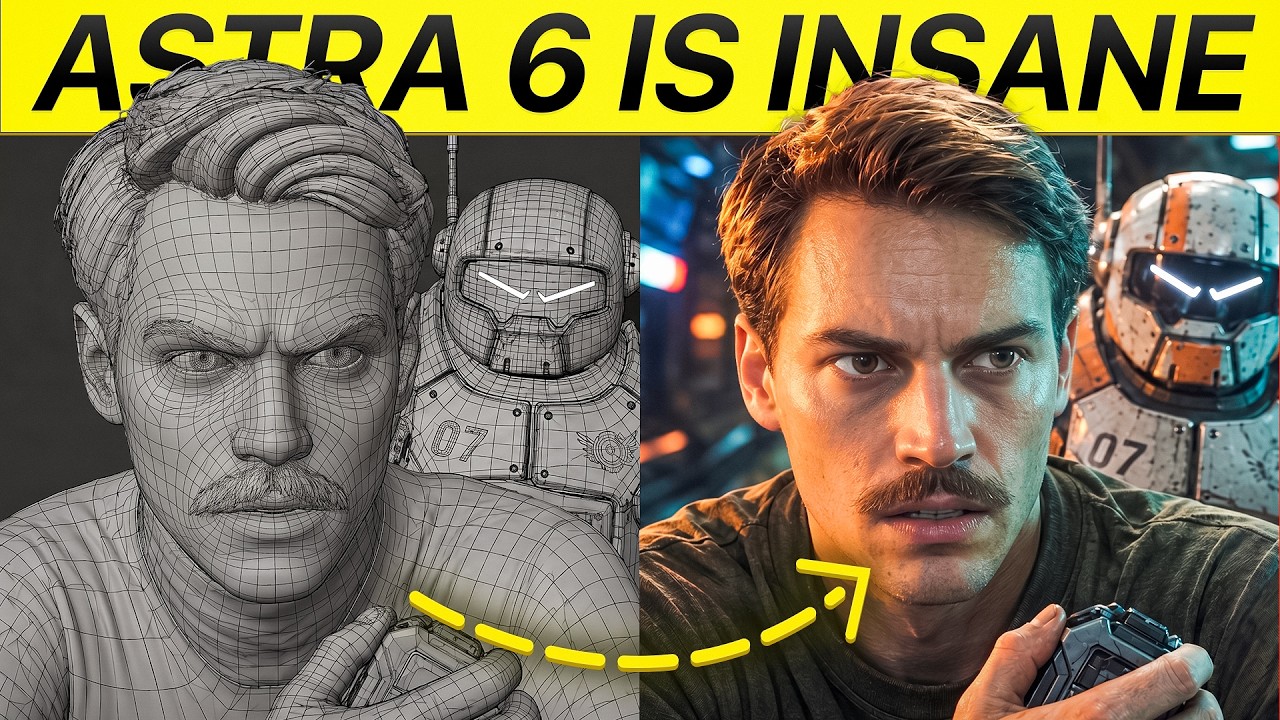
To lock physical geometry across multi-shot narrative scenes, Dan Kieft demonstrates linking GPT-6 Astra directly to Blender via the Model Context Protocol (MCP). By generating a complete 3D environment—such as an interactive bar set—filmmakers can place virtual cameras anywhere in the scene to render infinite perfectly matched reference angles, establishing scale and layout consistency before submitting keyframes to video models.
Read source excerpts 2
each iteration, use a separate critic agent to take screenshots of the scene to evaluate its realism and accuracy. It should provide a score from 0 to 10. 4 to 7 means it's
AI Search
you can make infinite type of camera angles, shot types, and make your own custom camera movements. You have full control because you can use this later as a reference inside
Dan Kieft
How can filmmakers automate NLE assembly and color grading on free software without paid plugins?
While advanced Model Context Protocol (MCP) integrations exist for professional post-production suites like DaVinci Resolve Studio, independent creators working in free software versions are often locked out of direct API tool calling. Transitioning hundreds of generated video takes into an organized timeline traditionally demands extensive manual logging and color balancing.
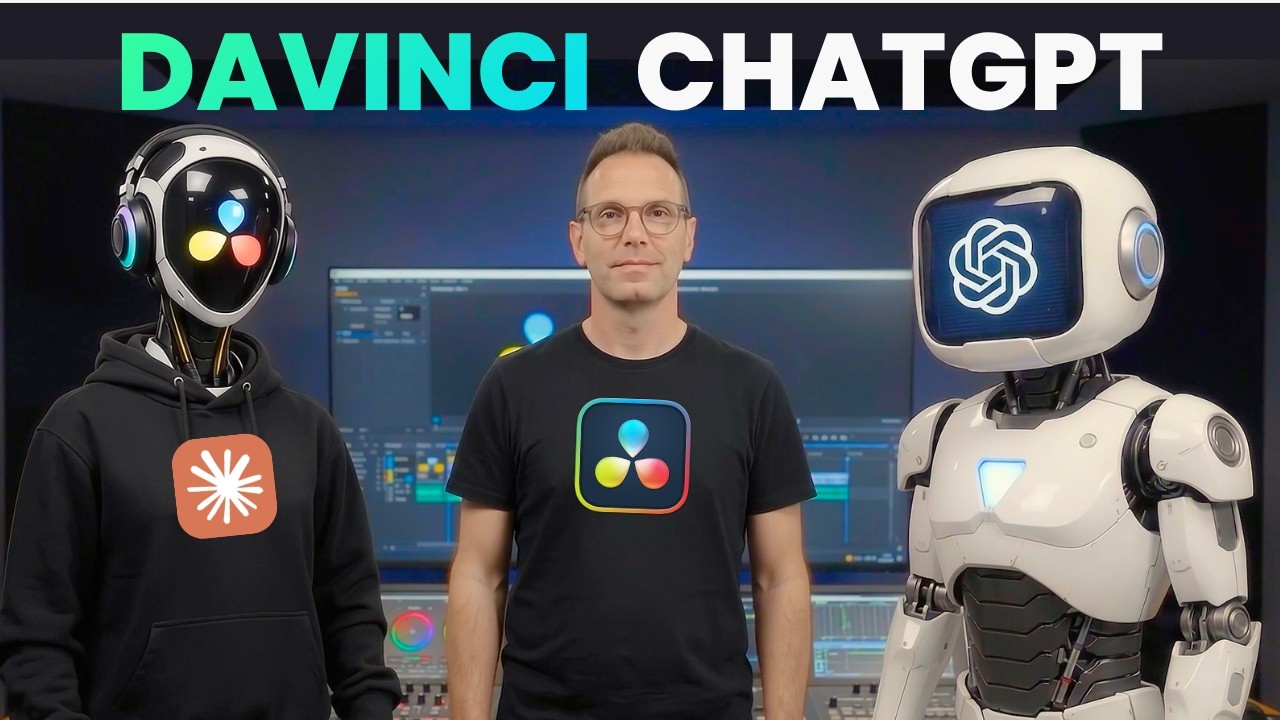
Creator S4 shows that using native computer-control capabilities in ChatGPT Desktop (via GPT-6 Astra Light) and Claude Code bypasses the need for paid MCP server integrations. By pointing the agent at a local project folder and the scene script, the AI autonomously launches the free version of DaVinci Resolve, moves the virtual mouse to import all 20 video takes, organizes them chronologically on the timeline, and applies an initial color balance pass across the sequence.
To evaluate creative styling, S4 instructs the agent to analyze reference palette stills and generate custom .cube color lookup table (LUT) files. The agent compiles these looks into a 4K four-panel comparison grid video, enabling the editor to compare restaurant, street, and vehicle lighting treatments simultaneously across the same take before locking a final look.
 AI Video School
 Read source excerpts 2
tab. I'm going to go in here to this plus and scroll down until I see computer. And then I'll say what I want it to do. So, I'm giving the instructions here that I want to
AI Video School
palette, more or less, of my movie. And I said, "Can you create color grades for each of these and then put them in a four-panel grid, so I can see all versions in one video?"
AI Video School
How can directors chain rapid video models and spatial references into a complete scene workflow?
To combine rapid video synthesis with precise editorial structure, ReelStack suggests integrating 3D MCP spatial blocking with high-speed video generation engines and desktop timeline automation.
Begin by connecting GPT-6 Astra or Claude Opus 5.5 to Blender using local MCP connectors. Build the foundational scene architecture and position virtual cameras for wide, medium, and close coverage. Render these raw Blender camera angles and pass them through GPT Image 2.5 to create photorealistic, lighting-matched keyframe anchor frames.
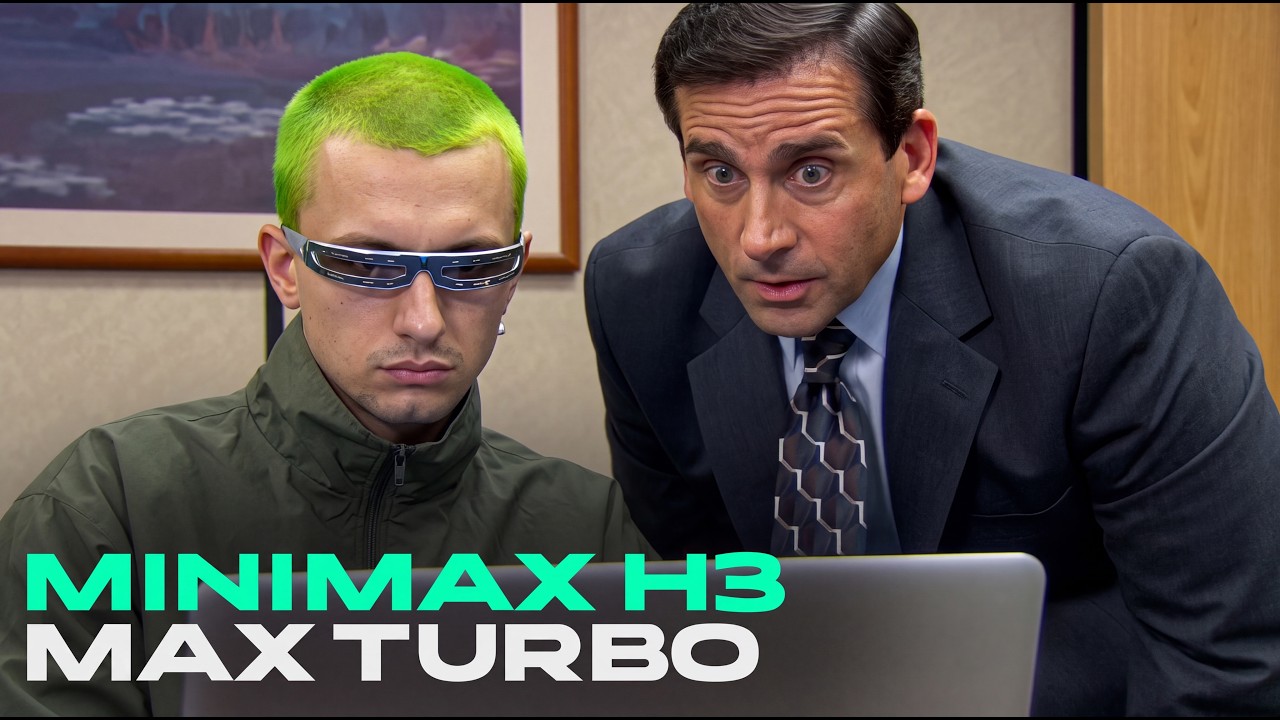
Next, generate continuous action beats using rapid diffusion engines. Creator S2 demonstrates that MiniMax H3 Max Turbo cuts generation time down to 1.4 seconds for 5-second clips, allowing creators to rapidly chain four sequential 15-second action generations into a seamless one-minute scene. To prevent character wardrobe and facial drift across chained generations, S2 emphasizes providing consistent input character reference images alongside motion prompts.
Finally, feed the generated takes and screenplay into ChatGPT Desktop or Claude Code to automatically populate, synchronize, and grade the assembly edit inside your NLE.
Read source excerpts 2
videos in an extremely fast way with Miniax. The maximum duration allowed per generation with the turbo version is 15 seconds, but since it's very fast, we can generate four
Yaroflasher
Then we ask it to use GPT image 2.5 to make this more photorealistic. And then we got this result. The inspiration of that shot came from this camera angle. And you can do the
Dan Kieft
Where do autonomous desktop control and rapid generation engines encounter failure points?
Despite major speed improvements in agentic orchestration and video rendering, creators document several severe practical bottlenecks across local and cloud environments.
Autonomous computer GUI control remains vulnerable to latency and execution deadlocks. S1 notes that long-horizon agentic tasks in Claude Opus 5.5 can take between 30 minutes and four hours to execute complex rendering or game builds, with real-time browser actions occasionally stalling on navigation tasks for over ten minutes. Similarly, while desktop NLE automation saves initial setup labor, S4 points out that having an agent place clips on a timeline takes roughly 14 minutes and does not replace human editorial judgment regarding scene pacing and comedic timing.
Model-specific rendering artifacts also require careful mitigation. In comparative video tests, S2 illustrates that text-only prompting in MiniMax H3 Max Turbo causes wardrobe details like necktie patterns and suit jackets to morph between cuts unless consistent image inputs are provided. Furthermore, Turbo passes occasionally introduce physical hallucinations—such as snow bursting from empty tunnels—making standard non-turbo models preferable when rendering highly realistic cinematic physics.
Read source excerpts 2
it was able to park the car. However, for like a real recapture, 10 minutes would be way too long. So, I would say this is a fail. All right, so those are some tests of its
AI Search
situation, add images of them or their outfits as reference. Since my image was the only input, regardless of how many videos I generate, I'll always be wearing the same
Yaroflasher
Key moments to explore
Optional deep divesWant to see a technique in action? Jump into the source videos. These AI-extracted timestamps may be approximate.
- 00:18 ↗Claude Opus 5.5 is designed for agentic coding and long-horizon tasks, executing multi-platform goals autonomously over hours.AI Search · Claude Opus 5.5 is ridiculous
- 01:48 ↗GPT-6 Astra combined with Blender allows creators to build 3D environments to maintain spatial scale and shot consistency.Dan Kieft · GPT-6 Astra is Crazy For AI Video
- 01:13 ↗ChatGPT Desktop's computer control feature can operate free DaVinci Resolve to set up projects, import assets, and build timelines.AI Video School · You Don’t Need to Upgrade to Use AI in DaVinci Resolve
- 0:15 ↗MiniMax H3 Max Turbo reduces 5-second clip generation times to 1.4 seconds down from 3.49 seconds in standard MiniMax H3 Max.Yaroflasher · I Tested MiniMax H3 Max Turbo — Is It Actually Faster and Better?
- 00:37 ↗Using a harness like Claude Code allows users to work on multiple projects simultaneously and link directly to local files and folders.AI Search · Claude Opus 5.5 is ridiculous
- 03:18 ↗Users can link ChatGPT to Blender by setting up the Blender MCP directly in plugin settings or using Higgsfield Supercomputer.Dan Kieft · GPT-6 Astra is Crazy For AI Video
Put it into practice
Plan camera movement with Blender →Practical steps and checks before committing to production. Get the practical weekly briefing →The useful ideas in one email. Subscribe to keep learning. Need a filmmaker for your project? →Tell us what you want to make and submit a project brief.Go to the source
4 videos