9 FREE Prompts to Make AI Videos that Look Real (Cinematic AI)
Provides practical instructions for controlling image-to-video consistency, camera direction, and detail refinement within a unified Claude chat interface using Higgsfield MCP.
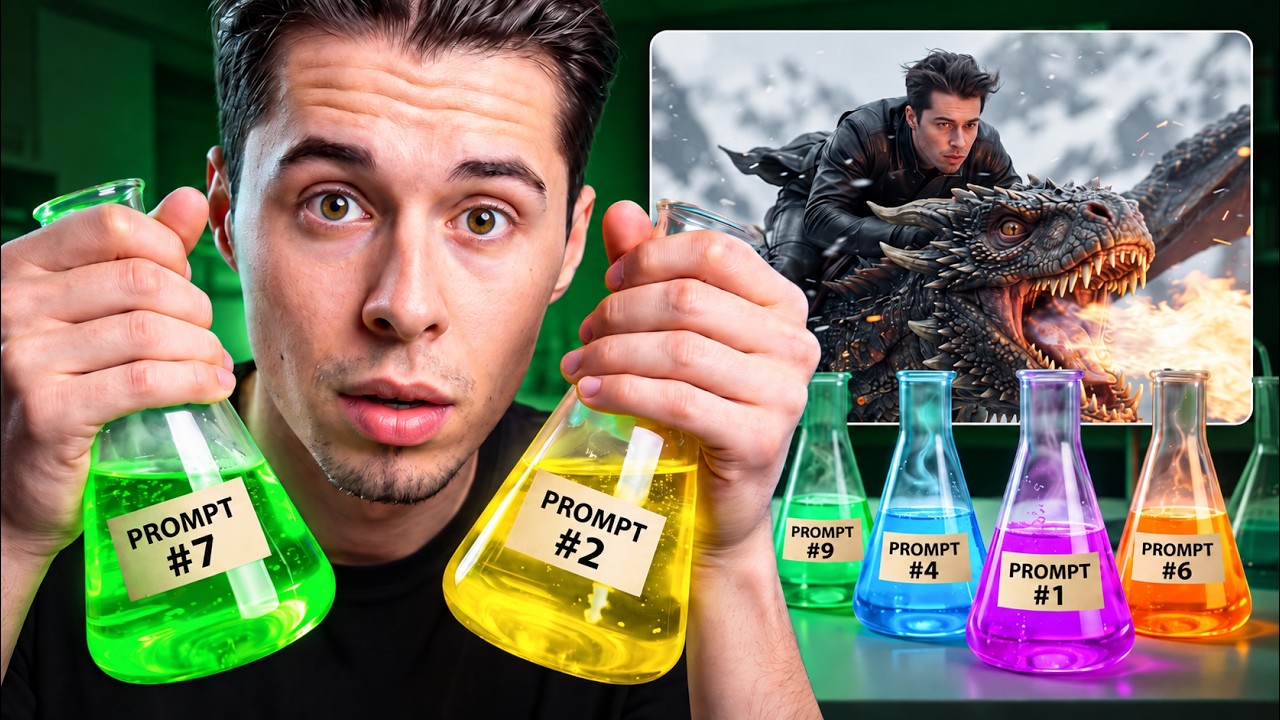
What this lesson covers
Youri van Hofwegen demonstrates a cinematic AI video production workflow utilizing Claude integrated with Higgsfield via Model Context Protocol (MCP). He explains how to create multi-angle character reference sheets and apply layered image, texture, lighting, and camera motion prompts to maintain consistency.
Key takeaways from the creator
AI-extracted notes, not independently verified product claims. Timestamp links let you check each point in the original video.
- 01:03 ↗
Integrating Higgsfield with Claude via MCP enables generating and refining AI media directly inside chat without switching platforms.
- 02:08 ↗
Explicitly specifying the model, aspect ratio, resolution, and camera motion prevents AI video models from applying softening defaults.
- 02:57 ↗
Generating a three-panel character reference sheet (front, back, closeup) ensures visual and physical consistency across multiple shots.
- 05:14 ↗
Applying iterative passes for texture enhancement and lighting adjustments locks environmental visual fidelity before generating video motion.
- 06:05 ↗
Combining specific camera motion prompts with negative prompts on Seedance 2.5 prevents unwanted shakes and text artifacts.
Workflow outlined in the video
- Connect the Higgsfield MCP connector link into Claude custom connectors settings.
- Generate a 3-panel character reference sheet (front view, back view, tight closeup) using GPT Image 2 inside Claude.
- Place the character into the scene background using GPT Image 2 to establish baseline lighting and framing.
- Run an image refinement pass with Nano Banana Pro to sharpen skin, fabric details, and color contrast.
- Animate the locked reference image using Seedance 2.5 by defining explicit camera motion and negative prompts.
Before you use this workflow
These notes describe the source video at its publication date. Model access, pricing, connectors and interfaces may have changed. Check the original source and the provider’s current documentation before installing an add-on, connecting an account or spending credits.
ReelStack has not independently tested this workflow. Preview one representative shot and check motion, continuity and output quality before applying it to a full production. No result, cost saving or model capability is guaranteed.
Explore the tools
How to interpret the numbers
22,453 views captured 27 September 2026. ReelStack recommendation score: 49/100. Formula: radar-v5. This is ReelStack’s calculation, not a YouTube rating or a measure of factual accuracy.
Show the calculation
- 45% performance: 0.77× views vs 10 other channel videos observed at a similar age. View-evidence factor 96% (views / (views + 1,000))
- 25% freshness: 92/100 with a 14-day half-life
- 20% momentum: 7541 views/day vs 11905 channel baseline (10 comparable uploads), with the same view-evidence factor
- 10% engagement: 3/100; likes + 4× comments, smoothed with a 500-view neutral prior