Master AI Video Editing in 25 Minutes (Full Course)
Essential viewing for AI filmmakers looking to speed up post-production pipelines by delegating NLE timeline editing and virtual multi-cam generation to agentic MCP workflows.
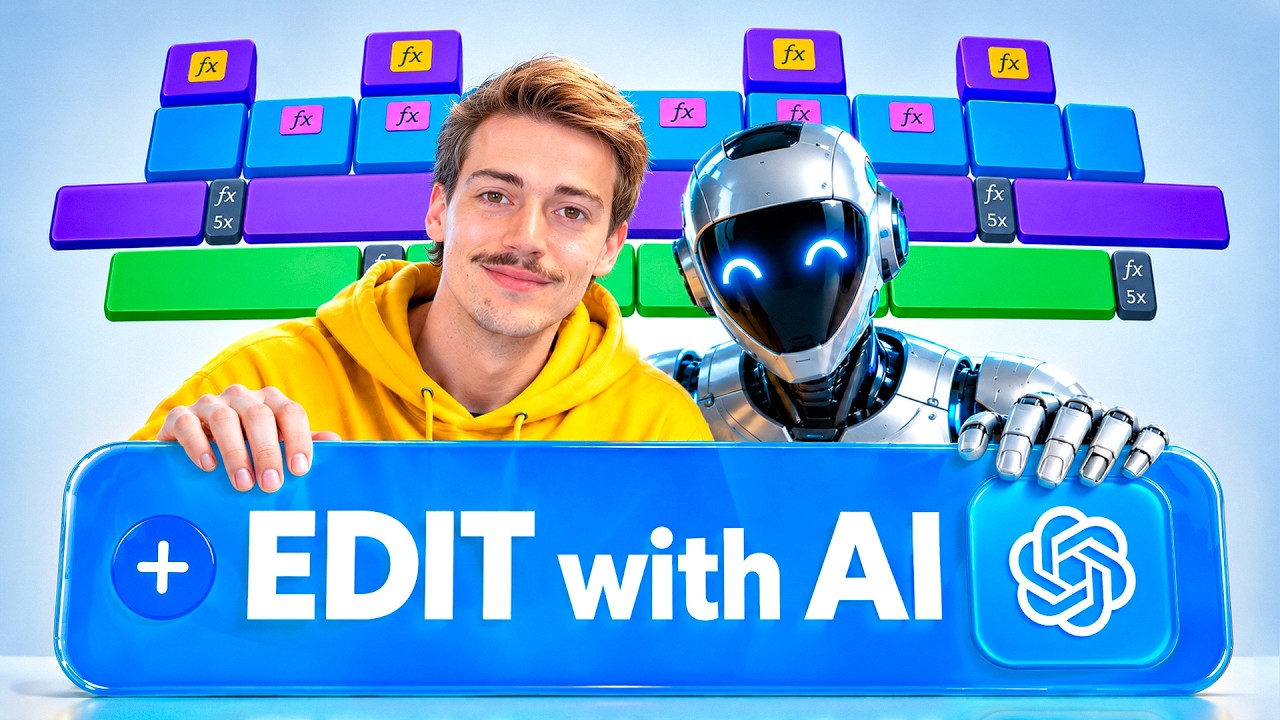
What this lesson covers
Dan Kieft demonstrates how to automate timeline trimming, rough cuts, and multi-camera generation using GPT-6 Astra connected to NLEs via MCP. He details methods for generating AI-driven B-roll, visual effects, and sound design while controlling Premiere Pro and DaVinci Resolve.
Key takeaways from the creator
AI-extracted notes, not independently verified product claims. Timestamp links let you check each point in the original video.
- 02:10 ↗
Using the desktop ChatGPT app with local file access bypasses the 512 MB cloud upload limit for handling large camera files directly on the PC.
- 03:09 ↗
Formulating a structured master prompt directs GPT-6 Astra to transcribe raw footage, trim dead space, create adjustment layers, and mark cut points in NLE timelines.
- 05:28 ↗
Generating synthetic B-cam and C-cam angles from single A-roll video requires supplying a wide reference photo of the studio space to maintain environmental continuity.
- 07:06 ↗
Installing MCP tool connectors directly inside ChatGPT allows the model to control DaVinci Resolve, Premiere Pro, and external generation APIs seamlessly.
Workflow outlined in the video
- Open the ChatGPT desktop app and select local file access to process high-resolution video files beyond cloud size limits.
- Set GPT-6 Astra reasoning level to medium for balanced processing speed and credit cost.
- Input a master editing prompt instructing the model to transcribe dialogue, trim dead space, and generate editing markers.
- Provide a wide environmental reference image of your filming space to guide the generation of synthetic B-cam and C-cam angles.
- Install and connect Higgsfield MCP and NLE-specific connectors (DaVinci MCP or Premiere Pro) to automate timeline rendering and asset placement.
Before you use this workflow
These notes describe the source video at its publication date. Model access, pricing, connectors and interfaces may have changed. Check the original source and the provider’s current documentation before installing an add-on, connecting an account or spending credits.
ReelStack has not independently tested this workflow. Preview one representative shot and check motion, continuity and output quality before applying it to a full production. No result, cost saving or model capability is guaranteed.
Explore the tools
How to interpret the numbers
104,848 views captured 7 October 2026. ReelStack recommendation score: 50/100. Formula: radar-v5. This is ReelStack’s calculation, not a YouTube rating or a measure of factual accuracy.
Show the calculation
- 65% performance: 1.02× views vs 4 other channel videos observed at a similar age. View-evidence factor 99% (views / (views + 1,000))
- 25% freshness: 69/100 with a 14-day half-life
- Momentum pending: collecting daily snapshots; its 20% weight goes to observed performance, not free points
- 10% engagement: 4/100; likes + 4× comments, smoothed with a 500-view neutral prior