360-Degree Video Character Sheets, Explicit Relighting Directives, and Agentic 3D VFX Orchestration
AI filmmakers are refining shot consistency and credit efficiency by uploading 360-degree video character sheets, injecting explicit relighting commands when compositing flat assets into custom sets, and evaluating multi-app 3D agent pipelines against single-pass video diffusion.
 Dan Kieft
Top learnings
Uploading a 360-degree video reference generates a dynamic character sheet that preserves identity across wardrobe swaps and extreme camera angles.
Compositing flat-lit character assets into synthetic environments requires explicit relighting prompt directives to prevent pasted-on studio lighting artifacts.
Video motion prompts should describe kinematics only; re-describing physical character traits or backgrounds causes diffusion models to alter locked reference assets.
How do 360-degree video references and dual-image sheets preserve character identity?
Static, single-angle character references often fail when a scene requires drastic costume changes, tight close-ups, or dynamic rotational camera sweeps. When diffusion models lack full spatial data of a subject's facial structure, changing wardrobe or camera perspective triggers facial morphing and inconsistent bone structure.
A creator demonstrates that feeding a continuous 360-degree video recording of an actor into a reasoning agent produces a comprehensive video character sheet. This volumetric reference locks facial identity even when replacing clothing with stylized costumes or rendering the character from unfilmed angles. Similarly, creator Dan Kieft shows that static character sheets are most effective when built from dual inputs: pairing an extreme facial close-up for skin detail with a separate full-body costume photo, rather than relying on a single distant crop.
ReelStack suggests filming a simple 360-degree head-and-shoulder turn on a mobile phone against a neutral wall before starting pre-production, creating a reusable master identity asset for downstream model prompts.

Read source excerpts 2
the colors before I put myself in it. Now, I'll combine the costume with my character sheet. But first, let me show you something. I made mine as a video. I uploaded a 360
Higgsfield AI
image has way more detail on his face and the other one has way more detail on his outfit. So that's what you want to be using when you're making character sheets. Don't just
Dan Kieft
Why must filmmakers add explicit relighting directives and strip visual descriptors from motion prompts?
When compositing character reference sheets into generated environments, AI video models frequently default to the lighting baked into the reference plate. If a character turnaround is generated under neutral flat light, dropping that asset into a moody or cinematic setting results in a fake, pasted-on appearance where facial highlights clash with background shadows.
Creator kaye.creatives emphasizes that scene prompts must include an explicit instruction commanding the engine to relight the subject's face according to the specific environmental light sources. Furthermore, once static keyframe plates establish character appearance and set geometry, downstream video generation prompts must omit physical descriptions entirely. Describing facial features or room decor a second time gives the diffusion engine license to reinterpret elements that were already locked by the image references.
Filmmakers should restrict video prompts strictly to kinematic directives—such as subject motion, eyelines, and camera velocity—while delegating all physical aesthetics to input reference plates.

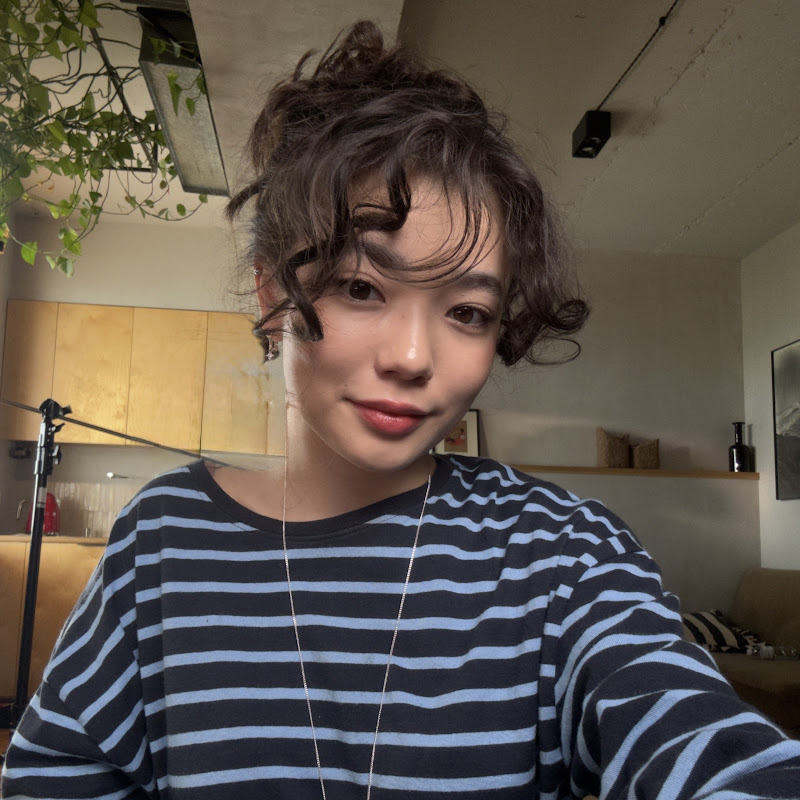 kaye.creatives
 Read source excerpts 2
white studio light, right? So, if I don't specify that, I'll get dropped back into my location still carrying the studio light on my face, and it will look fake instead of me
kaye.creatives
fixes my look and [music] location. The video prompt only has to work on the motion. So, describing anything a second time [music] just gives the model a chance to change
kaye.creatives
When does multi-app agent orchestration outperform direct video diffusion in visual effects?
Directors integrating synthetic elements into live-action plates face a choice between direct single-prompt video generation and structured multi-software agent orchestration. While generative video models can render complete visual effects passes in minutes, they produce flattened files that offer zero layer isolation for client revisions.
In a visual effects workflow comparison, a creator uses GPT-6 Astra to orchestrate a complete multi-application pipeline: constructing 3D vehicle assets in Blender, running particle blast simulations in Houdini, and executing foreground actor rotoscoping and atmospheric compositing inside Adobe After Effects. Although direct video generation in Seedance 2.5 delivered an aesthetically comparable shot in 10 minutes from a single brief, the multi-app pipeline gave the director granular control over the explosion timing, trajectory debris, and foreground lighting reaction over a 90-minute iterative process.
Filmmakers should reserve direct diffusion generation for disposable concepts and rapid previz, while deploying agent-orchestrated 3D and compositing pipelines when individual plate layers must remain fully adjustable.
 Higgsfield AI
 Read source excerpts 2
request to handle the entire shot. Astra starts in Blender. It's building the tank as a 3D model we can position and animate. Then it's going to Houdini to handle the
Higgsfield AI
especially since I got this with one request in C dance in about 10 minutes. However, you do get a ton more control this way. So yeah, the choice is yours. All right, so far
Higgsfield AI
How do staged keyframes and low-cost location models reduce video generation credit burn?
Speculative text-to-video iteration quickly burns generation credits because models must simultaneously invent composition, staging, and motion from scratch. Generating unverified ideas directly as full-length video takes leads to high failure rates and budget drain.
Kaye.creatives demonstrates a staged pre-production pipeline that establishes static scene stills before triggering video rendering. By deploying budget-friendly image engines like Soul Cinema to generate high-detail architectural plates, creators lock cinematic lighting and focal depth for a fraction of the cost of flagship models. Staging multiple static keyframes—such as 24mm wide establishing shots and 85mm shallow-depth close-ups—provides the video diffusion model with exact geometric targets. Testing the motion in 480p draft mode before executing a single-click 1080p upscale prevents costly full-resolution re-renders.
ReelStack recommends generating and approving all scene composition keyframes as static images before committing credits to motion generation.
kaye.creatives Read source excerpts 2
workspace, I'll change my image model to Soul Cinema. We use Soul Cinema for that atmospheric film grain and hyper realistic lighting. The resolution, we set it to 2K and the
kaye.creatives
version. Listen very carefully. All you have to do is just press on [music] this magical button right here and the exact generation you love will be changed to a 1080p render.
kaye.creatives
Where do agentic VFX pipelines and generative physical contact encounter boundaries?
Despite advances in multimodal agent control and multi-reference video generation, severe mechanical limitations persist during complex physical interactions and autonomous software execution.
In generative combat scenes, tests in Seedance 2.5 reveal that direct subject-on-subject contact—such as physical strikes or direct object collisions—frequently breaks diffusion coherence, producing warped anatomy and missed collision points across multiple takes. High-contact action sequences require extensive take selection and tight cutaway editing to assemble believable physical impact.
Additionally, multi-application agent pipelines demand substantial render overhead and technical supervision. Automated agent execution across tools like Houdini and Blender can take 30 to 90 minutes per pass, and models can misinterpret subtle visual physics without detailed corrective notes. Autonomous orchestration provides structural flexibility, but creators must actively inspect collision physics and composited edge mattes.
Higgsfield AI Read source excerpts 2
add a jet [music] that will actually blow it up. I'm sending all of that back to Astra, plus asking to color grade everything while I'm at it. >> A few moments later, >> about
Higgsfield AI
getting that contact to look right took way more attempts. I generated the shots in CS 2.5. Then built this sequence from the strongest takes across different generations.
Higgsfield AI
Key moments to explore
Optional deep divesWant to see a technique in action? Jump into the source videos. These AI-extracted timestamps may be approximate.
- 01:06 ↗Astra can parse raw video footage alongside a brief to automatically detect cuts, author shot-level prompts, and assemble a sequence in Seedance 2.5.Higgsfield AI · I Tried Fixing Bad VFX Using AI (feat. @erikdoesvfx)
- 02:20 ↗Start music production by creating an instrumental beat first before uploading it as an audio reference to remix genre, tempo, and lyrics in SunoDan Kieft · Suno v6 + Seedance 2.5 is NUTS at Making AI Music Videos
- 01:25 ↗Skipping dedicated character sheets causes models to morph facial features across scenes, whereas establishing body and face references on neutral backgrounds locks identity.kaye.creatives · The Top 6 Ways to Save AI Credits in 2026 (Full Guide)
- 02:18 ↗Through plugin connectors and interface automation, Astra can build 3D assets in Blender, simulate particle explosions in Houdini, and perform rotoscoping in After Effects from a single prompt.Higgsfield AI · I Tried Fixing Bad VFX Using AI (feat. @erikdoesvfx)
- 05:12 ↗Structure character design into a three-step workflow focusing on the face, outfit styling, and character sheets to maximize visual controlDan Kieft · Suno v6 + Seedance 2.5 is NUTS at Making AI Music Videos
- 03:55 ↗Generating background location plates using specialized cost-effective models like Soul Cinema produces realistic lighting and film grain while consuming significantly fewer credits.kaye.creatives · The Top 6 Ways to Save AI Credits in 2026 (Full Guide)
Put it into practice
Plan camera movement with Blender →Practical steps and checks before committing to production.Turn an AI film brief into a shot plan →Practical steps and checks before committing to production. Get the practical weekly briefing →The useful ideas in one email. Subscribe to keep learning. Need a filmmaker for your project? →Tell us what you want to make and submit a project brief.Go to the source
3 videos