Open-Weight LTX 2.5 Deployment, Node-Based DaVinci Resolve Agents, and Sequential Tail-Frame Referencing
AI filmmaking is advancing through local open-weight video rendering with LTX 2.5, full-pipeline desktop agent orchestration across DaVinci Resolve and After Effects, and manual tail-frame screenshot chaining to enforce cut continuity across generative scenes.
 CyberJungle
 Yaroflasher
Top learnings
Distinguish optical zoom from physical dolly moves in diffusion prompts by explicitly fixing focal length and dictating foreground parallax.
Bridge generation suites that lack frame exports by capturing tail-frame screenshots to anchor the starting angle and lighting of subsequent shots.
Connect desktop reasoning agents to NLEs like DaVinci Resolve to automate node-based color matching and track-separated sound assemblies while retaining manual trim control.
How do open-weight decoders and desktop NLE agents reshape AI post-production?
AI post-production is transitioning from isolated web generators to integrated local rendering and automated non-linear editor (NLE) timeline construction.
Creator Jahan highlights the release of LTX 2.5, an open-weight model capable of running locally via LTX Desktop on Windows, Linux, and Apple Silicon hardware. The model introduces an updated diffusion video decoder that preserves facial detail, reduces fast-motion smearing, and natively handles multi-shot generations across cuts without character drift.
Simultaneously, creator Adil demonstrates operating GPT-6 Astra via computer-use permissions to drive DaVinci Resolve directly. Rather than requiring manual media importing, Astra translates written briefs into video assets, populates the timeline, and organizes audio onto distinct tracks, providing an editable project file rather than a flat video render.

Read source excerpts 2
Hugging Face as well. LT X 2.5 introduces four main upgrades. It has native multi-shot generation. A single generation can produce multiple connected shots. You can change the
CyberJungle
check the link below. Next, computer use. This lets Astra open and operate Resolve on my Mac. And a quick note before enabling computer use, Astra can make real changes in
Higgsfield AI
Why must prompts separate physical camera kinematics from optical zoom instructions?
Prompting camera movements with broad keywords like 'move in' often causes diffusion models to distort spatial depth and blend optical scaling with physical travel.
Jahan details that generating clean depth requires explicit kinematic prompt syntax. For optical zooms, creators must prompt a stationary camera with unchanged perspective. Conversely, for physical dolly shots, prompts must instruct the engine to keep the focal length fixed while describing how foreground objects physically shift against background elements through parallax.
This physical precision matches scene-staging constraints identified by creator Youri van Hofwegen in Google Flow. When testing Omni Flash 1.1, van Hofwegen notes that diffusion engines render ultra-clean skin pores and facial textures during slow pushes or tight close-ups, but introduce warping when forced to calculate violent subject kinematics.

Read source excerpts 2
a character's concentration, discovery or realization. Use this prompt, slowly dolly forward towards the man writing at his desk. Keep the focal length fixed as foreground
CyberJungle
adding a couple of limits to it, like simple movement and lots of close-ups, because that's exactly what the test just showed. Omni Flash is really good with realistic
Youri van Hofwegen
How does tail-frame screenshot referencing lock multi-shot narrative continuity?
When assembling sequential scenes in generative platforms, generating clips independently causes subjects to jump position and alters background lighting across cuts.
To overcome the lack of native frame-export tools in Google Flow, Youri van Hofwegen develops a manual tail-frame chaining method. After generating an initial shot anchored by a flat-lit three-panel character reference sheet, van Hofwegen pauses the video at the exact final frame and captures a screenshot. Submitting this screenshot as the explicit image reference for the subsequent scene forces the model to match the character's exact end position and room illumination.
Generating shots sequentially rather than in parallel allows each cut to inherit the true physical state of the preceding take, preventing disjointed transitions in the final cut.
 Youri van Hofwegen
 Read source excerpts 2
model has to copy. The background is plain gray and the light is completely flat. Since any lighting baked into the image would carry over into the final videos, and I never
Youri van Hofwegen
two, I'll play the first video to the very end, pause it on the last frame, and take a screenshot because there's no button in Flow that exports a frame for you. Then I'll
Youri van Hofwegen
How do reasoning agents automate color node trees and alpha motion graphics in DaVinci Resolve?
Delegating technical post-production tasks to reasoning models eliminates repetitive setup while preserving granular human adjustment on the timeline.
In DaVinci Resolve, Adil illustrates that GPT-6 Astra constructs dedicated, multi-node color grades for each shot. By isolating contrast and skin tones into separate color nodes, the model matches color balances across alternating angles while leaving the node hierarchy completely editable for manual grading passes.
For motion graphics, Astra writes and runs custom scripts inside Adobe After Effects, rendering kinetic graphic overlays with transparent alpha channels before automatically placing them over footage in Resolve without manual keyframing.
 Higgsfield AI
 Read source excerpts 2
those fixes. Now that's much smoother. Moving on. Next up, matching our signature color look. Astro gives each adjustment its own node, and those nodes are saved with the
Higgsfield AI
Here's the first render. Visually, the style is right on point. And watch what Astron does right after rendering. It automatically exports the animation with an alpha channel
Higgsfield AI
Where do desktop agents and tiered generation models encounter operational boundaries?
Despite automated timeline assemblies, current agentic workflows require human editorial refinement to eliminate awkward comedic timing and audio clipping.
Adil documents that while Astra achieves roughly 80 percent timeline accuracy, its initial rough cuts contain dead micro-pauses between dialogue beats and occasional audio transition pops that require manual trimming in Resolve. In his test, manual intervention tightened an agent draft from 49 seconds down to 37 seconds.
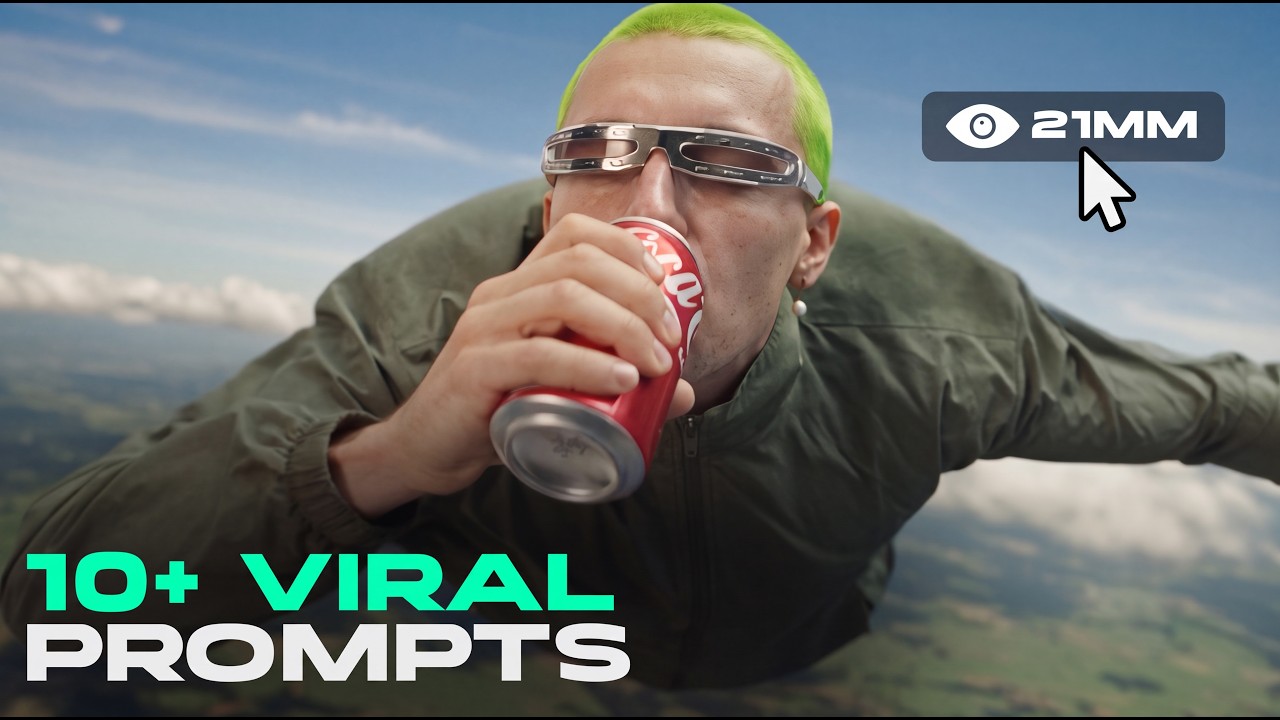
Furthermore, creator Yaroflasher notes clear trade-offs between model tiers: while MiniMax H3 Turbo generates footage rapidly at low credit costs, flagship models like Seedance maintain noticeably higher consistency against input image references and preserve more natural secondary motion dynamics.
Read source excerpts 2
for the pacing, I decided to make the final changes myself. Look at these tiny gaps between reactions. I'll get rid of them real quick. I made one pass myself in Resolve,
Higgsfield AI
generated this. Cedence once again stood out being very consistent with the attached image, more dynamic with the movements, and delivering a visually more beautiful result.
Yaroflasher
Key moments to explore
Optional deep divesWant to see a technique in action? Jump into the source videos. These AI-extracted timestamps may be approximate.
- 01:11 ↗LTX 2.5 can be run locally via LTX Desktop on Windows, Linux, and Apple Silicon, or accessed via ComfyUI, Hugging Face, and cloud APIs.CyberJungle · EVERY Camera Movement Prompt For AI Filmmaking using LTX 2.5
- 01:25 ↗Enabling computer use allows Astra to directly control desktop editing software like DaVinci Resolve, requiring project backups and permission checks for safety.Higgsfield AI · How I Use GPT-6 Astra for My Entire Post-Production (Edit 5X Faster!)
- 00:49 ↗Enabling 'Confirm before generating' prevents unintentional credit spend when orchestrating 10-second Omni Flash 1.1 video generations.Youri van Hofwegen · How to Storyboard Realistic AI Videos with Google Flow
- 0:42 ↗Flashboards MCP can be linked directly to Claude to manage and generate AI video assets within the Claude conversational interface.Yaroflasher · 10+ Viral AI Video Prompts You Need to Try
- 02:30 ↗LTX 2.5 introduces native multi-shot generation across cuts, an updated diffusion video decoder for cleaner details, and improved prompt comprehension.CyberJungle · EVERY Camera Movement Prompt For AI Filmmaking using LTX 2.5
- 02:00 ↗Astra translates structured script briefs into Higgsfield generation prompts, generates shot assets, and places them onto the Resolve timeline.Higgsfield AI · How I Use GPT-6 Astra for My Entire Post-Production (Edit 5X Faster!)
Put it into practice
Get the practical weekly briefing →The useful ideas in one email. Subscribe to keep learning. Need a filmmaker for your project? →Tell us what you want to make and submit a project brief.Go to the source
4 videos