Pre-Production Scaffolding: ShotDeck Lens Metadata, Grey-Clay Asset Stacking, and Budget Render Routing
AI filmmakers are eliminating visual drift and render waste by combining ShotDeck metadata pre-production boards, untextured grey-clay asset stacking, and draft-mode video routing. By separating spatial form from surface textures and testing motion paths in low-cost draft models, directors lock visual continuity across complex commercial and character-driven cuts.
 Rourke
 Higgsfield AI
 kaye.creatives
 AI Search
Top learnings
Isolate anatomical shape with grey-clay renders before binding material swatches and facial plates to eliminate surface texture smearing in video diffusion models.
Extract real-world camera body, lens, and color hex metadata from reference shots to enforce visual lighting and framing continuity across AI scene generations.
Validate motion paths in low-resolution 480p draft renders or lightweight engines like Gemini Omni Flash 1.2 before committing credits to flagship 4K upscales.
How do structured pre-production boards and isolated sculpt passes prevent visual drift?
AI filmmaking workflows are shifting from open-ended single-prompt video generation to structured multi-stage pre-production pipelines. Previously, creators relied on all-in-one text prompts that forced diffusion engines to simultaneously interpret character anatomy, surface lighting, camera optics, and motion. This often resulted in plastic skin, smeared surface textures, and inconsistent visual drift across shots.
To solve this, creators are adopting modular pre-production methods. By extracting real-world cinematography metadata—such as exact camera bodies, lens types, and color hex codes—from reference platforms like ShotDeck, directors establish explicit visual parameters before generating video. Simultaneously, creators are decoupling physical geometry from visual texture by creating untextured grey-clay sculpts. Locking spatial form and lighting metadata upstream ensures character features remain stable when surface textures and motion models are applied.
Read source excerpts 2
the project, and you can incorporate them inside your own projects. So, I love visual libraries like this. So, it has pulled references from Shop Deck, slotted each of them in
Rourke
color="#FFFFFF">texture I was talking about out of the equation.</font> <font color="#FFFFFF">Make me a grey clay bust of a bear-wolf warlord.</font> <font
Higgsfield AI
How do creators differ when combining cinematic metadata, multi-model staging, and camera control?
While filmmakers agree on breaking projects into specialized stages, their practical execution varies by genre and technical requirements. Creator Rourke leverages Claude paired with Higgsfield MCP to populate pre-production boards in Milanote automatically. By pulling ShotDeck references, Claude extracts specific lens models and color grades, generating matching location assets while embedding formatted voice tracks and timestamped scene breakdowns.
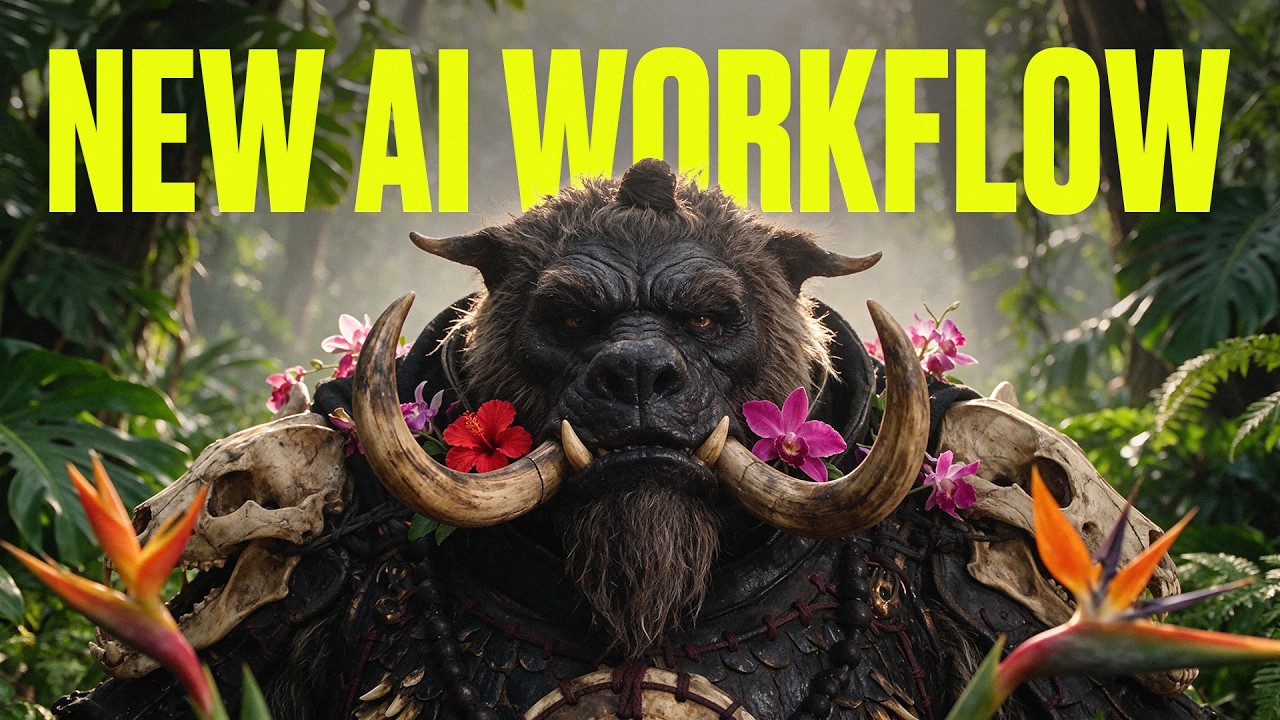
For complex character design, creator Adil replicates traditional movie creature-shop techniques. He uses Soul 2 to generate untextured grey-clay busts to lock anatomical proportions, pairs them with photographic face references and detailed material swatches (such as bone or fur), and maps each element into Seedream 5.5 before animating in Seedance 2.5. For stylized short-form content, creator Karima bypasses heavy 3D software like Blender entirely, routing 2D and 3D stickman animations through Fable 5.2 and Gemini Omni Flash 1.2 to achieve clean contrast between figures and 3D environments at a fraction of the render cost. In open-source developments, new tools like Reshoot 4D reconstruct subjects in temporal 3D, allowing directors to alter camera paths, focus, and aperture post-generation.
Read source excerpts 2
Omni Flash is hands down the best model for this format. It nails the contrast between a flat [music] 2D cartoon stick man and a 3D environment without making the character
kaye.creatives
you want. For example, you can upload a video of someone and then create a new camera movement that circles around them, zooms in, or changes perspective. And as you can see,
AI Search
What step-by-step pipeline connects ShotDeck metadata, clay sculpting, and draft-mode rendering?
Filmmakers can combine cinematic research, material mapping, and cost-controlled rendering into a unified four-step workflow. First, establish your scene aesthetic by feeding reference stills into Claude via Higgsfield MCP. Prompt the model to extract camera body types, focal lengths, and hex color palettes, building a visual breakdown board with tagged location and character assets.
Next, generate your character plates using a multi-model staging strategy. Create a monochrome grey-clay bust in Soul 2 to lock spatial volume and facial structure. Generate separate high-resolution material swatches for surface elements like armor, scales, or clothing. Feed the clay sculpt, facial reference, and tagged material swatches into Seedream 5.5, writing explicit prompts that map each reference image to its designated body part to generate a flat makeup-test photo keyframe.
Finally, execute initial video generations in 480p draft mode inside Seedance 2.5 or Gemini Omni Flash 1.2 to test camera motion, character blocking, and performance timing. Once movement and timing are locked, upgrade the selected take to hero 4K output.
ReelStack suggests adopting this staged asset-mapping pipeline for commercial campaigns and creature-heavy narratives. Separating spatial geometry from surface texturing prevents engine visual hallucinations while draft-mode testing protects production budgets.
Read source excerpts 2
down.</font> <font color="#FFFFFF">Claude hands Seedream six pictures,</font> <font color="#FFFFFF">and the prompt says what each one is for.</font> <font
Higgsfield AI
as well is that I like in my claw chat to say order all the ats for each prompt at the top. And what I mean by this is that I just need to know like when we are uploading the
Rourke
What token costs, harness latencies, and tool limits constrain these workflows?
Despite the precision of multi-model staging and automated pre-production, creators face distinct operational ceilings. High-resolution flagship engines like Seedance 2.5 4K remain extremely expensive, costing up to 224 credits per take compared to just 3 credits per second in 480p draft mode. While budget alternatives like Gemini Omni Flash 1.2 significantly lower credit consumption, they may lack the subtle facial expression fidelity required for dramatic close-ups.
Additionally, agentic harnesses introduce time and context constraints. In tests with Google's Anti-Gravity harness running Gemini 4 Carbon, complex multi-agent execution loops required over an hour per task while providing limited visibility into session token consumption. Furthermore, chat-driven MCP interfaces lack direct drag-and-drop timeline manipulation, forcing directors to rely entirely on natural-language iteration notes to refine framing and spatial cuts.

Read source excerpts 2
color="#FFFFFF">I don't go straight into 4K. Claude makes 480p drafts first,</font> <font color="#FFFFFF">and a draft costs only three credits a second.</font> <font
Higgsfield AI
fact, I find that the highest setting in anti-gravity is super slow. And for each test that I ran, I had to wait a really long time, often over an hour. Here are some
AI Search
Key moments to explore
Optional deep divesWant to see a technique in action? Jump into the source videos. These AI-extracted timestamps may be approximate.
- 01:48 ↗Claude can be configured to structure pre-production boards in Milanote, populating character sheets, music cue timestamps, and scene-by-scene breakdowns.Rourke · Seedance 2.5 Tutorial: Full AI Commercial Workflow (Claude + MCP)
- 01:03 ↗Single-prompt creature generation often results in low-detail CG renders, plastic skin, or smeared textures when animated.Higgsfield AI · The Newest Workflow For Ultra Realistic AI Characters in Seedance 2.5 in 4K (Free Claude Skill)
- 02:38 ↗Connecting Claude to Blender for stickman animations consumes 200,000 to 300,000 tokens per short video and requires prior Blender knowledge to refine outputs.kaye.creatives · How to Make Viral Stickman Animation With Fable 5.2 (Full Breakdown)
- 01:03 ↗Budget 3D allocates fewer tokens to empty or background regions to generate 3D objects up to twice as fast while lowering GPU memory requirements.AI Search · Gemini 4 Carbon, Alpha Genome 2, realtime voices, new TTS, ACE Music, Seedream 5.5: AI NEWS
- 03:32 ↗Pulling real-world cinematography metadata such as exact color hex codes, camera bodies, and lens types from ShotDeck establishes strict continuity across generated scenes.Rourke · Seedance 2.5 Tutorial: Full AI Commercial Workflow (Claude + MCP)
- 02:16 ↗Integrating Higgsfield MCP into Claude allows Claude to handle prompt formulation and directly trigger multi-model image generation inside the chat interface.Higgsfield AI · The Newest Workflow For Ultra Realistic AI Characters in Seedance 2.5 in 4K (Free Claude Skill)
Put it into practice
Plan camera movement with Blender →Practical steps and checks before committing to production.Turn an AI film brief into a shot plan →Practical steps and checks before committing to production. Get the practical weekly briefing →The useful ideas in one email. Subscribe to keep learning. Need a filmmaker for your project? →Tell us what you want to make and submit a project brief.Go to the source
4 videos