The Newest Workflow For Ultra Realistic AI Characters in Seedance 2.5 in 4K (Free Claude Skill)
Provides AI creators with a practical reference-stacking pipeline to solve plastic textures and anatomical drift when generating creatures across multiple AI models.
What this lesson covers
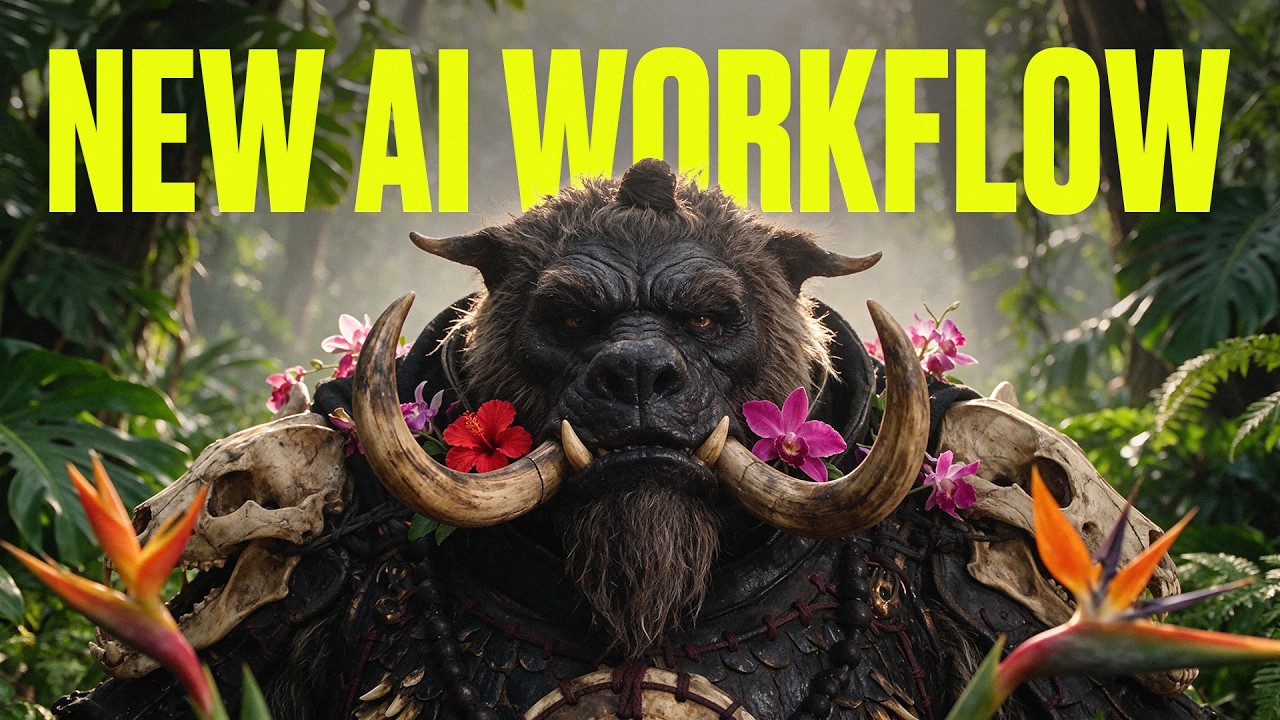
Adil from Higgsfield AI demonstrates a four-step creature workflow designed to replicate traditional movie creature shop steps using AI models. By integrating Claude via Higgsfield MCP, creators generate grey clay sculpts, facial references, and material swatches across Soul 2 and Seedream 5.5 before generating final 4K animations in Seedance 2.5.
Key takeaways from the creator
AI-extracted notes, not independently verified product claims. Timestamp links let you check each point in the original video.
- 01:03 ↗
Single-prompt creature generation often results in low-detail CG renders, plastic skin, or smeared textures when animated.
- 02:16 ↗
Integrating Higgsfield MCP into Claude allows Claude to handle prompt formulation and directly trigger multi-model image generation inside the chat interface.
- 02:52 ↗
Generating a monochrome grey clay bust first isolates anatomical form and silhouette without texture or color hallucinations.
- 03:37 ↗
Using photographic references of real animals or humans in Soul 2 provides realistic facial skin grain and anatomical details.
- 04:01 ↗
Pre-generating dedicated close-up material swatches (such as bone, fur, or rust) prevents the base model from guessing complex surface details.
- 04:40 ↗
Stacking shape, face, and material reference images into Seedream with explicit part-by-part prompt mapping yields photographic quality still frames.
Workflow outlined in the video
- Connect the Higgsfield MCP endpoint to Claude under Customize > Connectors > Add custom connector.
- Prompt Soul 2, Seedream 5.5, or Recraft 4.1 to render a color-free grey clay sculpt of your creature's anatomy.
- Generate photographic reference images for the face and skin textures using real animal or human portrait inputs in Soul 2.
- Create dedicated material swatches for armor, bone, fur, or secondary textures using photographic close-up prompts.
- Supply all reference images into a multi-image Seedream 5.5 prompt, mapping each image to specific body sections and anatomical features.
- Animate the finalized still frame using Seedance 2.5 in 4K resolution to maintain texture integrity in motion.
Before you use this workflow
These notes describe the source video at its publication date. Model access, pricing, connectors and interfaces may have changed. Check the original source and the provider’s current documentation before installing an add-on, connecting an account or spending credits.
ReelStack has not independently tested this workflow. Preview one representative shot and check motion, continuity and output quality before applying it to a full production. No result, cost saving or model capability is guaranteed.
Explore the tools
How to interpret the numbers
193,019 views captured 21 November 2026. ReelStack recommendation score: 56/100. Formula: radar-v5. This is ReelStack’s calculation, not a YouTube rating or a measure of factual accuracy.
Show the calculation
- 45% performance: 1.26× views vs 15 other channel videos observed at a similar age. View-evidence factor 99% (views / (views + 1,000))
- 25% freshness: 72/100 with a 14-day half-life
- 20% momentum: 13781 views/day vs 13178 channel baseline (3 comparable uploads), with the same view-evidence factor
- 10% engagement: 25/100; likes + 4× comments, smoothed with a 500-view neutral prior