Budget-Capped Agent Orchestration, Editable Motion Timelines, and Transcript-Driven AI Assemblies
AI filmmakers are shifting from speculative prompt iteration to cost-governed multi-agent short film production, editable After Effects project file generation, and transcript-level timeline trimming, while automated sound design agents continue to fail professional standards.
Top learnings
Set strict financial ceilings and approval checkpoints in filmmaking agents to automate shot planning and FFmpeg assembly without losing creative oversight.
Route motion graphics through Model Context Protocol bridges to generate editable After Effects project files with keyframes rather than locked MP4 video renders.
Avoid fully automated AI sound design agents, which suffer from severe leveling errors, missed visual cues, and slow multi-hour processing times.
How do budget-capped agents and approval gates govern multi-model film production?
When directing AI short films across diverse tools, speculative prompting and unmonitored model calls quickly drain production budgets and cause visual drift.
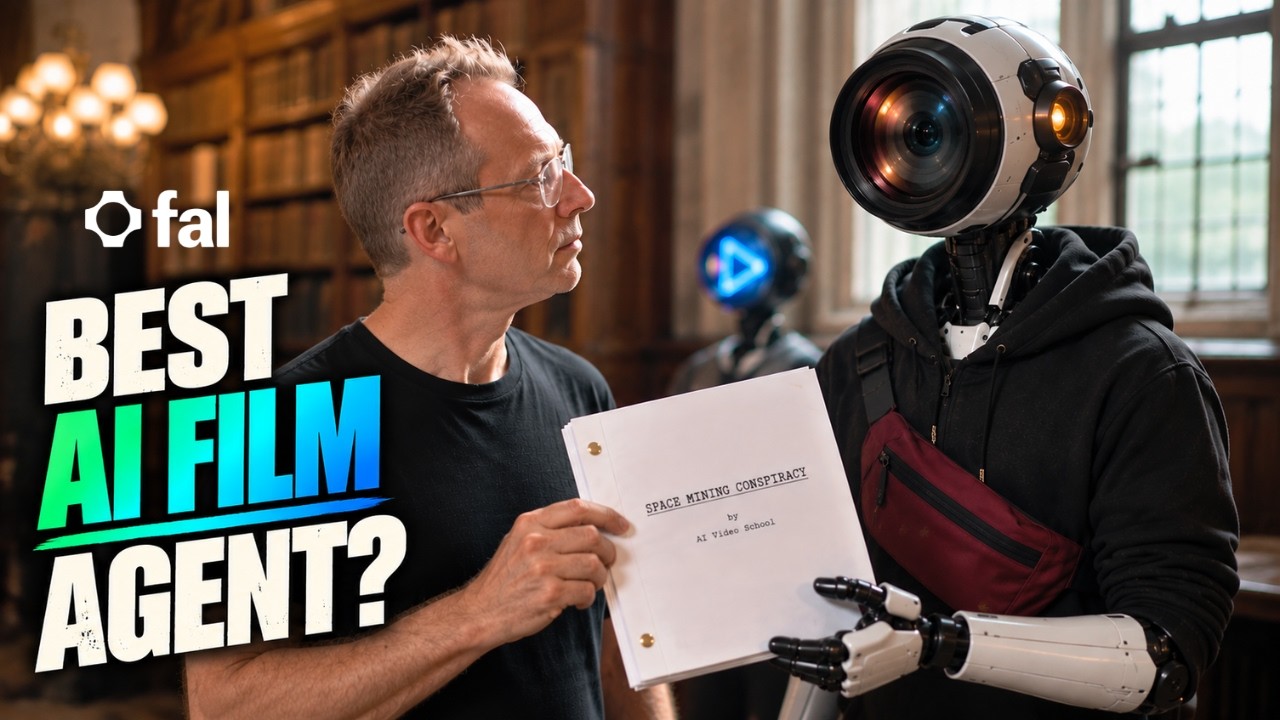
Creator testing with fal Agent demonstrates that filmmakers can constrain agentic production by establishing strict financial ceilings, such as a $50 budget cap, and mandatory human approval checkpoints before every generation phase. Rather than automating blindly, the agent calculates an initial plan with subtotal estimates, allocates compute margins for reshoots, extracts low-resolution voice signatures to guide downstream dialogue audio, and chains approved 15-second takes to maintain shot continuity. Once shots are validated, the agent stitches the final timeline without additional credit cost using automated FFmpeg scripts.
ReelStack suggests setting upfront budget boundaries and explicit step-by-step review gates when delegating storyboard and generation queues to autonomous agents, ensuring automated workflows remain financially predictable.
 AI Video School
 Read source excerpts 2
saying you have a $50 budget and then I go into some details about how I want it done. So, for instance, I'm saying I want a reference to video approach. For the voices, I
AI Video School
great. And then this is the planned subtotal. So, about $22. Um and then it's planning on reshoots, which is great. About 35% of shots. That's nice cuz that's like a realistic
AI Video School
Why do native timeline project files outperform flattened generative video renders?
Generating motion design and UI animations directly as flat video files like MP4s creates severe production bottlenecks whenever clients request minor timing, layout, or typography adjustments.
Creator Joey illustrates that connecting Claude Opus 5.5 or GPT-6 Astra directly to Adobe After Effects via the Higgsfield Model Context Protocol (MCP) connector bridges this gap. By issuing commands such as /use-effects or /sas-animation, the reasoning model constructs fully editable native After Effects compositions rather than flattened pixel renders. This exposes shape layers, easy ease keyframe interpolation, motion blur switches, graph editor curves, and null objects directly on the user's timeline.
When revisions arrive, creators adjust keyframe positions or scale parameters natively in minutes without re-prompting or regenerating diffusion clips. ReelStack recommends reserving video diffusion models for cinematic photorealism while directing interface motion graphics and kinetic titles into native composite files.

 JOEY
JOEY Read source excerpts 2
because that is just now a delivered MP4 file, move file, and if you ever need to do something different, you have to reprompt it. You have to regenerate it. What I mean by
JOEY
concept development, we will type in SLSAS-imation. This is going to create an animation directly in After Effects through the Higsfield plugin. It's going to make sure that
JOEY
How do transcript trimming and tiered model selection optimize desktop editing pipelines?
Handling generative vlog footage across separate standalone apps introduces editorial friction and unnecessary credit burn during routine assembly.
Creator Youri van Hofwegen shows that creators can streamline this workflow inside CapCut desktop by pairing multi-panel reference sheets with Seedance 2.5 to produce continuous 30-second dialogue passes with native lip synchronization. By intentionally scripting natural speech hesitations into prompts, the performance gains realism. Once on the timeline, CapCut Pro's transcript tool automatically flags and deletes filler words, repetitions, and dead pauses in a single click, eliminating manual cutting.
To conserve credits, van Hofwegen downgrades simple B-roll and environmental cutaways from Seedance 2.5 to Seedance 1.5 Pro, reducing credit costs roughly sevenfold. ReelStack suggests drafting dialogue-free inserts in economy tiers and cleaning generative dialogue via transcript-based pruning before layering background coverage over cut points.

 Youri van Hofwegen
 Read source excerpts 2
Cedan's 1.5 Pro since it's a lot cheaper and a short shot with no dialogue doesn't need 2.5. The same 10 seconds on 2.5 costs about seven times the credits. And the trade-off
Youri van Hofwegen
Otherwise, it'll cut out the moments that make someone sound like a real person. Once that's done, I'll click delete, and Cap Cut cuts those parts straight out of the video on
Youri van Hofwegen
Where do autonomous agents fail when executing creative post-production tasks?
Despite advances in agentic task automation, delegating nuanced creative post-production—particularly sound design and automated background isolation—remains highly unreliable.
In comparative testing by Curious Refuge, deploying automated sound design agents in Invideo and GPT Astra inside Premiere Pro required up to two hours of processing and roughly $5 in compute for a single 60-second scene. The resulting audio featured erratic volume leveling, mismatched sound effects, and missed visual impact cues, rendering the timelines unusable without manual rebuilding. Joey corroborates these audio limitations, noting that tools like Firefly and ElevenLabs struggle to place context-accurate effects against moving visual frames.
Additionally, automated background removal tools in editing suites struggle with complex moving crowds, leaving rough artifacting around fine details like hair and accessory straps. Filmmakers should restrict autonomous agents to structured utility tasks—such as media sorting and code compilation—while keeping sound placement and composite edge cleanup under direct human control.

 Curious Refuge
 Read source excerpts 2
going to show you the process of actually going into the editor because frankly, that'd be very boring. It took 2 hours to pull this off. So, that's a 60-second piece. two
Curious Refuge
get the idea. The sound effects, while some of them are placed correctly, some of them make no sense. The leveling is weird. It's really a strange sound effects selection for
Curious Refuge
Key moments to explore
Optional deep divesWant to see a technique in action? Jump into the source videos. These AI-extracted timestamps may be approximate.
- 02:08 ↗Prompting the agent with explicit budget limits and required approval checkpoints ensures the user maintains creative and financial control.AI Video School · New AI Filmmaking Agent Works With YOUR Budget
- 01:10 ↗Generating flat MP4 video renders creates revision bottlenecks, whereas producing native After Effects files preserves layers, keyframes, and graph editor curves for client adjustments.JOEY · This real-working After Effects file is simply too good (which motion design does better)
- 00:56 ↗Creating a 3-panel reference sheet (front body without head, rear body, close-up face) on a neutral gray background maintains outfit and facial consistency across different lighting setups.Youri van Hofwegen · How to Use CapCut AI Tools Better than 99% of Editors
- 04:14 ↗Processing automated sound design via an AI agent in Invideo took two hours for a 60-second video and consumed $4.56 in credits.Curious Refuge · Are These AI Tools the Future of Sound Design?
- 03:45 ↗The agent generates a production plan and budget subtotal that accounts for reshoots and free automated assembly using FFmpeg.AI Video School · New AI Filmmaking Agent Works With YOUR Budget
- 02:30 ↗Both GPT-6 Astra and Claude Opus 5.5 can interface directly with After Effects to construct editable project files rather than pre-rendered animations.JOEY · This real-working After Effects file is simply too good (which motion design does better)
Put it into practice
Turn an AI film brief into a shot plan →Practical steps and checks before committing to production. Get the practical weekly briefing →The useful ideas in one email. Subscribe to keep learning. Need a filmmaker for your project? →Tell us what you want to make and submit a project brief.Go to the source
4 videos