The Best AI Workflow for a 2D + Live Action Film
Essential viewing for hybrid AI filmmakers looking to cleanly integrate 2D animated characters into live-action plates using consistent reference sheets and locked edit timelines.
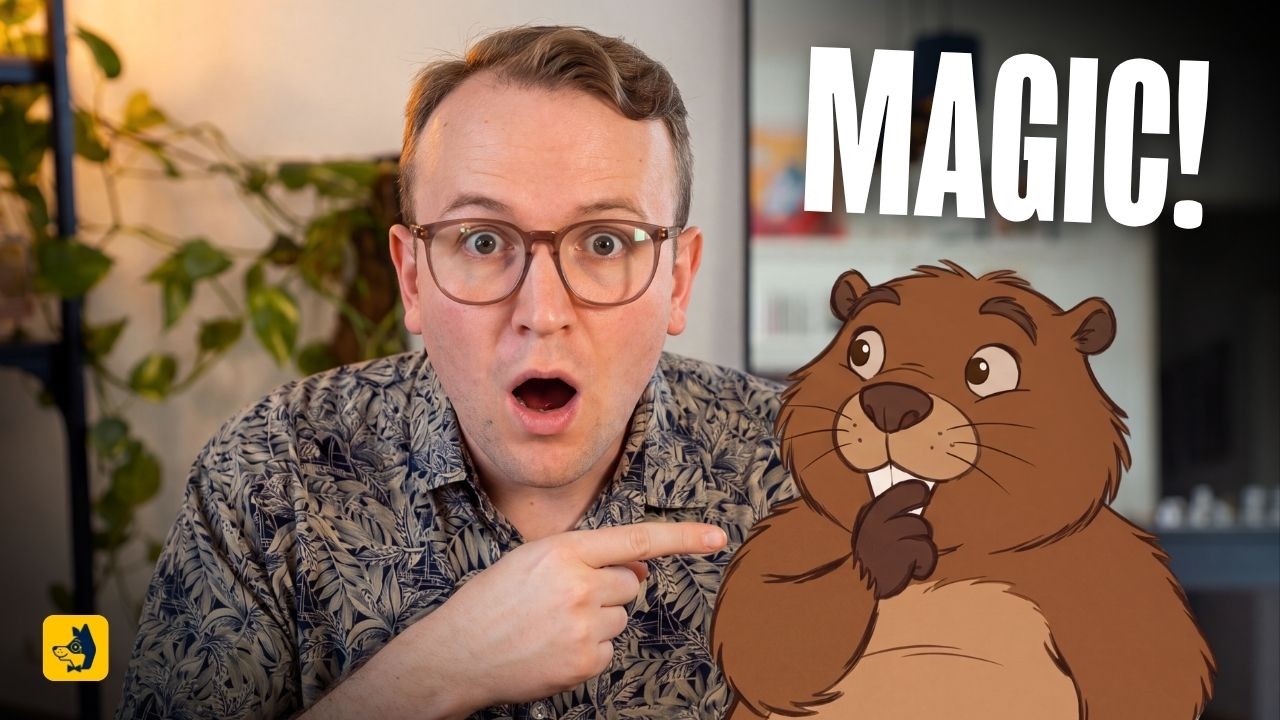
What this lesson covers
Albert Bozesan teaches a workflow for blending 2D animated characters with live-action video. He demonstrates creating full character turnaround sheets, expression grids, prop references, and structuring the editing timeline in DaVinci Resolve before AI generation.
Key takeaways from the creator
AI-extracted notes, not independently verified product claims. Timestamp links let you check each point in the original video.
- 01:14 ↗
Hybrid 2D and live-action projects require thorough pre-production planning with detailed scripts and storyboards since every shot is handled both on set and in post.
- 02:23 ↗
Generating full character turnarounds (front, side, back, face close-up) in an A-pose against a neutral gray hex background (#808080) establishes character consistency.
- 04:06 ↗
Creating a 3x6 facial expression grid based on the turnaround sheet helps maintain consistent emotional performance across generated shots.
- 05:06 ↗
For cartoon props, screenshotting the real physical onset prop and prompting the model to use it strictly for shape ensures alignment between live footage and animated assets.
- 06:30 ↗
Locking the live-action edit, applying the final color grade, and separating audio tracks prior to AI generation saves credits and avoids unnecessary generation cycles.
Workflow outlined in the video
- Create a script and storyboard mapping out both live-action performance and 2D character placements prior to filming.
- Prompt an image generator to produce an A-pose character turnaround (front, side, back views, face close-up) on a neutral gray (#808080) background.
- Generate a 3x6 expression sheet from the frontal face reference to lock character emotions across scenes.
- Upload onset prop screenshots to reference purely shape while maintaining the established 2D illustration style.
- Edit and grade the live-action timeline in DaVinci Resolve, isolating dialogue on separate tracks from music and Foley before exporting for AI video processing.
Before you use this workflow
These notes describe the source video at its publication date. Model access, pricing, connectors and interfaces may have changed. Check the original source and the provider’s current documentation before installing an add-on, connecting an account or spending credits.
ReelStack has not independently tested this workflow. Preview one representative shot and check motion, continuity and output quality before applying it to a full production. No result, cost saving or model capability is guaranteed.
Explore the tools
How to interpret the numbers
7,624 views captured 6 October 2026. ReelStack recommendation score: 32/100. Formula: radar-v5. This is ReelStack’s calculation, not a YouTube rating or a measure of factual accuracy.
Show the calculation
- 65% performance: 0.21× views vs 3 other channel videos observed at a similar age. View-evidence factor 88% (views / (views + 1,000))
- 25% freshness: 73/100 with a 14-day half-life
- Momentum pending: collecting daily snapshots; its 20% weight goes to observed performance, not free points
- 10% engagement: 35/100; likes + 4× comments, smoothed with a 500-view neutral prior