Headless Reference Motion Traps, Multi-View Character Staging, and Code-to-NLE Hybrid Pipelines
Direct testing reveals that while headless reference sheets preserve facial micro-details, they restrict diffusion cameras to flat, front-facing angles. To restore three-quarter movement and expressive performance, filmmakers must deploy multi-view sheets while managing accessory drift, alongside code-based motion tools that export directly to After Effects and Blender for modular shot replacement.
 Higgsfield AI
 Dan Kieft
Top learnings
Headless character sheets lock generative cameras into flat, forward-facing compositions unless supplemented with multi-angle body views.
Diffusion models duplicate or drop props across cuts regardless of sheet style, making prompt-level accessory isolation essential.
Integrating code-based motion graphics with generative plates lets filmmakers export live layers into After Effects and Blender, avoiding full-scene re-renders.
Why do headless character sheets flatten camera staging and performance?
In earlier consistency workflows, filmmakers cropped reference sheets from the neck down to prevent video diffusion models from averaging multiple faces into a blurry composite. While this strategy eliminates facial distortion, direct testing exposes an unintended mechanical trade-off: camera staging lockup.
Creator Caleb from Curious Refuge conducted head-to-head evaluations in Seedance 2.5 comparing headless full-body references against multi-view character sheets. While the headless method faithfully retained micro-details such as facial moles during close-ups, it stripped the generative model of spatial reference points for angled movement. In animated and human scene tests, the model defaulted to generating characters that only faced flat toward the camera, resisting three-quarter staging and dynamic blocking.
In contrast, multi-expression sheets featuring three-quarter profiles and varied emotional mouth shapes enabled dynamic performance shifts from neutral to angry. For working filmmakers, using a single forward-facing headless reference risks flattening scene geometry; preserving dynamic camera blocking requires feeding multi-angle body references so the engine understands the subject in three dimensions.
 Curious Refuge
 Read source excerpts 2
is because we used an image that had our character facing forward and then also from behind, you can tell that seed dance wants to generate that character just facing the
Curious Refuge
specific details on your character's face that you want to see, then you may want to do the headless version, but I would add include a few different angles of your headless
Curious Refuge
How do accessory hallucinations break continuity across both reference workflows?
A persistent assumption among generative artists is that creating higher-resolution reference sheets will automatically solve wardrobe and prop continuity across sequential scene cuts. Empirical testing indicates that diffusion models handle props through a different computational mechanism than facial identity.
Caleb observed that both headless sheets and detailed turnaround references suffered identical prop continuity failures in Seedance 2.5. In a fight sequence, an actor prompted with brass knuckles on a single hand was rendered with knuckles on both hands in subsequent shots, followed by none at all in the sequence finale. Similarly, a character referenced with a single sword suddenly drew two weapons from offscreen, while character glasses shifted unexpectedly from solid frames to tortoiseshell.
These errors demonstrate that reference images alone cannot guarantee costume lock across shot cuts. ReelStack suggests separating prop ownership from character identity sheets: keep character references unencumbered by hand props, and introduce weapons or accessories through strict shot-by-shot text constraints during individual take generations to avoid duplication bugs.
Curious Refuge Read source excerpts 2
this generation is it actually struggles with the exact same problem. In the original image that we uploaded, he only has brass knuckles on one hand, not on both hands. But in
Curious Refuge
the overall piece. Now, the biggest problem is the character pulled out two swords, but the original character sheet only had one sword. So, that's a big problem. You would
Curious Refuge
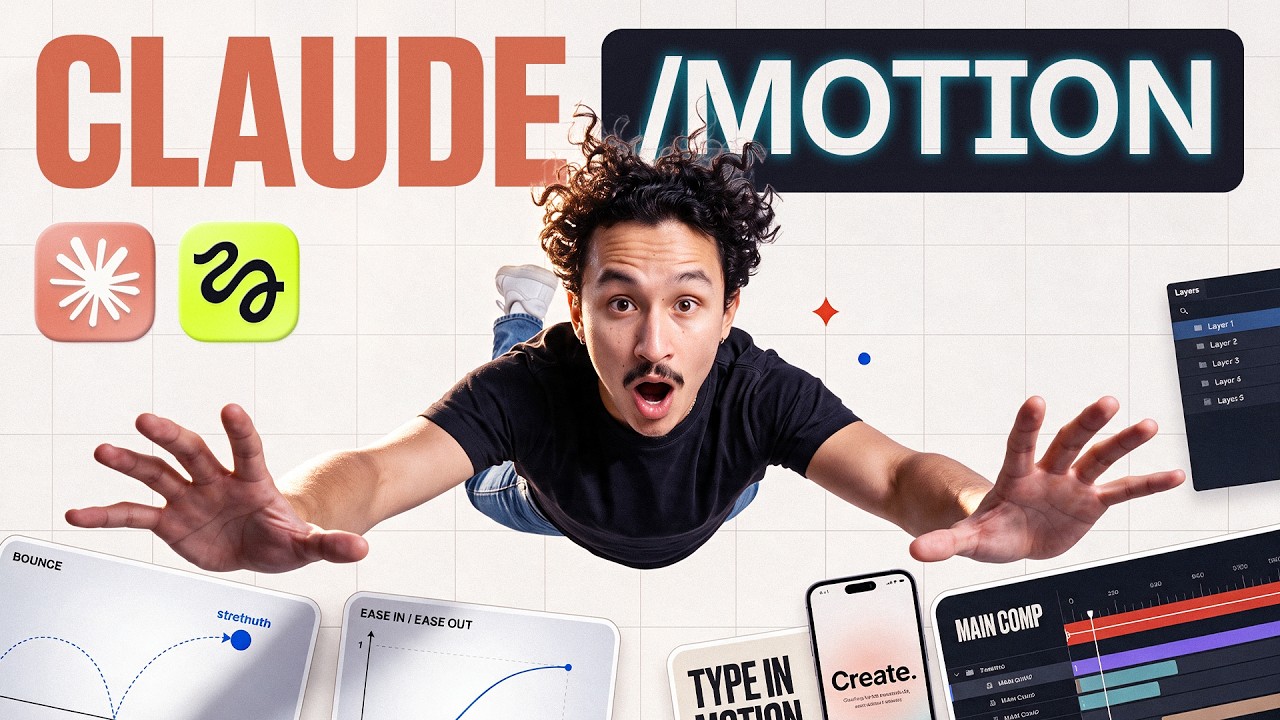
How does Claude Motion bridge prompt-based motion design into After Effects and Blender?
Generating motion graphics and dynamic product launches entirely inside end-to-end video diffusion models frequently traps editors with baked-in pixels. If a lower-third typo occurs or camera timing feels sluggish, the creator must burn rendering credits re-rolling the entire video.
Creator Adele from Higgsfield AI demonstrates an alternative hybrid pipeline using Claude Motion connected via Model Context Protocol (MCP). By feeding visual reference videos and brand assets into Claude Code, the agent writes procedural code to rebuild motion layouts, kinetic typography, and 3D particle sequences. Crucially, the system supports bidirectional handoffs: Claude can transfer the generative motion project directly into Adobe After Effects with preserved, editable text layers and animation keyframes.
For 3D sequences, Adele shows that the agent can replace hero geometry—such as swapping a delivery truck for a bicycle—while maintaining camera arcs, and export the entire scene directly into Blender. ReelStack suggests using MCP-driven code tools for on-screen typography, user interfaces, and graphic transitions, reserving raw diffusion models strictly for live-action background plates.
Read source excerpts 2
again, and resolution really matters, we're going to make sure we are in maximum resolution and go ahead and hit generate. And that will give us an image that looks like this.
Curious Refuge
whole sequence is here, the shots, the timing, the camera moves, and I can keep editing it. Claude figured out how to rebuild the project in a completely different tool. This
Higgsfield AI
When should creators use modular patch rendering and tiered model selection?
Budget efficiency in AI production depends on isolating failures rather than regenerating comprehensive timelines. Re-rendering a finished 15-second commercial to correct an awkward background gesture or adjust pacing drains credits rapidly.
Adele notes that pairing generated video clips with editable motion graphics enables modular patching: when an animation timing error occurred in a pet passport explainer, the team regenerated only the specific flawed shot rather than re-rendering the full composition, slashing turnaround time to two hours. Parallel to modular editing, creator Dan Kieft demonstrates that model tiering prevents speculative credit burn. While Seedance 2.5 justifies its premium credit cost for complex multi-character dialogue scenes with conversational pacing, using MiniMax H3 for anime styles or 2D kinetic typography costs only 30 credits compared to 180 credits on flagship engines.
However, these hybrid pipelines present distinct operational limits. Claude Motion requires precise textual and visual briefs to prevent the agent from misinterpreting scene connections, and roundtrip exports to Blender require manual verification of shader materials. Filmmakers should route typography and basic motion passes to lower-tier or code-based tools, reserving top-tier video engines exclusively for high-stakes character dialogue.

Read source excerpts 2
you travel. >> You're more prepared than I am. >> Oh my god, this looks so good and it only took about 2 hours. It combines generated clips with editable motion graphics so I
Higgsfield AI
2.5 and the second one was Miniax. I like the result of Miniax a lot more and it's also a lot cheaper. The difference here in price is 180 credits for Cedense 2.5 while it has
Dan Kieft
Key moments to explore
Optional deep divesWant to see a technique in action? Jump into the source videos. These AI-extracted timestamps may be approximate.
- 00:46 ↗Including low-resolution faces within full-body references can cause character drifting and degrade facial details during video generation.Curious Refuge · This Hack Fixes Your AI Character Consistency Issues (Pro Workflow)
- 00:18 ↗Setting up the pipeline involves opening Motion in Claude Artifacts and linking Higgsfield MCP through Claude Code.Higgsfield AI · How I Make Motion Graphics Inside Claude Motion (Opus 5.5)
- 01:46 ↗Generating standard scenes in older models like Kling 3.0 can cost 12 credits compared to 72 credits in Seedance 2.5, delivering roughly 80-90% similar visual fidelity at a fraction of the price.Dan Kieft · Stop Wasting Credits on AI Video Generators Like Seedance 2.5
- 01:55 ↗Exporting reference sheets at maximum resolution (such as 4K max) preserves critical micro-details that video models need for consistent multi-shot outputs.Curious Refuge · This Hack Fixes Your AI Character Consistency Issues (Pro Workflow)
- 01:15 ↗Providing direct video references to Claude produces significantly tighter motion tracking and layout recreation than text prompts alone.Higgsfield AI · How I Make Motion Graphics Inside Claude Motion (Opus 5.5)
- 03:06 ↗MiniMax H3 provides superior cost efficiency (30 credits versus 180 credits) and better aesthetic performance for anime styles compared to Seedance 2.5, while maintaining looser moderation constraints.Dan Kieft · Stop Wasting Credits on AI Video Generators Like Seedance 2.5
Put it into practice
Plan camera movement with Blender →Practical steps and checks before committing to production. Get the practical weekly briefing →The useful ideas in one email. Subscribe to keep learning. Need a filmmaker for your project? →Tell us what you want to make and submit a project brief.Go to the source
3 videos