Layer-Aware MCP Tooling, Chained Model Selection, and Persistent Reference Kits
AI filmmakers are replacing full video re-renders with non-destructive, agent-controlled editing layers. By connecting reasoning models directly to lightweight creative tools via Model Context Protocol, pairing generative image engines based on single-pass fidelity versus multi-step stability, and locking production guidelines into persistent reference kits, creators can make surgical adjustments without restarting production pipelines.
 Rourke
 Diego Galvao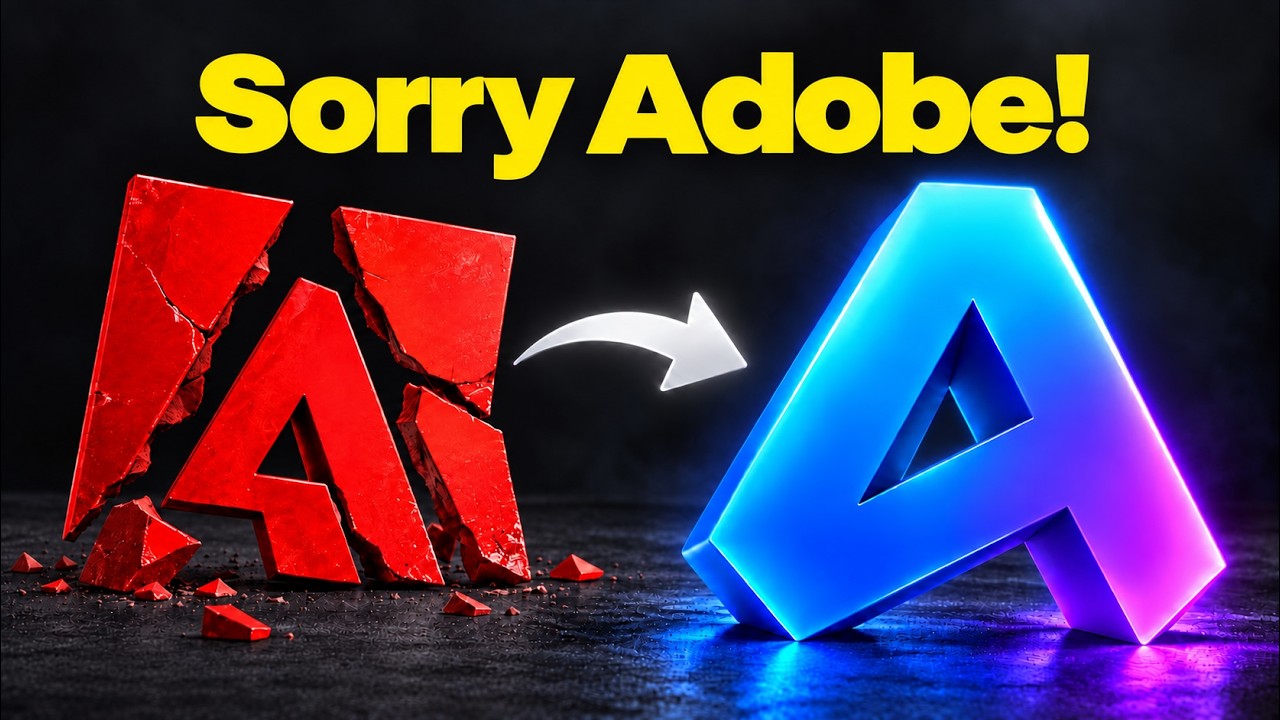
Top learnings
Connect reasoning models directly to creative apps via Model Context Protocol to execute parameter-level layer adjustments without visual UI inspection errors.
Deploy GPT Image 2.5 for single-pass spatial plans and photoreal textures, but switch to Nano Banana 2.1 for chained multi-step asset modifications.
Format master character sheets in 16:9 landscape and frame live-action reference cameras close to the actor's face to eliminate facial warping in video motion transfers.
How do structured MCP tools replace rigid video regenerations with editable layers?
When directors generate motion graphics and visual inserts entirely within end-to-end video models, altering a single word or adjusting the timing of a lower third requires a complete video re-render. This locked-down output burns rendering credits and destroys editorial flexibility.
Creator AI Samson demonstrates that integrating Claude directly with open-source creative software—such as the Rust-based ArtCraft suite—via Model Context Protocol (MCP) creates a fully editable, non-destructive alternative. In EffectCraft, Claude executes structured function calls to build animated graphic sequences with independent text, vector, and timing layers. Because the agent interacts via code commands with named arguments rather than fragile visual desktop automation, it avoids UI misclicks and latency.
ReelStack suggests deploying MCP-connected design tools to build procedural in-universe screen graphics, animated titles, and lower-third overlays. This allows directors to jump into the native project file to tweak typography or layer opacity instantly without re-rolling generative video seeds.
 AI Samson
 Read source excerpts 2
just a finished video that I have to regenerate if I want to change. I can open the project and jump straight in. I can change timing, delete layers, and change the text. Now,
AI Samson
layer's opacity to 60% directly to the software that exposes that action. MCP tools accept named arguments and return a structured result. When Claude controls a desktop app
AI Samson
When should directors choose GPT Image 2.5 over Nano Banana 2.1 for visual assets?
Selecting the wrong image diffusion model during pre-production leads to either distorted scene geography or high generation expenses. While flagship models offer superior photorealism, their performance diverges sharply between single-pass generations and iterative asset revisions.
Creator Youri van Hofwegen tests GPT Image 2.5 against Nano Banana 2.1 across practical production tasks. GPT Image 2.5 renders 7 to 10 times slower and costs roughly five times more, but excels at single-pass accuracy: it faithfully preserves architectural floor plans, follows strict multi-tier typography hierarchies, and captures natural 35mm film grain. However, when subjected to chained four-step edits on the same image plate, GPT Image 2.5 rapidly degrades and introduces severe visual glitches. In contrast, Nano Banana 2.1 maintains character identity and scene structure across successive revisions, despite producing flatter initial lighting.
Filmmakers should reserve GPT Image 2.5 for static hero set designs, technical floor plans, and high-fidelity product props, while routing sequential costume revisions and phone-scaled marketing graphics to Nano Banana 2.1.

 Youri van Hofwegen
 Read source excerpts 2
with the same settings and prompt. And the first difference is the speed. In my testing, GPT renders around seven to 10 times slower than Nano Banana and costs about five
Youri van Hofwegen
get the dress right, but Nano Banana still has her looking like the girl from the original photo. While on GPT, she's starting to glitch out and the whole image looks broken.
Youri van Hofwegen
How do persistent brand kits and 16:9 reference sheets lock narrative continuity?
Maintaining strict visual identity across hundreds of generated props, set dressings, and character variations traditionally requires manually re-entering style tokens and color codes into every prompt.
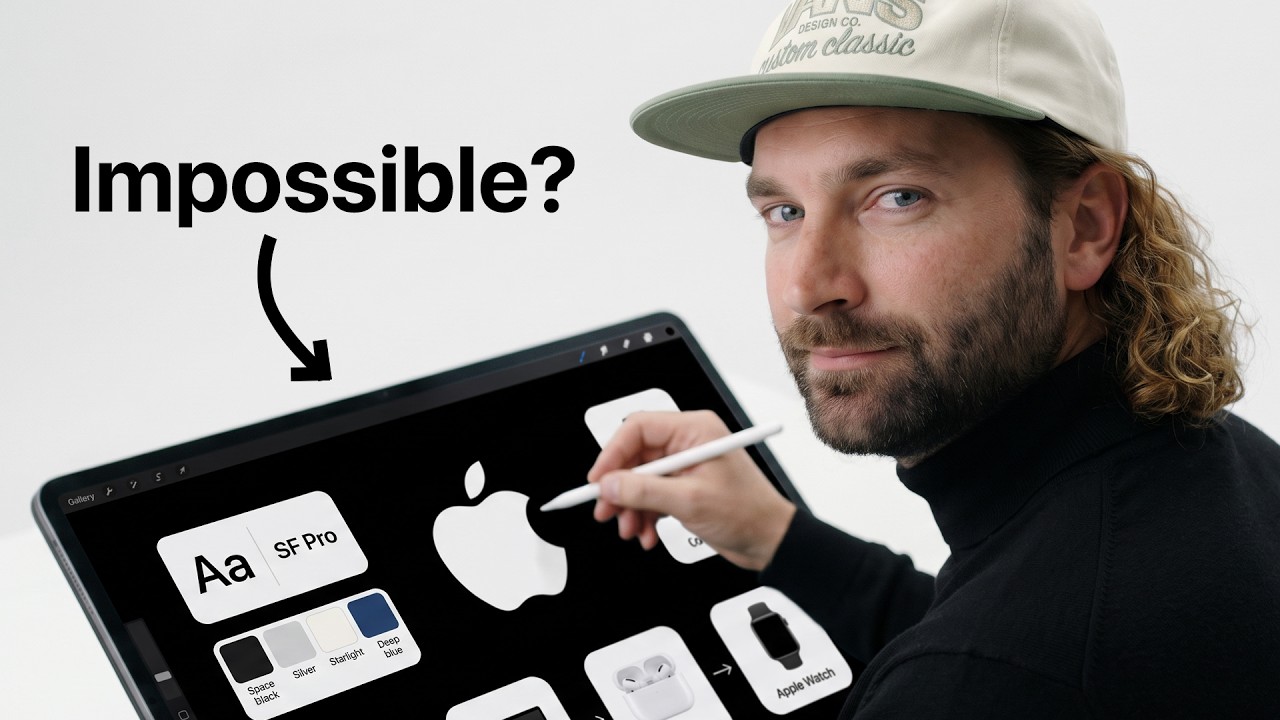
Creator Rourke shows that Magnific One solves cross-asset drift through its persistent Brand Kit feature. By uploading up to 50 assets—including guideline PDFs, exact color hex codes, font weights, and negative do-and-don't rules—the model's agent generates cohesive collateral suites across 1:1, 9:16, and 16:9 aspect ratios while strictly enforcing logo margins and typography. In character pipelines, creator Diego Galvao shows that maintaining a master reference sheet in a 16:9 landscape aspect ratio provides the ideal geometric foundation in models like Cream 5.0 Pro to swap wardrobes into superhero or period attire before animating the character.
Filmmakers can adopt this workflow by assembling centralized project style kits prior to production, locking character turnarounds into 16:9 reference plates to prevent proportional distortion during subsequent wardrobe swaps.
Read source excerpts 2
then apply it to every image [music] that it creates for your brand or business. Then it creates a brand kit, which you can use with Magnific 1 to create customizable imagery
Rourke
will be, this is only a reference character. So it's only a reference file right now. So all my reference files are going to be 16x9. And then when I create my final videos,
Diego Galvao
What practical camera and file format limits constrain automated workflows?
While MCP integration and automated reference pipelines streamline asset generation, deploying these workflows across video transfer and post-production software exposes distinct operational bottlenecks.
In video motion transfer using Higgsfield Genjutsu, Diego Galvao emphasizes that the physical distance between the camera and the actor in source reference footage dictates output stability. Filming wide or distant shots starves the tracking engine of facial landmarks, leading to mouth warping and synthetic artifacts; positioning the lens close to the subject's face preserves clean facial performance. Furthermore, rendering motion passes at 720p consumes 42 credits versus 66 credits at 1080p, making low-resolution passes essential for motion choreography checks.
Concurrently, AI Samson notes that open-source MCP software alternatives still struggle with pro-tier interchange formats. FilmCraft cannot open native Premiere project files, requiring XML workarounds, while EffectCraft lacks third-party plugin support and native After Effects project imports. Filmmakers must audit project file handoffs and supervise reference capture framing before relying on automated pipelines.

Read source excerpts 2
the less details it's going to have, and you can start seeing some AI qualities like a warped mouth or just a subtle aspect that you can kind of tell it's AI. The closer you
Diego Galvao
these, the Artcraft team explicitly says that the biggest gaps are in AI generative features, 15 missing tools, depth in typography and pro workflows, and plugin
AI Samson
Key moments to explore
Optional deep divesWant to see a technique in action? Jump into the source videos. These AI-extracted timestamps may be approximate.
- 0:44 ↗Controlling motion graphics in bespoke applications like EffectCraft gives creators non-destructive, fine-grained control over text, layers, and timing compared to rigid AI video regenerations.AI Samson · Adobe is Freaking Out (Claude Cloned Everything for Free)
- 01:44 ↗GPT Image 2.5 renders 7 to 10 times slower and costs approximately 5 times more per image than Nano Banana 2.1 on OpenArt.Youri van Hofwegen · I Tested Nano Banana 2.1 vs GPT Image 2.5
- 0:20 ↗Magnific One allows users to ingest brand guidelines, logo placement rules, or website URLs directly into a persistent Brand Kit.Rourke · How To make Pro-quality AI Images for Your Business (Magnific One Tutorial)
- 01:31 ↗Setting specific physical parameters like build, age, and character type in the AI Influencer dashboard produces reusable two-panel character sheets.Diego Galvao · How to Create an AI Influencer
- 1:44 ↗The ArtCraft suite uses a clean-room development method in Rust that matches functionality without copying Adobe's proprietary source code or assets.AI Samson · Adobe is Freaking Out (Claude Cloned Everything for Free)
- 02:10 ↗GPT Image 2.5 excels at complex poster layouts and hierarchical typography, though it occasionally introduces unsolicited extra slogans.Youri van Hofwegen · I Tested Nano Banana 2.1 vs GPT Image 2.5
Put it into practice
Turn an AI film brief into a shot plan →Practical steps and checks before committing to production. Get the practical weekly briefing →The useful ideas in one email. Subscribe to keep learning. Need a filmmaker for your project? →Tell us what you want to make and submit a project brief.Go to the source
4 videos