How To make Pro-quality AI Images for Your Business (Magnific One Tutorial)
For commercial AI creators, this breakdown shows how to ground image generations in rigid brand guideline documents and scrape website contexts to maintain visual consistency across marketing campaigns.
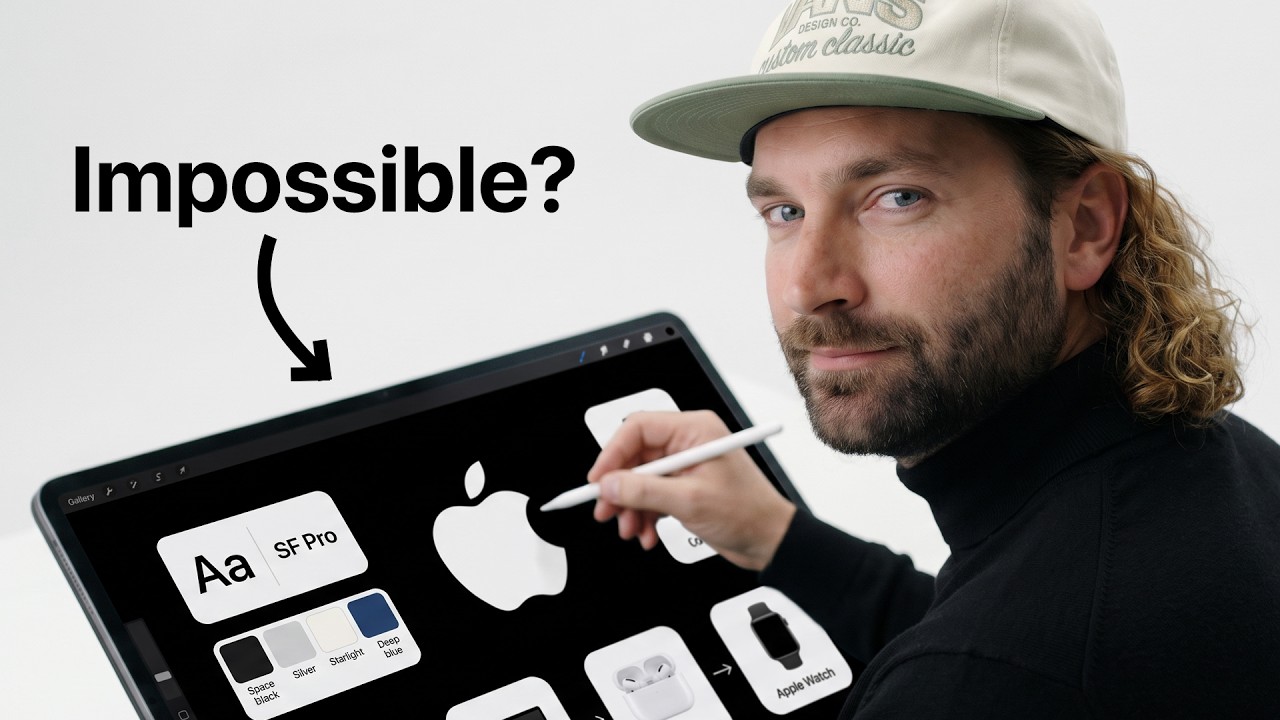
What this lesson covers
Rourke explains how to utilize Magnific One and its Brand Kit functionality to produce consistent, brand-aligned visual assets. The walkthrough demonstrates ingesting brand guidelines, logos, typography, and website context to generate marketing graphics across multiple aspect ratios.
Key takeaways from the creator
AI-extracted notes, not independently verified product claims. Timestamp links let you check each point in the original video.
- 0:20 ↗
Magnific One allows users to ingest brand guidelines, logo placement rules, or website URLs directly into a persistent Brand Kit.
- 2:06 ↗
Ingesting comprehensive brand guideline documentation—including color hex codes, font weights, and dark/light mode logo rules—ensures typography and layout adherence.
- 4:20 ↗
Providing an explicit asset list to Magnific One's Agent feature generates comprehensive suites of collateral aligned to brand context.
- 6:02 ↗
Magnific One natively supports multi-aspect ratio asset resizing across 1:1, 9:16, and 16:9 while adapting layout and highlighted text.
Workflow outlined in the video
- Assemble brand guidelines, logos (light and dark mode), typography rules, and contextual UI screenshots into a unified reference folder or document.
- Upload the guidelines or input a website URL to extract stylistic and visual constraints into Magnific One.
- Compile an itemized list of required marketing and commercial visual assets.
- Feed the asset requirements into the Magnific One agent connected to the brand kit to batch-generate consistent visual outputs.
- Refactor generated assets into specific campaign formats such as 1:1, 9:16, or 16:9 aspect ratios.
Before you use this workflow
These notes describe the source video at its publication date. Model access, pricing, connectors and interfaces may have changed. Check the original source and the provider’s current documentation before installing an add-on, connecting an account or spending credits.
ReelStack has not independently tested this workflow. Preview one representative shot and check motion, continuity and output quality before applying it to a full production. No result, cost saving or model capability is guaranteed.
Explore the tools
How to interpret the numbers
6,621 views captured 13 October 2026. ReelStack recommendation score: 36/100. Formula: radar-v5. This is ReelStack’s calculation, not a YouTube rating or a measure of factual accuracy.
Show the calculation
- 65% performance: 0.18× current views vs the channel's recent median; same-age history is not yet available. View-evidence factor 87% (views / (views + 1,000))
- 25% freshness: 95/100 with a 14-day half-life
- Momentum pending: collecting daily snapshots; its 20% weight goes to observed performance, not free points
- 10% engagement: 34/100; likes + 4× comments, smoothed with a 500-view neutral prior