Adobe is Freaking Out (Claude Cloned Everything for Free)
For AI filmmakers and animators, this demonstrates how MCP integration enables AI assistants to manipulate raw design and motion graphics project layers directly instead of relying solely on closed generative video models.
What this lesson covers
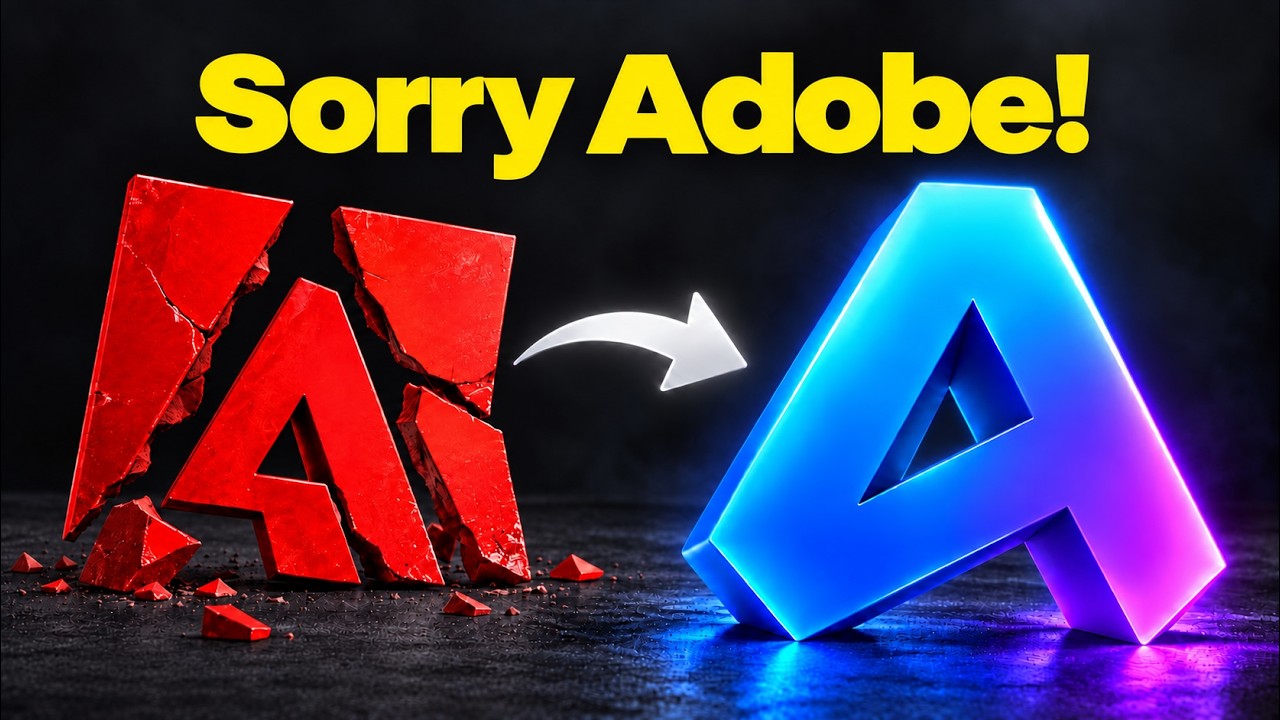
AI Samson reviews the ArtCraft suite of open-source creative software clones created via clean-room reverse engineering with Claude and Rust. He tests compatibility, file formats, and shows how direct MCP integration allows Claude to programmatically manipulate motion graphics and design files.
Key takeaways from the creator
AI-extracted notes, not independently verified product claims. Timestamp links let you check each point in the original video.
- 0:44 ↗
Controlling motion graphics in bespoke applications like EffectCraft gives creators non-destructive, fine-grained control over text, layers, and timing compared to rigid AI video regenerations.
- 1:44 ↗
The ArtCraft suite uses a clean-room development method in Rust that matches functionality without copying Adobe's proprietary source code or assets.
- 2:24 ↗
The open-source clones occupy significantly less disk space (e.g., PhotoCraft at 80 MB vs. Photoshop at 6.4 GB; FilmCraft at 90 MB vs. Premiere at 6.8 GB).
- 4:35 ↗
Connecting creative software directly to Claude via Model Context Protocol (MCP) enables structured tool calls, eliminating UI inspection errors and latency associated with visual desktop automation.
- 7:00 ↗
While PhotoCraft supports layered PSD files, current clones have file format limitations, such as FilmCraft requiring XML imports rather than native Premiere project files and EffectCraft not supporting native .aep files.
Workflow outlined in the video
- Navigate to getartcraft.com/apps to download and install the ArtCraft launcher application.
- Select and install specific applications from the launcher, such as FilmCraft, EffectCraft, or PhotoCraft.
- Copy the provided MCP installation command and configure it inside Claude to connect the app.
- Issue structured natural language prompts in Claude (e.g., recreating graphic elements into clearly named layers or modifying opacity).
- Inspect and fine-tune project elements like timing, text, and layer structure directly inside the local application interface.
Before you use this workflow
These notes describe the source video at its publication date. Model access, pricing, connectors and interfaces may have changed. Check the original source and the provider’s current documentation before installing an add-on, connecting an account or spending credits.
ReelStack has not independently tested this workflow. Preview one representative shot and check motion, continuity and output quality before applying it to a full production. No result, cost saving or model capability is guaranteed.
Explore the tools
How to interpret the numbers
82,532 views captured 13 October 2026. ReelStack recommendation score: 86/100. Formula: radar-v5. This is ReelStack’s calculation, not a YouTube rating or a measure of factual accuracy.
Show the calculation
- 65% performance: 6.12× views vs 4 other channel videos observed at a similar age. View-evidence factor 99% (views / (views + 1,000))
- 25% freshness: 96/100 with a 14-day half-life
- Momentum pending: collecting daily snapshots; its 20% weight goes to observed performance, not free points
- 10% engagement: 71/100; likes + 4× comments, smoothed with a 500-view neutral prior