Multi-Modal Video References, Vocal Stem Isolation, and Crest-Anchored Asset Pipelines
AI filmmakers are advancing talking-head photorealism and multi-shot narrative control by combining short video reference clips, vocal stem audio isolation, and top-down graphic anchoring. Rather than relying on static reference photos or pure text prompts, directors are using real video head-turns, stem-stripped audio tracks, and initial emblem graphics to lock facial expressions, lip-sync alignment, and outfit details across Seedance 2.5 and OpenArt.
 Curious Refuge
 Youri van Hofwegen
 AI Video School
 kaye.creatives

Top learnings
Isolate vocal audio stems from heavy percussion tracks before generating lip-sync shots to prevent models from mouthing snare beats instead of spoken words.
Crop full-body panel reference sheets at the neck so video diffusion models extract crisp facial features from high-resolution portrait close-ups.
Cap script dialogue within 12 seconds inside 30-second generation blocks to prevent mid-sentence audio truncation at scene transitions.
What changed in multi-modal asset anchoring and talking-head performance?
AI video workflows are shifting from static image prompts toward multi-modal reference inputs that combine audio tracks, brief video movement references, and master graphic emblems. Traditional static image sheets often lose minor facial expressions or struggle to render realistic non-verbal cadence when animating talking heads. By passing short video clips of a subject speaking or turning their head into Seedance 2.5 alongside cleaned audio, creators can reproduce real human facial micro-expressions and personal movement quirks.
Concurrently, long-form worldbuilding and micro-drama production are moving toward top-down visual hierarchy. Instead of generating characters and locations independently, creators begin by rendering a single master emblem—such as an academy crest—and using that flat graphic as an anchor image for all subsequent uniform, building, and location renders. This hierarchical setup prevents visual drift and ensures that secondary assets match the primary design rules across multi-episode projects.

Read source excerpts 2
you want a short video clip that embodies the overall movement of your character. The reason why I like using video reference rather than just using images alone is because
Curious Refuge
make is the academyy's [music] crest. The crest is just a flat emblem. I'll make it an open arts image generation with GPT image 2.5 set to one by one. The second it's done,
Youri van Hofwegen
How do creators differ in handling character wardrobe, audio stems, and visual anchors?
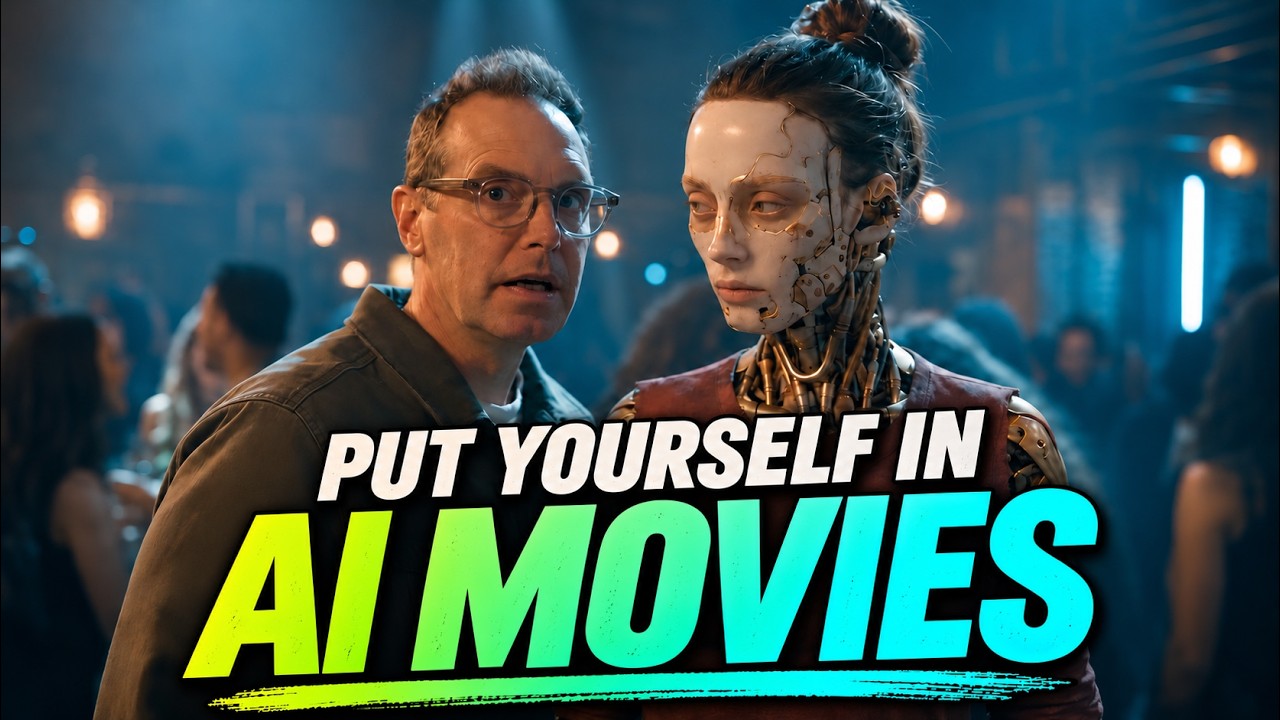
While creators agree on using pre-rendered asset sheets, their technical strategies diverge based on production goals. Creator AI Video School tests separate character and wardrobe reference sheets against pre-combined sheets in Seedance 2.5. Keeping reference sheets separate allows the model to retain authentic human details—such as exact hands and personal rings—whereas pre-combined sheets enforce rigid costume adherence at the expense of customized hand geometry.
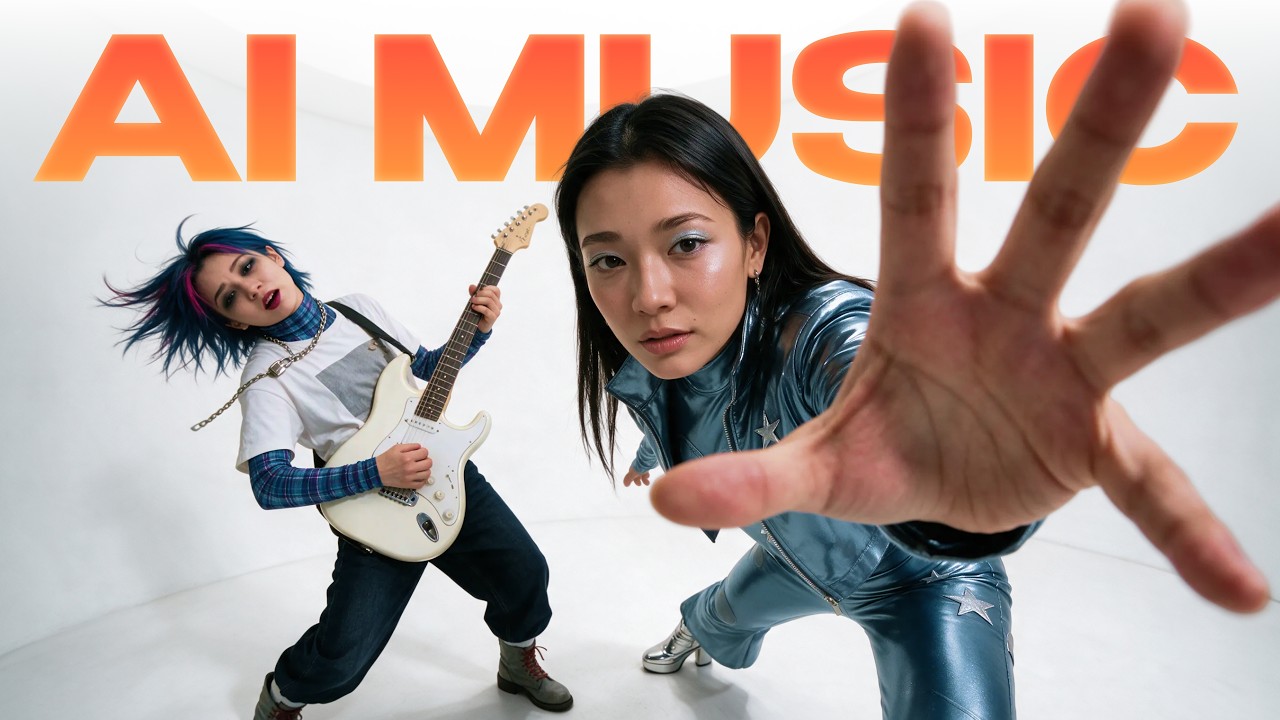
In musical and action contexts, creator Karima (Kaye Creatives) addresses facial distortion and audio mis-tracking through targeted asset formatting. To stop full-body reference sheets from blurring faces, Karima crops full-body panels tightly at the neck, forcing the video diffusion model to extract facial detail exclusively from a high-resolution close-up portrait. For dialogue and lip sync, she strips heavy percussion from audio tracks, supplying clean vocal stems so the AI does not mouth snaredrum hits instead of spoken words. Conversely, creator Youri van Hofwegen structures micro-dramas by standardizing centralized style blocks across OpenArt and timing script dialogue to finish by the 12-second mark inside 30-second generations, preventing mid-sentence audio truncation.
Read source excerpts 2
costumes. We're going to try both ways. So, this first way is where we have the character sheet and we have the costume as two separate images. And then the second way is
AI Video School
here's another massive pro tip. Remove the heavy beat from the snippet. So, when you isolate the vocal stem and drop the loud percussion, the AI tracks the vocals cleanly
kaye.creatives
What step-by-step workflow builds a consistent multi-shot talking-head sequence?
To build a consistent talking-head or narrative sequence, start by capturing real outdoor reference photographs—front, three-quarters, profile, and full body—shot in neutral lighting with clean facial expressions. Crop these images tightly around the face to remove selfie posture cues and shirt folds, then generate a three-panel character turnaround sheet in models like Nano Banana 2.1 or C-Dream 5.0 Pro.
Next, clean raw vocal audio using Adobe Podcast or isolate vocal stems in an editing suite to remove background noise and heavy beat hits. In your non-linear editing software, place the cleaned vocal audio underneath a blank black video track and export the sequence clip. Upload the black video sequence, a 6-second studio motion reference video, and your tagged character sheet into Seedance 2.5. In the prompt block, direct the engine to take audio from the black video file and visual motion from the reference clip, running test passes in draft mode before committing credits to final 1080p upscaling.
ReelStack suggests adopting this stem-isolated, black-video handoff for corporate talking-head videos, localization dubbed tracks, and virtual studio placements to replace green-screen setups without reshooting host talent.
Read source excerpts 2
want. And I'm going to drag and drop that audio clip into a new sequence. Then you can see we just have black video on top, and then we have the audio below. So that's it. We
Curious Refuge
which person. The shots are timed second by second, and every line of dialogue has to finish by the 12-second mark. That way, nobody gets cut off mid-sentence when the part
Youri van Hofwegen
What mechanical bottlenecks, audio caps, and credit trade-offs limit these pipelines?
Despite improvements in lip sync and identity retention, key technical bottlenecks constrain multi-modal video pipelines. Seedance 2.5 caps combined audio and reference video input at 30 seconds total per generation step. Long-form dialogue or full-length music tracks must be manually sliced into short 5- to 11-second audio snippets and stitched together in non-linear editing software like Premiere Pro or CapCut.
Financial trade-offs are also substantial. Seedance 2.5 delivers superior photorealism, skin textures, and natural mouth movement, but costs roughly $16 per 1080p render. Budget avatar platforms like HeyGen render for a fraction of a dollar ($0.05) and open-weight models like MiniMax H3 run locally or via cloud APIs for $24 per LoRA pass, but both alternatives frequently fail the uncanny valley test—producing stretched teeth, synthetic skin textures, and rigid facial pauses. Finally, complex physical stunt sequences like high-speed martial arts cannot be driven purely by text prompts; they require specialized motion transfer inputs (such as Genjutsu) using practical human stunt footage as a video driver.
Read source excerpts 2
course, that's going to add up pretty quickly. Now, one of the big caveats to this workflow is the fact that your reference and your audio combined can only be 30 seconds of
Curious Refuge
wall runs, and throws are impossible to prompt purely from text. If you try typing two girls do a karate flip in the rain, this is what you get. To get that realistic combat
kaye.creatives
Key moments to explore
Optional deep divesWant to see a technique in action? Jump into the source videos. These AI-extracted timestamps may be approximate.
- 01:31 ↗Raw mobile audio can be cleaned using Adobe Podcast to establish a clearer base track for AI video syncing.Curious Refuge · The Future of Video Production is Here!
- 01:01 ↗Script generation tools can build complete season bibles, episode hooks, cliffhangers, and screenplays optimized around paywall episode markers.Youri van Hofwegen · Best AI Micro Drama Generator in 2026
- 01:16 ↗Start character reference generation with real multi-angle photographs (front, 3/4, profile, full body) shot under natural outdoor lighting with neutral facial expressions.AI Video School · How to Put Yourself in AI Movies... and Actually Look Like YOU
- 02:54 ↗Using Claude to draft technically detailed prompts for Suno AI improves music generation quality over basic prompts.kaye.creatives · How I Made a K-Pop Music Video With AI (Suno + Seedance 2.5)
- 02:18 ↗Generating audio-driven AI video using Seedance 2.5 requires pairing the audio file with a black video track in a sequence export.Curious Refuge · The Future of Video Production is Here!
- 02:57 ↗Designing core visual assets like logos and uniform turnaround sheets before rendering scenes establishes consistent character attire and visual anchors.Youri van Hofwegen · Best AI Micro Drama Generator in 2026
Put it into practice
Get the practical weekly briefing →The useful ideas in one email. Subscribe to keep learning. Need a filmmaker for your project? →Tell us what you want to make and submit a project brief.Go to the source
4 videos