How to Put Yourself in AI Movies... and Actually Look Like YOU
This video provides AI filmmakers with a practical, step-by-step pipeline for self-likeness character consistency, covering photo capture, turnaround generation, costume merging, and video model testing.
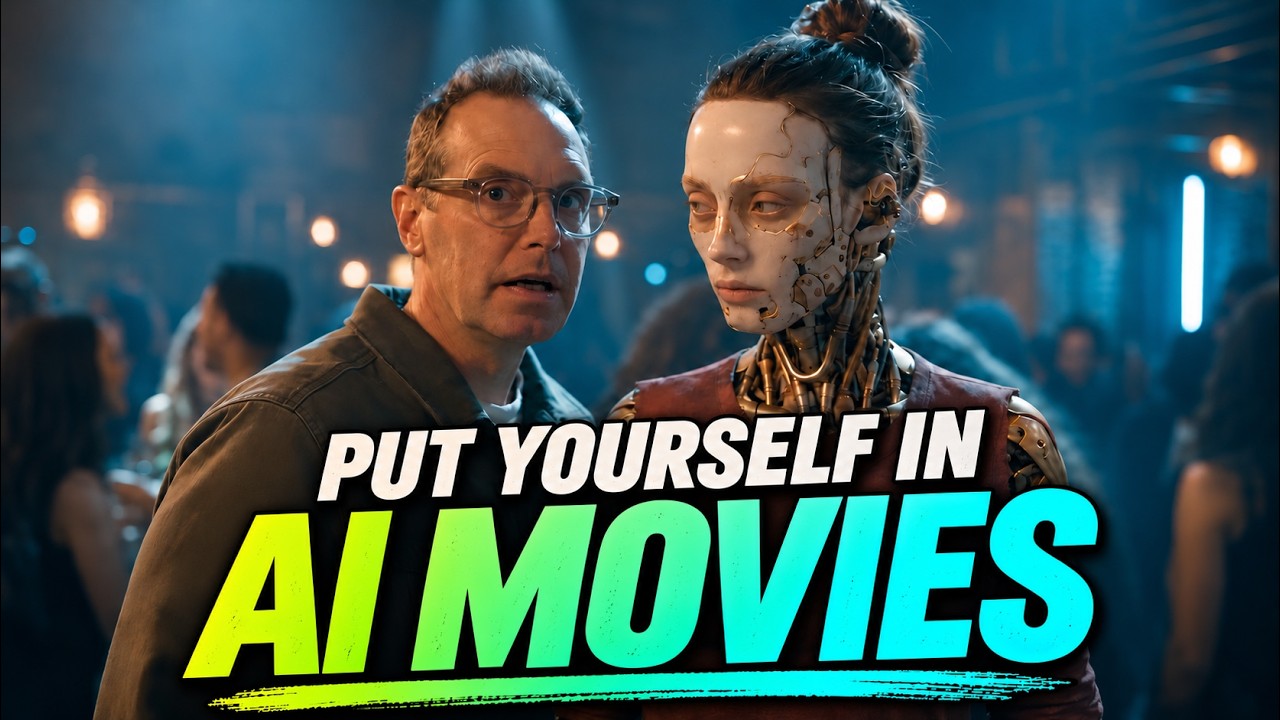
What this lesson covers
The creator demonstrates a workflow for placing real human likenesses into cinematic AI video scenes with character consistency. The tutorial covers capturing multi-angle reference photos, generating character sheets in Nano Banana 2.1, integrating custom costumes, and generating scenes in Seedance 2.5.
Key takeaways from the creator
AI-extracted notes, not independently verified product claims. Timestamp links let you check each point in the original video.
- 01:16 ↗
Start character reference generation with real multi-angle photographs (front, 3/4, profile, full body) shot under natural outdoor lighting with neutral facial expressions.
- 02:22 ↗
Crop reference images tightly around the face to eliminate selfie posture cues such as shirt folds and uneven shoulder slopes before inputting to character generation models.
- 03:17 ↗
Generate clean character turnaround sheets using models like Nano Banana 2.1 while avoiding repetitive inline edits that degrade image quality.
- 04:26 ↗
Compare video generation models across handheld camera motions to evaluate likeness retention and credit efficiency, using draft modes to preserve generation credits during testing.
- 06:05 ↗
Evaluate separate versus pre-combined character and costume sheets: separate visual reference sheets can preserve real hand details, whereas pre-combined sheets maintain uniform wardrobe elements.
Workflow outlined in the video
- Capture front-facing, 3/4 angle, profile, and full-body reference photos using rear camera lenses under even lighting with neutral expressions.
- Crop facial photos tightly to isolate facial features from pose distortions before uploading to the generation platform.
- Upload reference photos to OpenArt using Nano Banana 2.1 to generate a multi-angle character turnaround sheet.
- Generate standalone costume reference sheets using image models like GPT image 2.5.
- Test both separate character and costume references against pre-combined character-costume sheets in Seedance 2.5 to evaluate wardrobe and identity accuracy.
- Utilize draft modes in Seedance 2.5 for preliminary camera motion iterations to minimize credit expenditure.
Before you use this workflow
These notes describe the source video at its publication date. Model access, pricing, connectors and interfaces may have changed. Check the original source and the provider’s current documentation before installing an add-on, connecting an account or spending credits.
ReelStack has not independently tested this workflow. Preview one representative shot and check motion, continuity and output quality before applying it to a full production. No result, cost saving or model capability is guaranteed.
How to interpret the numbers
14,998 views captured 9 November 2026. ReelStack recommendation score: 58/100. Formula: radar-v5. This is ReelStack’s calculation, not a YouTube rating or a measure of factual accuracy.
Show the calculation
- 45% performance: 0.87× views vs 7 other channel videos observed at a similar age. View-evidence factor 94% (views / (views + 1,000))
- 25% freshness: 83/100 with a 14-day half-life
- 20% momentum: 2714 views/day vs 1593 channel baseline (7 comparable uploads), with the same view-evidence factor
- 10% engagement: 62/100; likes + 4× comments, smoothed with a 500-view neutral prior