How I Made a K-Pop Music Video With AI (Suno + Seedance 2.5)
Demonstrates a complete production pipeline for music video creation, emphasizing pre-production asset locking (character sheets and locations) to ensure shot-to-shot consistency.
What this lesson covers
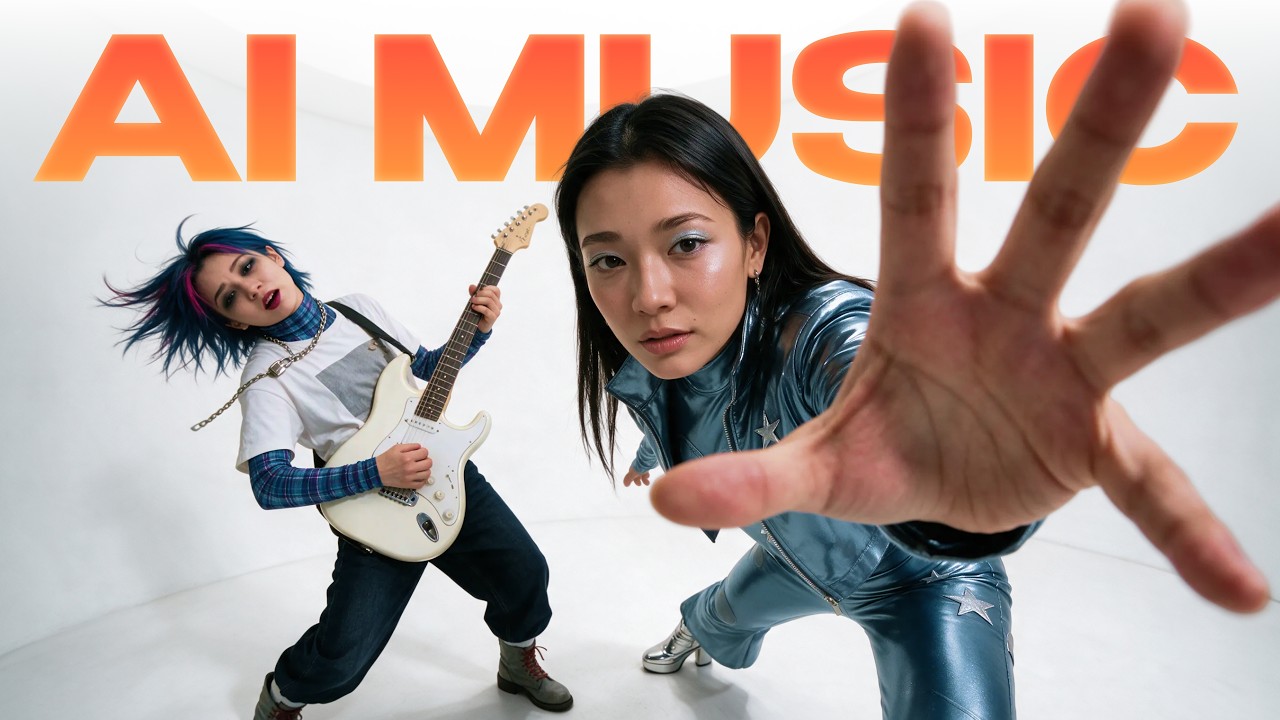
Kaye Creatives breaks down a step-by-step workflow for producing a cinematic AI K-Pop music video using Suno AI, Claude, and Seedance 2.5. The tutorial details prompt generation techniques, character sheet setup for visual consistency, lip-sync execution, and scene generation.
Key takeaways from the creator
AI-extracted notes, not independently verified product claims. Timestamp links let you check each point in the original video.
- 02:54 ↗
Using Claude to draft technically detailed prompts for Suno AI improves music generation quality over basic prompts.
- 04:46 ↗
Excluding unwanted genres via negative style prompts in Suno prevents mid-song genre shifting.
- 05:27 ↗
Generating a pair of song tracks in Suno costs 10 credits (5 credits per track).
- 06:47 ↗
Establishing location images and character sheets prior to video generation prevents shifting backgrounds and unnatural character rendering.
- 07:42 ↗
Building character sheets on clean white studio backgrounds locks facial likeness, body proportions, and wardrobe for video models.
Workflow outlined in the video
- Use Claude to generate technical music prompts containing BPM specs, style tags, negative tags, and structural tags.
- Toggle Suno AI to Advanced Mode and input structured lyrics with performance cues alongside negative style exclusions.
- Generate multi-angle character sheets on white studio backgrounds to establish distinct facial likenesses and outfits before video generation.
- Prepare standardized location visual references to maintain environment consistency across scene takes.
Before you use this workflow
These notes describe the source video at its publication date. Model access, pricing, connectors and interfaces may have changed. Check the original source and the provider’s current documentation before installing an add-on, connecting an account or spending credits.
ReelStack has not independently tested this workflow. Preview one representative shot and check motion, continuity and output quality before applying it to a full production. No result, cost saving or model capability is guaranteed.
Explore the tools
How to interpret the numbers
37,955 views captured 9 November 2026. ReelStack recommendation score: 53/100. Formula: radar-v5. This is ReelStack’s calculation, not a YouTube rating or a measure of factual accuracy.
Show the calculation
- 45% performance: 0.64× views vs 10 other channel videos observed at a similar age. View-evidence factor 97% (views / (views + 1,000))
- 25% freshness: 83/100 with a 14-day half-life
- 20% momentum: 8788 views/day vs 8038 channel baseline (10 comparable uploads), with the same view-evidence factor
- 10% engagement: 50/100; likes + 4× comments, smoothed with a 500-view neutral prior