Official Blender MCP Blocking, Modular Style-Locked Prompts, and 480p Draft-Upscale Staging
AI filmmakers are moving away from monolithic text prompts toward agent-orchestrated pre-production. By deploying the official Blender Model Context Protocol extension to automate 3D animatics and 180-degree camera checks, locking visual style blocks into modular segments to curb token bloat, and vetting scenes in low-cost 480p draft modes, directors can lock cinematic blocking before paying for final high-definition video diffusion.
 FRMWRKD-EXPLAINED
 Dan Kieft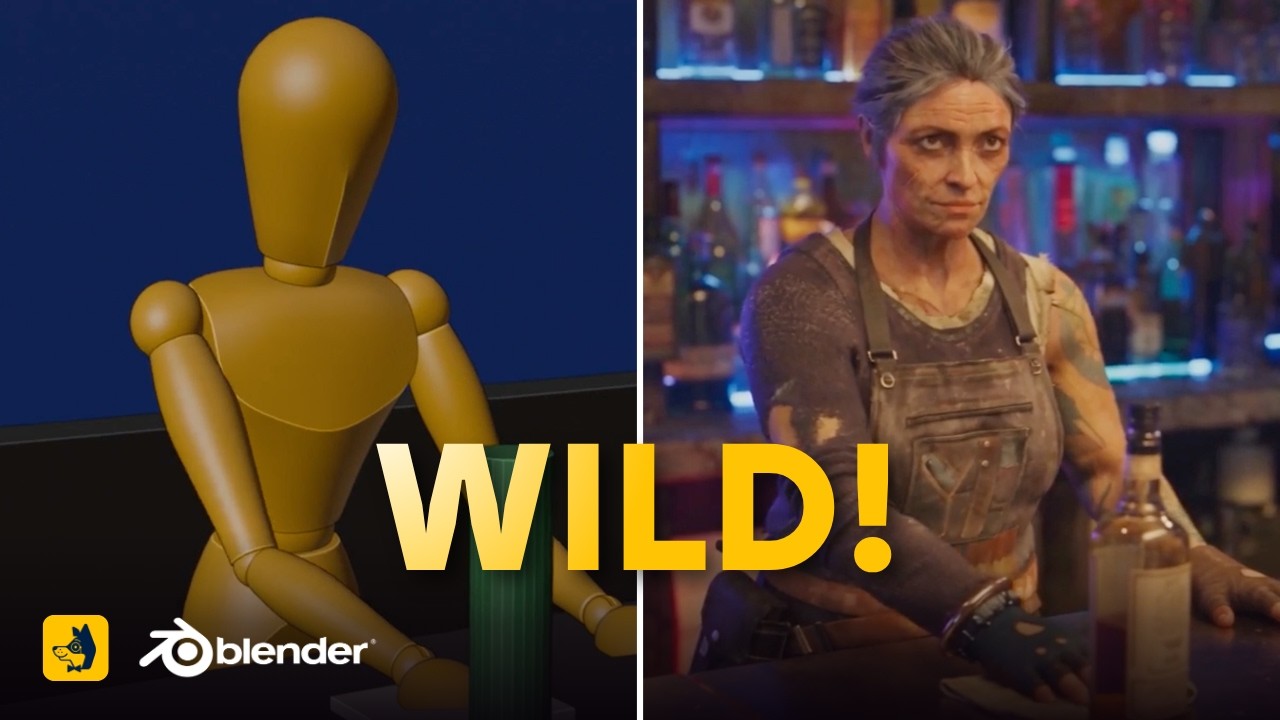
Top learnings
The official Blender MCP add-on allows Claude to build 3D environments, pose rigged characters, enforce the 180-degree camera rule, and export 720p animatics automatically.
Decoupling visual style blocks into persistent modular segments prevents LLMs from rewriting aesthetic parameters across shots, cutting token costs and style drift.
Drafting video takes in Seedance 2.5 480p mode enables cost-effective motion checks before committing credits to a locked-seed 1080p high-definition upscale.
How does an official Blender MCP integration automate 3D animatic blocking and directorial rules?
Natural language prompts often fail to communicate complex spatial choreography, resulting in synthetic camera drifts and wandering perspectives. Manually setting up 3D blocking in software like Blender solves spatial ambiguity, but traditionally requires extensive technical expertise in 3D modeling, lighting, and timeline rigging.
Creator Albert Bozesan demonstrates that directors can bypass the manual Blender interface by connecting Claude Desktop directly to Blender through an official Model Context Protocol (MCP) extension released via Blender Lab. Rather than generating high-end 3D graphics, Claude uses a pre-configured starter kit containing rigged human mannequins and procedural environment generators to stage scenes based on an AI-generated concept image and a text brief.
Crucially, Bozesan highlights that Claude does not just position objects; it actively calculates cinematic framing. In the demonstration, the agent assigned timeline durations based on dramatic action, marked scene cuts, and performed an automated 180-degree line-of-action check to ensure reverse camera angles did not cross the axis and disorient the audience. The agent then exported a 720p animatic video to serve as a visual reference track for downstream video models.
 Curious Refuge
 Read source excerpts 2
MCP. So the creators of Blender provided software and add-on that you can install [music] to let for example claude desktop control blender directly and especially compatibly.
Curious Refuge
really you can tell it it thought about it and [music] it even did a 180 degree check. So this is important in film making right we try to stay on one side of an axis between
Curious Refuge
Why does segmenting prompts into modular Lego blocks and locked styles prevent LLM drift?
When generating sequential storyboard frames across a project, prompting reasoning models to write comprehensive shot descriptions burns excess tokens. More critically, forcing an LLM to re-articulate aesthetic parameters on every shot causes style drift, as the model subtly alters lens characteristics, lighting descriptions, and color palettes.
The creator behind the Reel Lab tool demonstrates that prompts should be constructed like modular Lego blocks. By locking universal visual style rules into an independent style ID, the LLM only generates the changing variables of a specific take, such as subject actions or camera framing. This separation eliminates redundant prose, conserves reasoning tokens, and enforces consistent aesthetics across dozens of continuous scene setups.
In parallel, creator Dan Kieft structures prompt variables using the CTLT framework: Camera, Tone, Lighting, and Texture. Dan shows that isolating physical parameters—such as specifying a 12mm fisheye lens, harsh direct flash, or matte bone surfaces—allows directors to systematically tweak single visual variables. Furthermore, successful aesthetic recipes can be saved into reusable markdown skill files, allowing directors to reload proven visual identities on demand.

Read source excerpts 2
rewritten by the LLM. Now with this application, we basically skip all of that. We write it once and the LLM is actually just focusing on what's changing. Now we could
FRMWRKD-EXPLAINED
images. For this, we'll be using the following method. It's called the CTL method. If you have no idea what it means, let me explain. The C stands for camera, the T stands for
Dan Kieft
How can directors combine agentic blocking and draft-mode rendering into a unified workflow?
Speculative rendering directly in high-definition video diffusion models exhausts budgets quickly when camera trajectories or character poses fail. A disciplined pre-production pipeline separates spatial staging and prompt architecture from final high-resolution video rendering.
Directors can begin pre-production by generating a set environment plate and character turnaround sheets in budget-friendly image engines. Using Claude connected to Blender via the official MCP extension, the director feeds the environment plate into the chat along with scene notes. Claude interprets the image, blocks the virtual room in Blender, poses CC0 rigged proxy characters, animates the virtual camera, and outputs a 720p animatic along with a structured generation prompt.
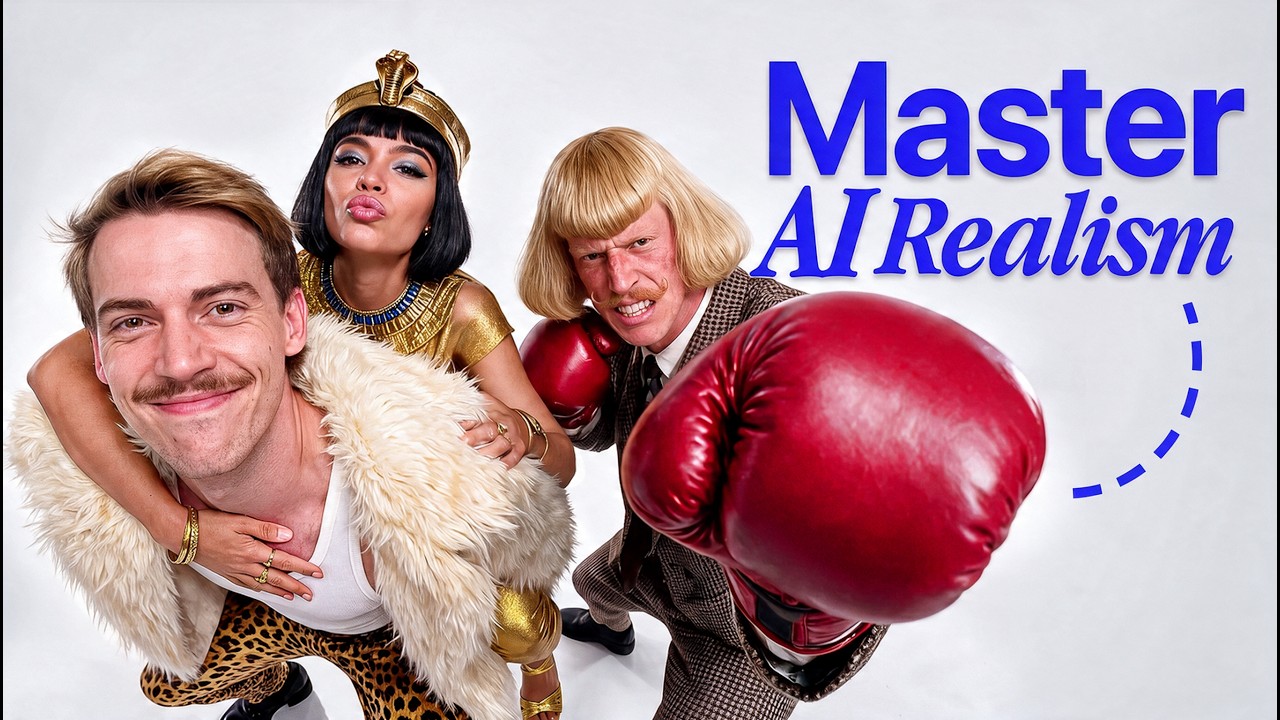
ReelStack suggests routing this 720p animatic and the segmented prompt into Seedance 2.5 using 480p draft mode. As demonstrated by Dan Kieft, running draft-mode generations allows filmmakers to rapidly inspect physical motion and timing at a fraction of standard credit costs. Once the motion dynamics and composition pass review, the filmmaker triggers a native 1080p upscale on the locked generation seed, eliminating wasted high-definition compute.
Read source excerpts 2
it here. And you'll see because this prompt is already prepared, block out the environment from the image, place and pose the characters and set up the cameras. And we're
Curious Refuge
like regenerate over and over again while using like the cheapest type of generation, which is the 480p version. And then once you really like the result that you have, then
Dan Kieft
What operational limits and kinetic glitches constrain automated pre-production?
While MCP connectors and modular prompting tools streamline pipeline setup, automated orchestration introduces distinct mechanical limitations that require human inspection.
In Albert Bozesan's Blender MCP test, automated character posing produced kinetic glitches: an actor proxy exhibited accidental wrist twisting and unnatural joint rotations due to imperfect keyframing by the language model. Directors must visually audit the exported 3D animatic before using it to steer diffusion models, as warped proxy limbs can contaminate the downstream video generation.
Additionally, automated prompt assembly can break when transferring workflows across external interfaces. In Reel Lab, the creator notes that copying a batch of LLM-generated prompts into external batch agents like Google Flow resulted in generated frames that ignored character references because image attachments were not passed along with the text. Furthermore, model evaluations by Dan Kieft confirm that older models like Flux 2.0 Pro can outperform newer iterations like Flux 3 in photographic realism, yet still fail to render text timestamps accurately. Filmmakers must test models empirically rather than assuming newer version numbers guarantee superior fidelity.
Read source excerpts 2
going on here, which I'm sure is by accident because it didn't key frame quite right. The wrists are kind of out by his sides, which I don't think is a stylistic choice. It
Curious Refuge
will generate the images here on Google Flow for me. Let's see what we will get. Yeah, and here is exactly the problem. It generates those images. The images are looking good,
FRMWRKD-EXPLAINED
Key moments to explore
Optional deep divesWant to see a technique in action? Jump into the source videos. These AI-extracted timestamps may be approximate.
- 01:30 ↗Blender's open-source architecture makes it directly compatible with AI-controlled workflows via official add-ons.Curious Refuge · Here’s how Hollywood is Directing Their AI Films
- 0:40 ↗Locking the visual style separately prevents the LLM from redundantly rewriting aesthetic parameters on every shot.FRMWRKD-EXPLAINED · The Most Efficient Prompt Builder (FREE)
- 02:17 ↗Testing the same prompt across diverse image models reveals significant stylistic and realism differences, with older or alternative models often outperforming newer iterations.Dan Kieft · How I Make Realistic AI Videos with Seedance 2.5 - Full Guide
- 02:07 ↗The official Blender MCP add-on allows Claude Desktop to steer camera motion and composition directly inside the 3D workspace.Curious Refuge · Here’s how Hollywood is Directing Their AI Films
- 1:19 ↗Restricting LLM generation strictly to changing shot elements conserves token expenditure and speeds up generation workflows.FRMWRKD-EXPLAINED · The Most Efficient Prompt Builder (FREE)
- 04:44 ↗Image generation costs are significantly lower than video generation, making broad multi-model image testing an efficient pre-production step.Dan Kieft · How I Make Realistic AI Videos with Seedance 2.5 - Full Guide
Put it into practice
Plan camera movement with Blender →Practical steps and checks before committing to production.Turn an AI film brief into a shot plan →Practical steps and checks before committing to production. Get the practical weekly briefing →The useful ideas in one email. Subscribe to keep learning. Need a filmmaker for your project? →Tell us what you want to make and submit a project brief.Go to the source
3 videos