Debunking the Draft Mode Quality Myth and Scaling Consistency with Video Reference Sheets
Filmmakers can reduce AI video costs by over 50% by adopting a draft-first workflow and using multi-panel storyboards to lock visual continuity. Empirical tests show that upscaling from 480p drafts in Seedance 2.5 matches direct high-resolution renders, while 360-degree video character references solve the visual drift common in static image-to-video workflows.
 Curious Refuge
 Youri van Hofwegen
Top learnings
Use Seedance 2.5 Draft Mode (480p) for all initial iterations; upscaling the final approved take preserves detail while cutting costs by up to 70%.
Create 360-degree video character references instead of just static images to ensure consistent hair, clothing, and movement across different camera angles.
Match the model to the task—use Cling 4.0 for secondary cinematic shots and Gemini Omni Flash for typography to avoid wasting premium credits on simple renders.
Does Seedance 2.5 Draft Mode actually degrade final quality?
A common concern among AI filmmakers is that generating in low-resolution draft mode (480p) and then upscaling results in lower fidelity than a direct high-resolution render. However, empirical testing by Caleb at Curious Refuge debunks this. Because Seedance 2.5 uses contextual upscaling—meaning it refers back to the original high-resolution image assets during the upscale pass—the final 1080p or 4K output is virtually identical to a direct render.
Karima demonstrates that this draft-first approach is the most effective way to protect production budgets. By testing motion and physics in 480p, which costs significantly fewer credits, directors can iterate on prompts until the performance is perfect. Once satisfied, the upscale button locks that exact take, preventing the model from 'rolling the dice' again and changing the camera angle or facial expression as it would in a fresh high-resolution generation.

Read source excerpts 2
space that if you work inside of the draft mode that the quality of your upresed footage inside of Cance 2.5 ends up being worse. And of course, that would be a huge problem
Curious Refuge
you get the exact generation in bash you love, you don't regenerate at all. You just click [music] the upscale button right on that clip and it turns that exact video into a
kaye.creatives
How do video character references solve the 'bad hair day' problem?
While static character sheets (showing front, back, and side views) are a standard for consistency, they often fail to provide enough data for complex movements or hidden details. Amina from Kixwood Animation notes that static sheets often lead to 'strange' hair rendering when a character removes a helmet or turns quickly, because the model has never seen the full hairstyle in motion.
To solve this, filmmakers are now creating 360-degree video character references. This involves generating a short clip of the character introducing themselves and performing a full turn. This video asset is then used as a reference for subsequent scene generations. This ensures the model understands the character's dynamic volume, such as how hair moves or how a visor functions, which static images cannot convey.

 Higgsfield AI
Read source excerpts 2
readable still. Now let's bring this reference together in a video character sheet. It's a short clip showing Janie from different angles with some movement and a line of
Higgsfield AI
Okay, most of it works. But look at her hair when she takes off her helmet. It looks a little strange. [music] We've only given the model images with the helmet on, so it
Higgsfield AI
When should you switch from Seedance 2.5 to budget-friendly models?
Using a high-end cinematic model like Seedance 2.5 for every task is a common cause of credit exhaustion. Karima suggests a tiered model-matching strategy. For secondary cinematic shots where ultra-realism on faces isn't the primary focus, Cling 4.0 provides 80-90% of the quality for a fraction of the cost.
For specific technical tasks, specialized models outperform general cinematic ones. MiniMax H3 is recommended for stylized animation, while Gemini Omni Flash is more efficient for 2D typography and motion graphics. Using a heavy cinema model for flat text is described as 'hiring a film crew to make a slide deck.' Filmmakers should audit the credit indicator on the generate button, as resolution shifts from 720p to 4K can increase costs by over 100 credits per clip.
 kaye.creatives
Read source excerpts 2
But look back at the Clink's version. [music] It is honestly pretty good actually. So if you need a cheaper option that gets you 80 to 90% of your desired result, Clink is
kaye.creatives
Gemini Omni Flash instead. So the typography movement and transitions come out as sharp but for a fraction of the credits. So you have the same prompt a different model and
kaye.creatives
How do AI storyboards and timed prompts lock multi-shot continuity?
Maintaining consistency across a 20-30 scene project is difficult when generating shots individually. A more efficient workflow involves using AI storyboards. By using models like Nana Banana or Cream 5.5, creators can generate a six-panel layout in a single image generation. This locks the lighting, wardrobe, and framing across the entire sequence before any video is rendered.
Once the visual map is established, Youri van Hofwegen recommends structuring video prompts with explicit second-by-second shot breakdowns (e.g., '0-5 seconds: character walks, 5-10 seconds: character turns'). This prevents the scene logic from breaking down during longer 25-second generations. ReelStack suggests combining these methods: use a multi-panel storyboard to define the look, then use the individual panels as image references for timed video prompts.

Read source excerpts 2
The prompt splits the 25 seconds into five shots with the exact seconds written next to each one, which is the biggest thing you can do to get a long video right the first
Youri van Hofwegen
Hicksfield and choose Nana Banana, which in my opinion is the best option for multi-panel layouts because it handles spatial logic across multiple frames so well. But you can
kaye.creatives
What are the limitations of a fully automated AI pipeline?
Despite the power of these tools, a 'hybrid' workflow remains necessary for professional results. Amina emphasizes that AI-generated bases often require manual digital paint-overs to refine details like helmet visors or specific textures that the model might struggle to interpret from text alone.
Furthermore, while draft-mode upscaling is highly effective, it still requires a high-resolution starting image to provide the necessary context. If the initial reference assets are low-quality, the upscale will reflect those deficiencies. Directors must also be wary of 'IP restrictions' in flagship models like Seedance, which may block generations involving copyrighted styles, whereas budget models like MiniMax often have fewer restrictions.
Read source excerpts 2
changing faces, adjusting clothing, and adding details. [music] For us, that hybrid workflow is the key to unleashing the full potential of both traditional animation and AI.
Higgsfield AI
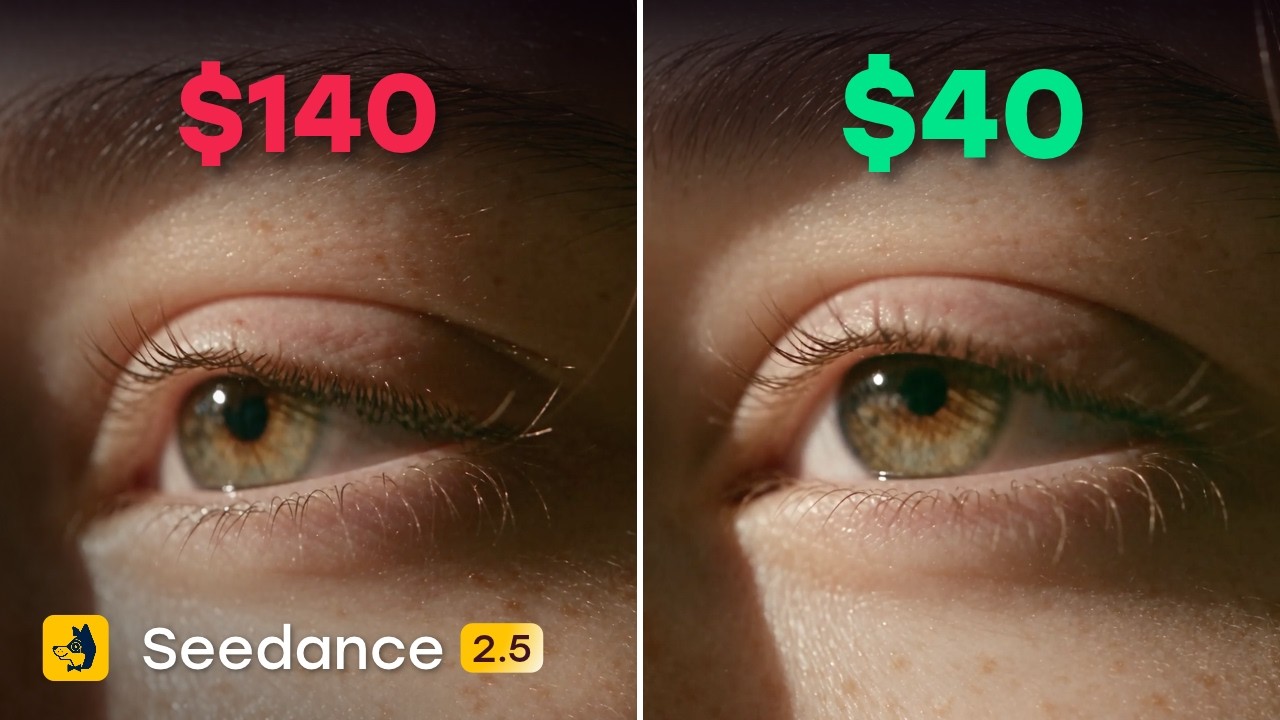
makes a massive difference. The exact same 5-second clip can jump from 15 credits to 80 or even 140 credits just from resolution and audio settings alone. So, checking that
kaye.creatives
Key moments to explore
Optional deep divesWant to see a technique in action? Jump into the source videos. These AI-extracted timestamps may be approximate.
- 01:08 ↗Seedance 2.5 draft mode lets filmmakers test framing and motion dynamics at 480p resolution prior to committing high-resolution renders.Curious Refuge · Here’s How to Cut Your Seedance 2.5 Costs in Half
- 01:06 ↗Matching specific AI models to individual creative tasks prevents credit exhaustion compared to using high-end models universally.kaye.creatives · 3 Steps to Stop Wasting Your AI Credits on Video Generation
- 02:27 ↗Claude can analyze script requirements to write structured text prompts for character asset creation.Higgsfield AI · How To Make AI Animation That Doesn't Look Generic (Full Breakdown)
- 01:45 ↗Generating a three-view character sheet (front, back, and close-up) with flat studio lighting ensures facial consistency and adaptability to new scene lighting.Youri van Hofwegen · STOP Wasting Credits & Master Higgsfield AI in 13 Minutes
- 03:07 ↗Rendering a 5-second clip directly in 1080p costs roughly 4,000 credits ($4), whereas draft mode costs only 1,000 credits ($1) for initial iteration.Curious Refuge · Here’s How to Cut Your Seedance 2.5 Costs in Half
- 02:16 ↗Reviewing the generate button's credit indicator in real-time reveals how resolution shifts (720p vs 4K) and duration changes exponentially increase costs.kaye.creatives · 3 Steps to Stop Wasting Your AI Credits on Video Generation
Put it into practice
Turn an AI film brief into a shot plan →Practical steps and checks before committing to production. Get the practical weekly briefing →The useful ideas in one email. Subscribe to keep learning. Need a filmmaker for your project? →Tell us what you want to make and submit a project brief.Go to the source
4 videos