Here’s How to Cut Your Seedance 2.5 Costs in Half
Demonstrates how leveraging Seedance 2.5 draft mode alongside context-aware upscaling cuts AI video production expenses dramatically without sacrificing visual quality compared to direct high-res renders.
What this lesson covers
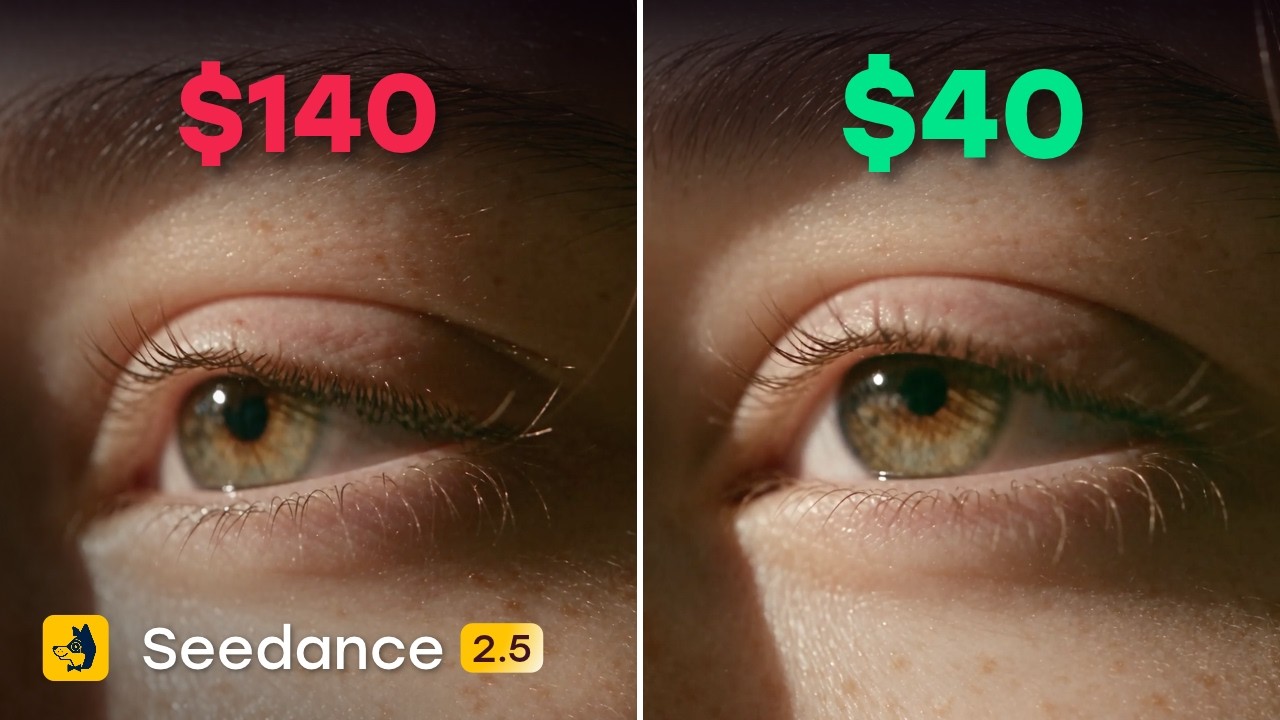
Caleb from Curious Refuge tests whether rendering videos in Seedance 2.5 Draft Mode harms output quality compared to direct high-resolution rendering. The tests reveal that contextual upscaling from 480p drafts yields virtually identical fidelity while significantly reducing overall credit expenditures.
Key takeaways from the creator
AI-extracted notes, not independently verified product claims. Timestamp links let you check each point in the original video.
- 01:08 ↗
Seedance 2.5 draft mode lets filmmakers test framing and motion dynamics at 480p resolution prior to committing high-resolution renders.
- 03:07 ↗
Rendering a 5-second clip directly in 1080p costs roughly 4,000 credits ($4), whereas draft mode costs only 1,000 credits ($1) for initial iteration.
- 04:46 ↗
Upscaling an approved 480p draft via Seedance 2.5 HD mode produces visual quality comparable to generating high-resolution video directly from scratch.
- 07:12 ↗
Unlike traditional AI video upscalers such as Topaz, Seedance 2.5 contextual upscaling uses original image references to preserve text and fine details during upscaling.
- 08:42 ↗
Adopting a draft-first iteration workflow reduces total generation budgets significantly across longer AI video productions.
Workflow outlined in the video
- Upload reference assets (such as character designs and studio environments) into Seedance 2.5 within Magnific or your chosen platform aggregator.
- Write prompt descriptions defining character actions, studio lighting, and environmental context using image reference tags.
- Select Draft Mode (480p resolution) to test shot dynamics, timing, and physics at lower credit costs.
- Evaluate the draft clip to ensure physical motion and scene composition meet project requirements.
- Click 'Generate in HD' on the draft result to render out a 1080p or 4K context-aware upscale.
Before you use this workflow
These notes describe the source video at its publication date. Model access, pricing, connectors and interfaces may have changed. Check the original source and the provider’s current documentation before installing an add-on, connecting an account or spending credits.
ReelStack has not independently tested this workflow. Preview one representative shot and check motion, continuity and output quality before applying it to a full production. No result, cost saving or model capability is guaranteed.
Explore the tools
How to interpret the numbers
18,577 views captured 28 November 2026. ReelStack recommendation score: 59/100. Formula: radar-v5. This is ReelStack’s calculation, not a YouTube rating or a measure of factual accuracy.
Show the calculation
- 45% performance: 1.19× views vs 18 other channel videos observed at a similar age. View-evidence factor 95% (views / (views + 1,000))
- 25% freshness: 85/100 with a 14-day half-life
- 20% momentum: 1303 views/day vs 1271 channel baseline (18 comparable uploads), with the same view-evidence factor
- 10% engagement: 54/100; likes + 4× comments, smoothed with a 500-view neutral prior