Which AI Image Generator Should You Actually Use?
Provides an objective feature and performance comparison of top AI image generators to optimize tool selection for production.
What this lesson covers
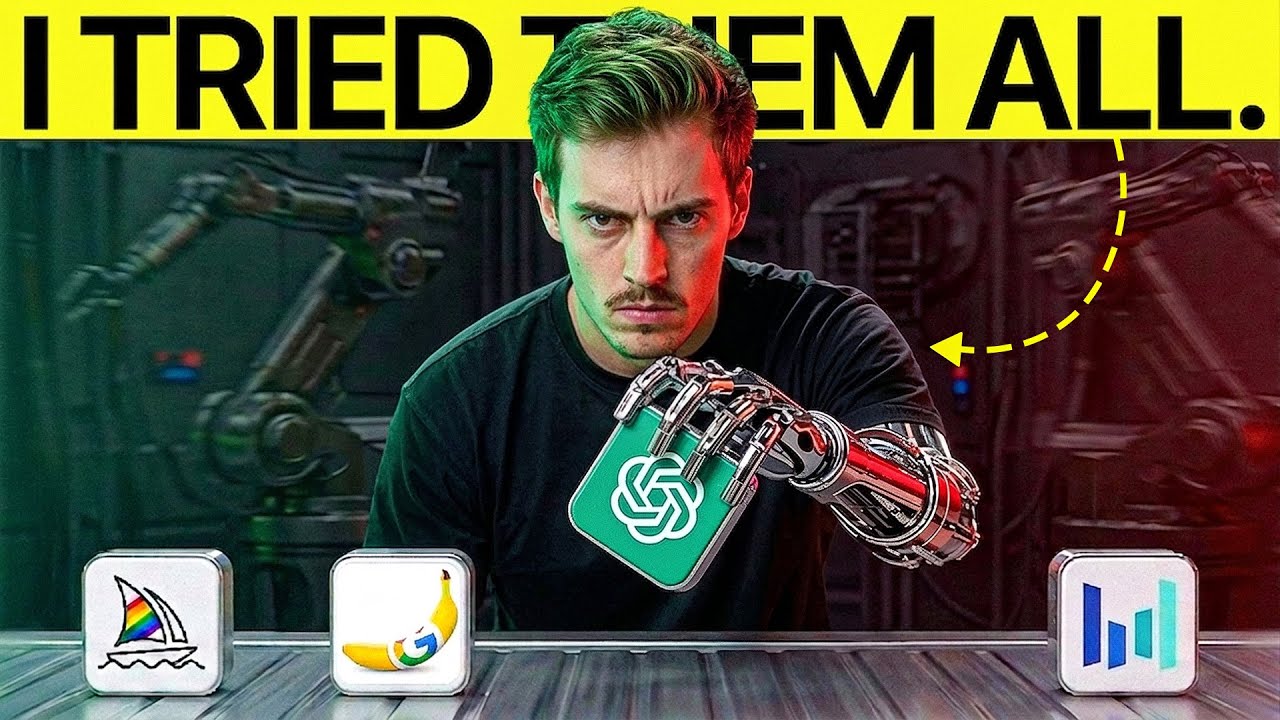
This video compares three leading AI image generators—GPT Image 2, Nano Banana Pro, and Midjourney V8.1—across various prompts and settings. The creator evaluates their strengths in realism, text rendering, and art styles to help filmmakers choose the right tool.
Key takeaways from the creator
AI-extracted notes, not independently verified product claims. Timestamp links let you check each point in the original video.
- 01:23 ↗
GPT Image 2 offers low, medium, and high fidelity settings, where high provides the best details despite higher credit costs.
- 02:47 ↗
Nano Banana Pro delivers better texture and accurate lighting, while Nano Banana 2 is faster, cheaper, and superior at text rendering.
- 03:30 ↗
Midjourney V8.1 excels in artistic styles and deep parameter customization but requires a steeper learning curve.
- 05:20 ↗
Combining structured instruction files (MD files) helps standardize complex prompts across different image generators.
Workflow outlined in the video
- Assess your project requirements to choose between speed (Nano Banana 2) and maximum fidelity (GPT Image 2 high setting).
- Utilize Midjourney for highly stylized artistic renders and complex aesthetic personalizations.
- Test prompts side-by-side using a structured board or document to compare generator performance.
- Leverage cheaper model tiers for iterative drafting and reserve high-cost settings for final renders.
Before you use this workflow
These notes describe the source video at its publication date. Model access, pricing, connectors and interfaces may have changed. Check the original source and the provider’s current documentation before installing an add-on, connecting an account or spending credits.
ReelStack has not independently tested this workflow. Preview one representative shot and check motion, continuity and output quality before applying it to a full production. No result, cost saving or model capability is guaranteed.
Explore the tools
How to interpret the numbers
102,071 views captured 23 October 2026. ReelStack recommendation score: 40/100. Formula: radar-v5. This is ReelStack’s calculation, not a YouTube rating or a measure of factual accuracy.
Show the calculation
- 45% performance: 1.10× views vs 8 other channel videos observed at a similar age. View-evidence factor 99% (views / (views + 1,000))
- 25% freshness: 0/100 with a 14-day half-life
- 20% momentum: 571 views/day vs 113 channel baseline (4 comparable uploads), with the same view-evidence factor
- 10% engagement: 5/100; likes + 4× comments, smoothed with a 500-view neutral prior