This NEW Tool SOLVED Character Consistency & Creates Every Camera Angle
Artlist Studio represents a significant shift toward integrated, centralized hubs for AI filmmakers trying to escape fragmented workflows.
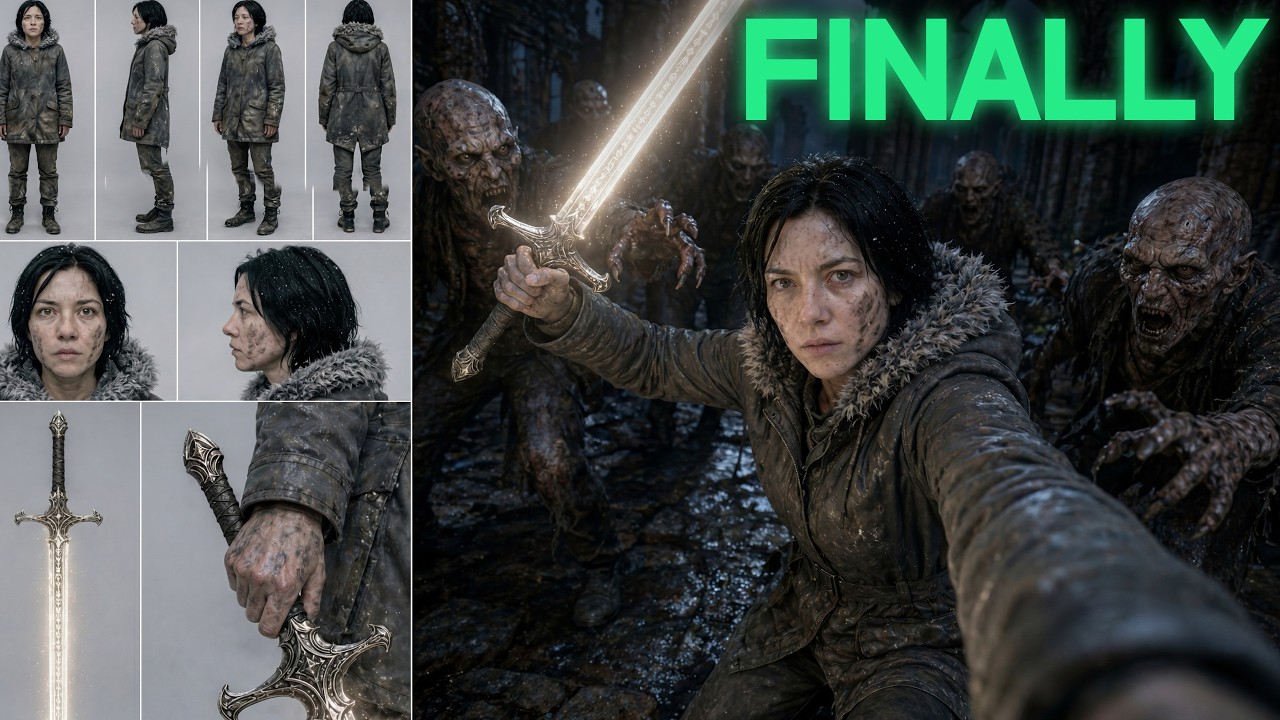
What this lesson covers
This video provides a complete walkthrough of Artlist Studio, an all-in-one platform designed to streamline AI filmmaking. It demonstrates how to achieve character and location consistency while combining top-tier image and video generation models.
Key takeaways from the creator
AI-extracted notes, not independently verified product claims. Timestamp links let you check each point in the original video.
- 00:05 ↗
Artlist Studio integrates multiple state-of-the-art AI models into a single workspace to eliminate clunky multi-tool workflows.
- 01:53 ↗
The platform separates 'framing' (image generation with options like GPT Image 2 or Nano Banana Pro) from 'directing' (image-to-video timeline editing).
- 04:08 ↗
Users can upload reference images to establish exact-match characters and locations for total consistency.
- 05:17 ↗
Character creation includes automatic angle generation for character sheets and voice selection to lock in vocal consistency.
- 08:46 ↗
The built-in Motion Library allows filmmakers to apply specific camera motions, such as tracking shots, directly to video generations.
Workflow outlined in the video
- Open Artlist Studio and create a new project workspace.
- Add a new character by uploading a reference image and choosing exact match or style reference.
- Generate alternative character angles and select a consistent voice profile.
- Set up persistent locations by uploading concept or reference sheets.
- Generate individual framing shots, then switch to the directing timeline to apply motion library camera movements.
Before you use this workflow
These notes describe the source video at its publication date. Model access, pricing, connectors and interfaces may have changed. Check the original source and the provider’s current documentation before installing an add-on, connecting an account or spending credits.
ReelStack has not independently tested this workflow. Preview one representative shot and check motion, continuity and output quality before applying it to a full production. No result, cost saving or model capability is guaranteed.
How to interpret the numbers
6,612 views captured 22 October 2026. ReelStack recommendation score: 25/100. Formula: radar-v5. This is ReelStack’s calculation, not a YouTube rating or a measure of factual accuracy.
Show the calculation
- 65% performance: 0.45× views vs 5 other channel videos observed at a similar age. View-evidence factor 87% (views / (views + 1,000))
- 25% freshness: 0/100 with a 14-day half-life
- Momentum pending: collecting daily snapshots; its 20% weight goes to observed performance, not free points
- 10% engagement: 73/100; likes + 4× comments, smoothed with a 500-view neutral prior