The Magic Hour AI Workflow That Makes AI Look 100% Real
This workflow highlights how combining specialized fast image generators with advanced video animation models like Kling 3.0 can drastically cut down production time while retaining cinematic realism.
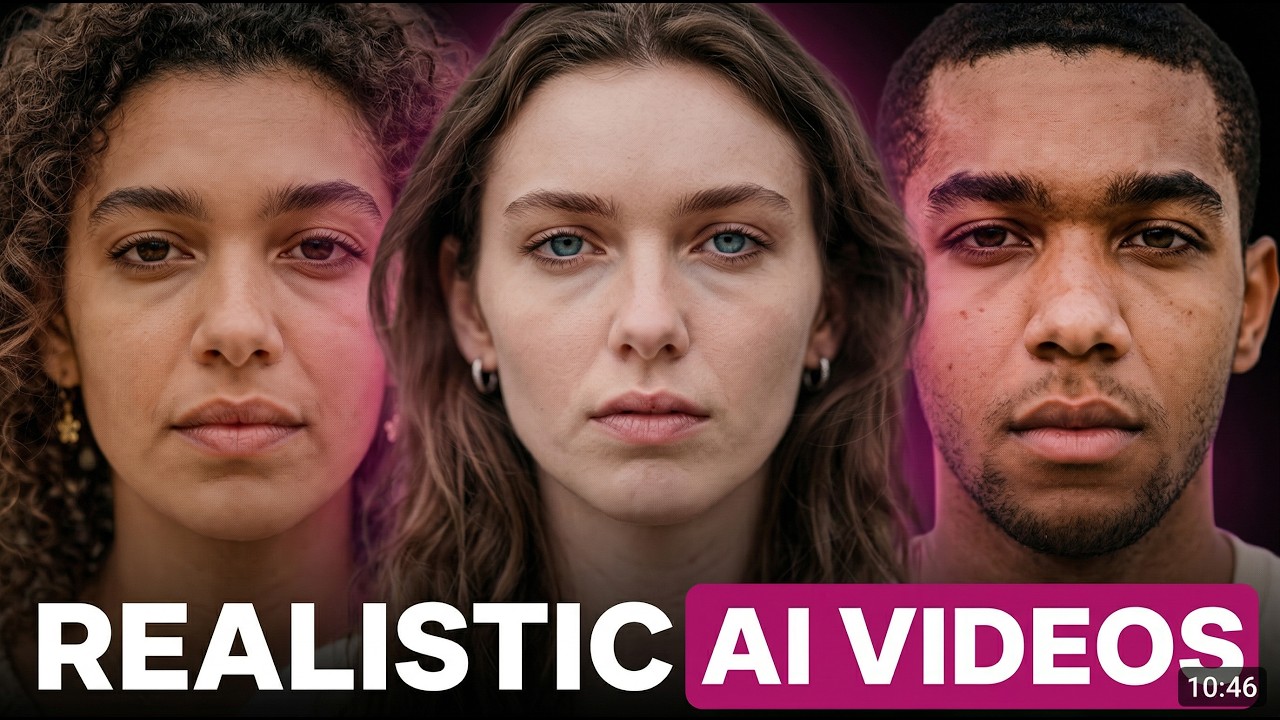
What this lesson covers
Diego Galvao demonstrates a streamlined workflow inside Magic Hour AI to produce ultra-realistic character generation and animation. He covers rapid image creation using Z Image Turbo, prompt structuring with Portrait Studio, and animating stills with Kling 3.0.
Key takeaways from the creator
AI-extracted notes, not independently verified product claims. Timestamp links let you check each point in the original video.
- 01:05 ↗
Magic Hour AI provides rapid generations and an all-in-one UI for image creation, editing, and video animation.
- 01:25 ↗
Z Image Turbo offers significantly faster generation speeds and lower credit costs compared to other models while maintaining high quality.
- 03:15 ↗
Portrait Studio assists in composing detailed prompts by selecting shot types, subjects, and camera parameters without manual typing.
- 05:30 ↗
Kling 3.0 serves as a reliable video generation model for image-to-video tasks, preserving input realism and generating natural lip movements.
Workflow outlined in the video
- Sign up for Magic Hour AI to access integrated image and video generation tools.
- Use Z Image Turbo for fast and cost-effective base image generation.
- Employ a prompt builder like Portrait Studio to structure detailed character and scene descriptions.
- Animate your generated stills using Kling 3.0 via the image-to-video feature for realistic motion.
Before you use this workflow
These notes describe the source video at its publication date. Model access, pricing, connectors and interfaces may have changed. Check the original source and the provider’s current documentation before installing an add-on, connecting an account or spending credits.
ReelStack has not independently tested this workflow. Preview one representative shot and check motion, continuity and output quality before applying it to a full production. No result, cost saving or model capability is guaranteed.
How to interpret the numbers
1,517 views captured 22 October 2026. ReelStack recommendation score: 11/100. Formula: radar-v5. This is ReelStack’s calculation, not a YouTube rating or a measure of factual accuracy.
Show the calculation
- 65% performance: 0.18× views vs 4 other channel videos observed at a similar age. View-evidence factor 60% (views / (views + 1,000))
- 25% freshness: 0/100 with a 14-day half-life
- Momentum pending: collecting daily snapshots; its 20% weight goes to observed performance, not free points
- 10% engagement: 48/100; likes + 4× comments, smoothed with a 500-view neutral prior