The Easiest Way to Make 3D Previz for AI Movies (Without Opening Blender)
AI Video School demonstrates how to bypass Blender's interface entirely by delegating graybox animation and camera choreography to ChatGPT, drastically cutting generation credit burn in Seedance 2.5.
What this lesson covers
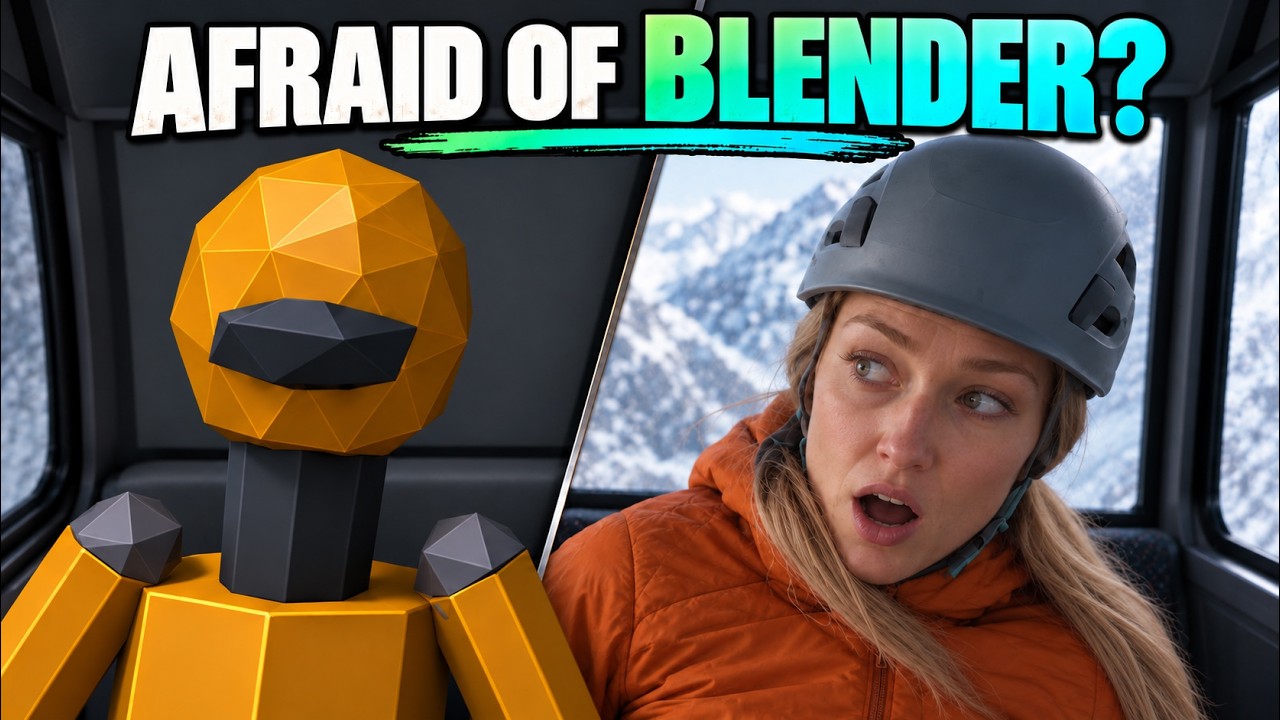
This tutorial details how to produce complex 3D camera and environmental previz by running Blender headlessly through ChatGPT desktop work mode. The resulting graybox motion passes are paired with character references in OpenArt to drive structured Seedance 2.5 generations without manual 3D animation skills.
Key takeaways from the creator
AI-extracted notes, not independently verified product claims. Timestamp links let you check each point in the original video.
- 01:23 ↗
Using 3D graybox previs to define camera paths and environment layouts before generation significantly reduces credit waste compared to trial-and-error text prompting.
- 05:18 ↗
ChatGPT desktop's work feature can execute commands locally on your machine to control Blender without opening the Blender user interface.
- 06:56 ↗
Removing the 3D character mesh from the final previz render and feeding only the environment and camera motion prevents blocky, unnatural character artifacts in AI video models.
- 07:31 ↗
ChatGPT can generate custom review rooms with timestamped frame scrubbing, enabling granular adjustments to camera speed and keyframe triggers.
- 08:17 ↗
Iterating motion timing and blocking in local graybox drafts first prevents burning expensive high-resolution generation credits in Seedance 2.5.
Workflow outlined in the video
- Download and install Blender locally so it is accessible as a command-line tool on your computer.
- Open ChatGPT desktop, navigate to the work tab, and permit it to run tasks directly on your local computer.
- Prompt ChatGPT with your scene blocking, timing requirements, and camera movements to generate the Blender scene headlessly.
- Review the generated previz inside ChatGPT's playback interface, adjusting timing and object behavior via timestamped notes.
- Export the environment-only and camera-only graybox video passes to isolate camera motion from character geometry.
- Use Nano Banana 2.1 in OpenArt to create or adjust your character reference sheet wardrobes.
- Upload the graybox motion video and character reference into Seedance 2.5 in OpenArt using draft mode first to verify choreographic alignment.
Before you use this workflow
These notes describe the source video at its publication date. Model access, pricing, connectors and interfaces may have changed. Check the original source and the provider’s current documentation before installing an add-on, connecting an account or spending credits.
ReelStack has not independently tested this workflow. Preview one representative shot and check motion, continuity and output quality before applying it to a full production. No result, cost saving or model capability is guaranteed.
Explore the tools
Put the lesson in context
When to use Blender previsualization for AI video →How to interpret the numbers
30,568 views captured 22 October 2026. ReelStack recommendation score: 72/100. Formula: radar-v5. This is ReelStack’s calculation, not a YouTube rating or a measure of factual accuracy.
Show the calculation
- 45% performance: 2.56× views vs 6 other channel videos observed at a similar age. View-evidence factor 97% (views / (views + 1,000))
- 25% freshness: 68/100 with a 14-day half-life
- 20% momentum: 2218 views/day vs 136 channel baseline (3 comparable uploads), with the same view-evidence factor
- 10% engagement: 49/100; likes + 4× comments, smoothed with a 500-view neutral prior