The Complete AI Filmmaking Masterclass Everyone’s Missing (Full Tutorial)
An essential workflow guide for indie AI filmmakers looking to elevate dialogue acting, character consistency, and action choreography using video-based reference elements and prompt orchestration.
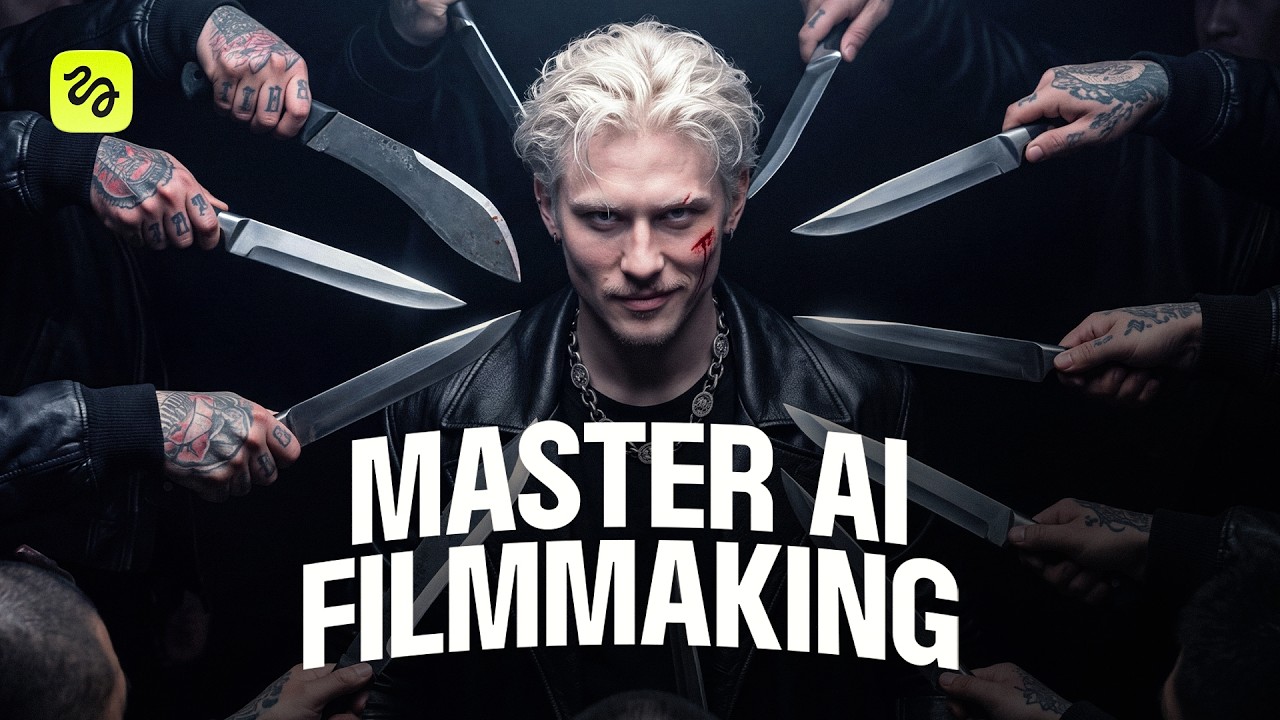
What this lesson covers
Higgsfield AI demonstrates the end-to-end production process for creating an action short film in Cinema Studio, from character design and voice matching to fight choreography and shot extensions. The creator highlights workflow techniques including video reference elements, Claude prompting skills, and draft generation strategies to optimize credits.
Key takeaways from the creator
AI-extracted notes, not independently verified product claims. Timestamp links let you check each point in the original video.
- 01:05 ↗
Structuring Cinema Studio projects with dedicated folders per scene and subfolders for characters, locations, and props simplifies asset tracking across production.
- 02:08 ↗
Applying external reference photos for hair strands, skin pores, and fabrics to character model sheets removes plastic AI artifacts and improves texture quality.
- 03:45 ↗
Utilizing video elements paired with voice recordings instead of static image elements yields significantly more natural facial movement and expressive dialogue delivery.
- 05:23 ↗
Establishing consistent lens focal lengths and anamorphic parameters in Claude prompt skills ensures unified cinematic depth and bokeh across multiple scenes.
- 07:02 ↗
Generating initial shot batches at 480p to verify framing and blocking before regenerating final selects at 1080p substantially reduces credit consumption.
Workflow outlined in the video
- Create character base images with Claude-generated prompts and refine skin and hair textures using model sheets and photographic references.
- Record clean vocal samples and animate character stills into reusable video elements to capture realistic facial motion and speech.
- Define location prompts using specific anamorphic lens specifications to establish consistent environmental lighting and depth of field.
- Input scene briefs and element asset tags into Claude using structured prompt skills to generate time-coded camera moves and blocking.
- Render test batches in Seedance 2.5 at 480p, evaluate performance variations, and recreate final selects at 1080p for the final edit.
Before you use this workflow
These notes describe the source video at its publication date. Model access, pricing, connectors and interfaces may have changed. Check the original source and the provider’s current documentation before installing an add-on, connecting an account or spending credits.
ReelStack has not independently tested this workflow. Preview one representative shot and check motion, continuity and output quality before applying it to a full production. No result, cost saving or model capability is guaranteed.
Explore the tools
How to interpret the numbers
174,053 views captured 30 October 2026. ReelStack recommendation score: 55/100. Formula: radar-v5. This is ReelStack’s calculation, not a YouTube rating or a measure of factual accuracy.
Show the calculation
- 65% performance: 1.00× current views vs the channel's recent median; same-age history is not yet available. View-evidence factor 99% (views / (views + 1,000))
- 25% freshness: 75/100 with a 14-day half-life
- Momentum pending: collecting daily snapshots; its 20% weight goes to observed performance, not free points
- 10% engagement: 36/100; likes + 4× comments, smoothed with a 500-view neutral prior