The Biggest Week of AI Film News So Far
As native video platforms roll out advanced element-to-video and editing features, filmmakers must evaluate whether these iteration speeds are genuinely practical for professional pipelines.
What this lesson covers
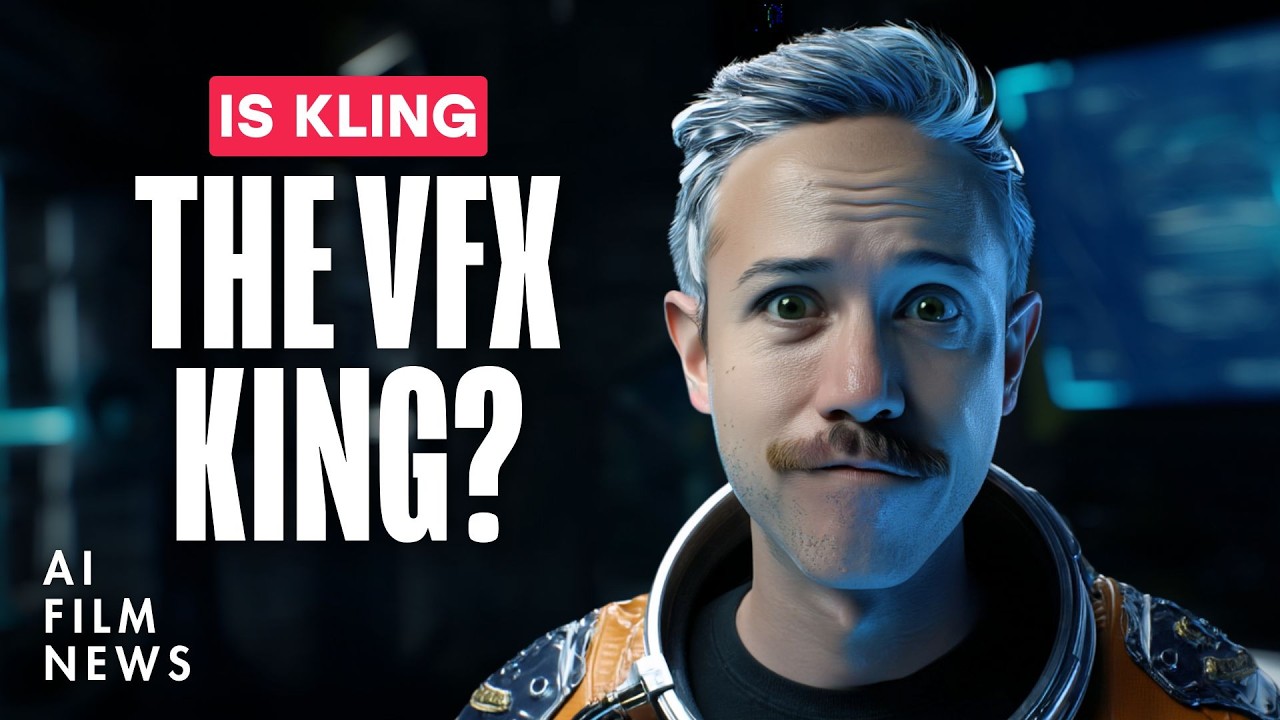
This news roundup highlights major updates across the AI film ecosystem, focusing heavily on Kling's new Omni Launch Week features including Kling 01. The episode also touches on new models, image editors, and ongoing industry partnerships.
Key takeaways from the creator
AI-extracted notes, not independently verified product claims. Timestamp links let you check each point in the original video.
- 01:04 ↗
Kling 01 was introduced as a new tool enabling users to upload up to seven images, videos, and elements to synthesize 2K outputs up to 10 seconds long.
- 03:30 ↗
Kling 01 supports conversational natural language prompting and allows direct image name referencing within its interface.
- 07:42 ↗
Color grading and lighting changes in Kling 01 can successfully match an uploaded reference image, though outputs are currently limited to 8-bit.
- 07:25 ↗
Character replacement using Kling 01 elements-to-video workflow produced severe warping and inconsistent likenesses, proving currently unviable for professional pipelines.
Workflow outlined in the video
- Test Kling 01's element-to-video features using multi-image references for object swapping and scene adjustments.
- Utilize Kling 01's video style transfer capabilities to match the color grading and lighting of reference images.
- Combine AI video outputs with external upscalers to enhance crisp details and mitigate softness in final generations.
Before you use this workflow
These notes describe the source video at its publication date. Model access, pricing, connectors and interfaces may have changed. Check the original source and the provider’s current documentation before installing an add-on, connecting an account or spending credits.
ReelStack has not independently tested this workflow. Preview one representative shot and check motion, continuity and output quality before applying it to a full production. No result, cost saving or model capability is guaranteed.
Explore the tools
How to interpret the numbers
25,249 views captured 23 October 2026. ReelStack recommendation score: 42/100. Formula: radar-v5. This is ReelStack’s calculation, not a YouTube rating or a measure of factual accuracy.
Show the calculation
- 65% performance: 1.16× current views vs the channel's recent median; same-age history is not yet available. View-evidence factor 96% (views / (views + 1,000))
- 25% freshness: 0/100 with a 14-day half-life
- Momentum pending: collecting daily snapshots; its 20% weight goes to observed performance, not free points
- 10% engagement: 81/100; likes + 4× comments, smoothed with a 500-view neutral prior