The BEST local AI music generator is here! Free & unlimited
Open-source local music generators like ACE-Step 1.5 XL empower filmmakers to produce custom, royalty-free soundtracks without cloud subscription costs.
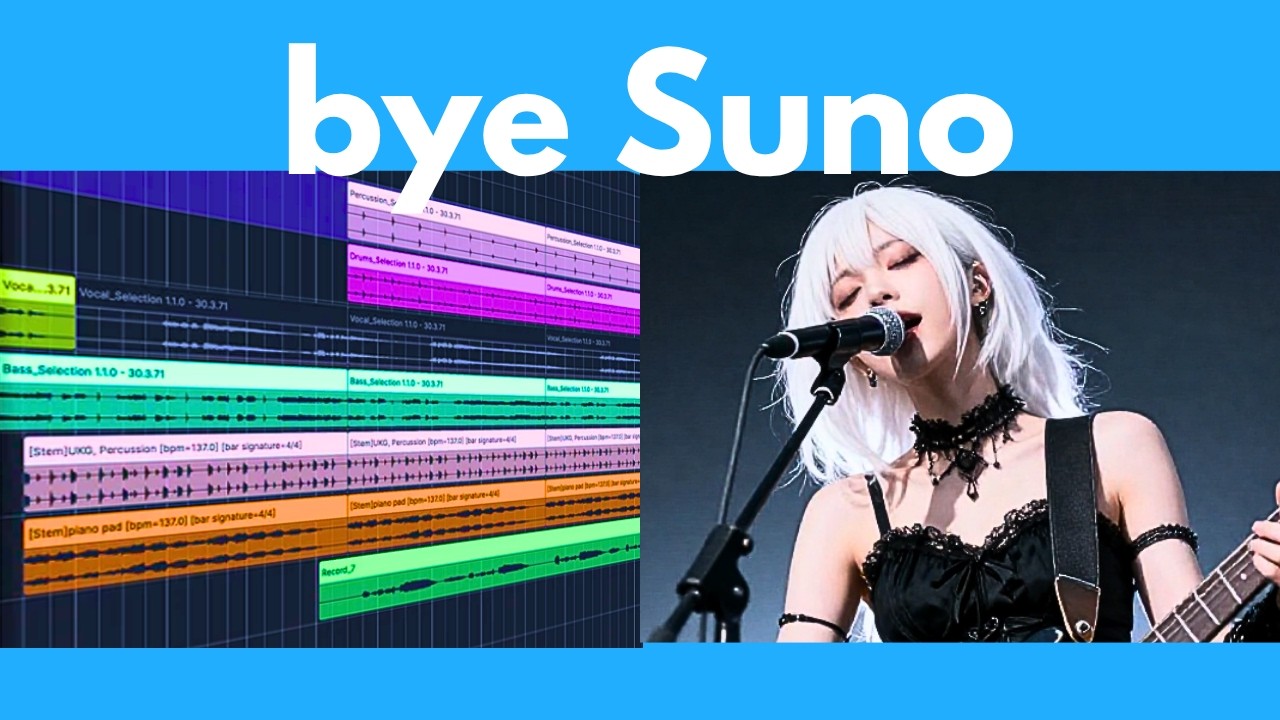
What this lesson covers
The video reviews the open-source ACE-Step 1.5 XL music generator, demonstrating its multi-genre capabilities and local installation process. It also highlights Higgsfield Seedance 2.0 for advanced multi-shot video generation with native audio.
Key takeaways from the creator
AI-extracted notes, not independently verified product claims. Timestamp links let you check each point in the original video.
- 01:15 ↗
ACE-Step 1.5 XL provides open-source, high-quality music generation locally with support for diverse genres like opera, jazz, and Latin trap.
- 10:08 ↗
Running the model locally requires at least 12 GB VRAM with CPU offload and INT8 quantization, or 20 GB VRAM without offloading.
- 11:24 ↗
Higgsfield Seedance 2.0 offers advanced multi-shot video generation with native audio, character consistency, and robust camera control.
- 13:09 ↗
Installation utilizes UV and Git, allowing Windows users to clone the repository and run the interface locally.
Workflow outlined in the video
- Verify your local GPU meets the minimum 12 GB VRAM requirements with CPU offload enabled.
- Install UV and Git on your system to prepare the local environment.
- Clone the official ACE-Step repository and download the XL model weights.
- Launch the local interface to test customized music generation prompts across different genres.
Before you use this workflow
These notes describe the source video at its publication date. Model access, pricing, connectors and interfaces may have changed. Check the original source and the provider’s current documentation before installing an add-on, connecting an account or spending credits.
ReelStack has not independently tested this workflow. Preview one representative shot and check motion, continuity and output quality before applying it to a full production. No result, cost saving or model capability is guaranteed.
Explore the tools
How to interpret the numbers
178,397 views captured 23 October 2026. ReelStack recommendation score: 50/100. Formula: radar-v5. This is ReelStack’s calculation, not a YouTube rating or a measure of factual accuracy.
Show the calculation
- 45% performance: 1.30× views vs 11 other channel videos observed at a similar age. View-evidence factor 99% (views / (views + 1,000))
- 25% freshness: 0/100 with a 14-day half-life
- 20% momentum: 122 views/day vs 26 channel baseline (6 comparable uploads), with the same view-evidence factor
- 10% engagement: 83/100; likes + 4× comments, smoothed with a 500-view neutral prior