the AI video explainer you were looking for (claude skills for better prompting in description)
Provides a practical framework for using LLM skills to bridge narrative intent and video generation prompts while keeping generation credit waste minimal.
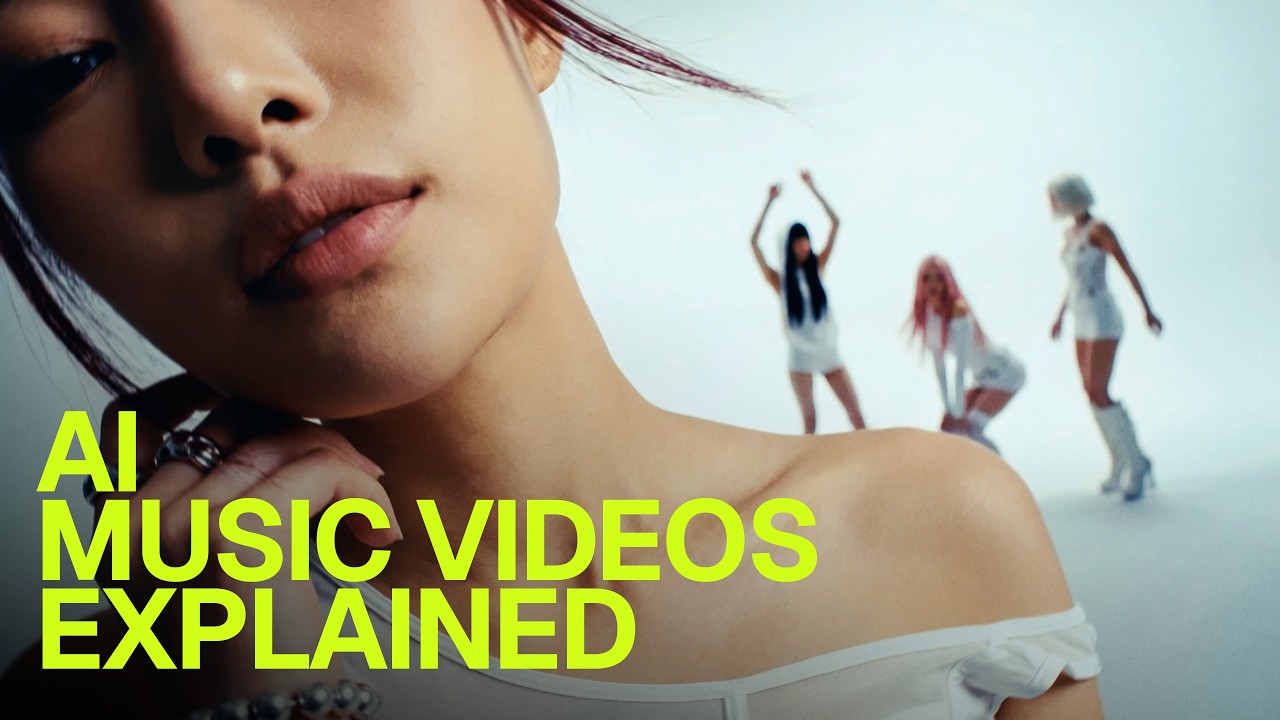
What this lesson covers
Joey breaks down an end-to-end cinematic AI workflow utilizing custom Claude director skills to format structured prompts for video generation tools like Cinema Studio and Seedance. He emphasizes reducing generation iterations down to 1–2 takes per scene by optimizing prompt density along a bell curve rather than overloading the model with excessive detail.
Key takeaways from the creator
AI-extracted notes, not independently verified product claims. Timestamp links let you check each point in the original video.
- 05:16 ↗
Using a structured LLM skill like Cinema Director translates high-level creative vision into formatted shot sequences with timing, camera movement complexity, and scene structure.
- 06:09 ↗
Video generation prompt boxes follow a bell curve where adding detail helps up to a specific peak, after which excessive text degrades generation quality and burns credits.
- 06:36 ↗
Systematizing prompt logic with dedicated assistant skills can reduce average generation attempts to between one and two takes per scene.
- 07:16 ↗
Native 4K generations avoid artifacting, though upscaling clean 720p base renders with Topaz remains a viable credit-saving pipeline alternative.
Workflow outlined in the video
- Draft the narrative beat, camera motion, and visual atmosphere into a descriptive concept prompt.
- Pass the draft into a custom Claude director skill to structure shot runtime, camera logic, and code-block prompt syntax.
- Review the resulting prompt to ensure it stays within the optimal detail window without exceeding character limits or over-describing extraneous scene elements.
- Paste the structured code block directly into your video generator (such as Seedance inside Higgsfield Cinema Studio).
- Evaluate the first take and adjust specific camera or subject parameters rather than continuously appending new descriptive text.
Before you use this workflow
These notes describe the source video at its publication date. Model access, pricing, connectors and interfaces may have changed. Check the original source and the provider’s current documentation before installing an add-on, connecting an account or spending credits.
ReelStack has not independently tested this workflow. Preview one representative shot and check motion, continuity and output quality before applying it to a full production. No result, cost saving or model capability is guaranteed.
Explore the tools
How to interpret the numbers
106,851 views captured 27 September 2026. ReelStack recommendation score: 61/100. Formula: radar-v5. This is ReelStack’s calculation, not a YouTube rating or a measure of factual accuracy.
Show the calculation
- 65% performance: 3.97× current views vs the channel's recent median; same-age history is not yet available. View-evidence factor 99% (views / (views + 1,000))
- 25% freshness: 6/100 with a 14-day half-life
- Momentum pending: collecting daily snapshots; its 20% weight goes to observed performance, not free points
- 10% engagement: 79/100; likes + 4× comments, smoothed with a 500-view neutral prior