The $0 Higgsfield Alternative You Can Build Yourself
Understanding the fundamental formula behind prompt generation allows AI filmmakers to build modular, platform-agnostic tools without relying on paid third-party prompt builders.
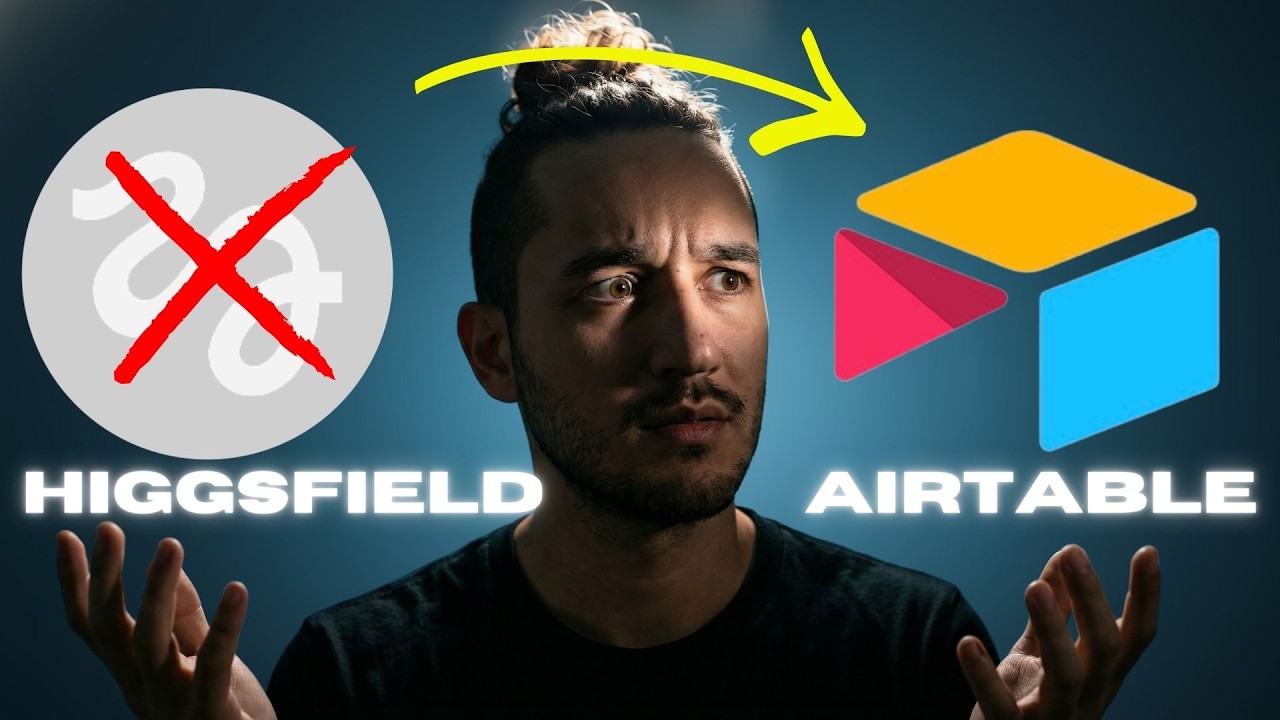
What this lesson covers
This tutorial demonstrates how to build a custom prompt builder and shot list generator from scratch inside Airtable. It breaks down the core formula of combining subjects, styles, and camera settings for consistent image generation.
Key takeaways from the creator
AI-extracted notes, not independently verified product claims. Timestamp links let you check each point in the original video.
- 00:11 ↗
Cinematic prompt building relies on a simple core formula: subject plus style plus camera plus settings equals prompt.
- 01:42 ↗
Building your own prompt builder in Airtable or Notion gives you complete data ownership and flexibility without subscription limitations.
- 03:47 ↗
You can batch-generate entire shot lists by applying predefined style filters and consistent character references across multiple rows.
Workflow outlined in the video
- Create a modular prompt formula combining subject, style, camera body, and lens parameters in a spreadsheet or database.
- Set up automated image generation fields using your defined variables to test different cinematic looks.
- Import shot lists from an LLM and apply your custom style formulas in bulk to maintain visual consistency.
Before you use this workflow
These notes describe the source video at its publication date. Model access, pricing, connectors and interfaces may have changed. Check the original source and the provider’s current documentation before installing an add-on, connecting an account or spending credits.
ReelStack has not independently tested this workflow. Preview one representative shot and check motion, continuity and output quality before applying it to a full production. No result, cost saving or model capability is guaranteed.
Explore the tools
How to interpret the numbers
25,010 views captured 24 October 2026. ReelStack recommendation score: 66/100. Formula: radar-v5. This is ReelStack’s calculation, not a YouTube rating or a measure of factual accuracy.
Show the calculation
- 65% performance: 8.09× current views vs the channel's recent median; same-age history is not yet available. View-evidence factor 96% (views / (views + 1,000))
- 25% freshness: 0/100 with a 14-day half-life
- Momentum pending: collecting daily snapshots; its 20% weight goes to observed performance, not free points
- 10% engagement: 100/100; likes + 4× comments, smoothed with a 500-view neutral prior