STOP Wasting Credits & Master Kling 4.0 in 15 Minutes
Provides AI filmmakers with a repeatable, timestamp-driven prompting structure and cost-effective workflow tactics for long-duration generation in Kling 4.0.
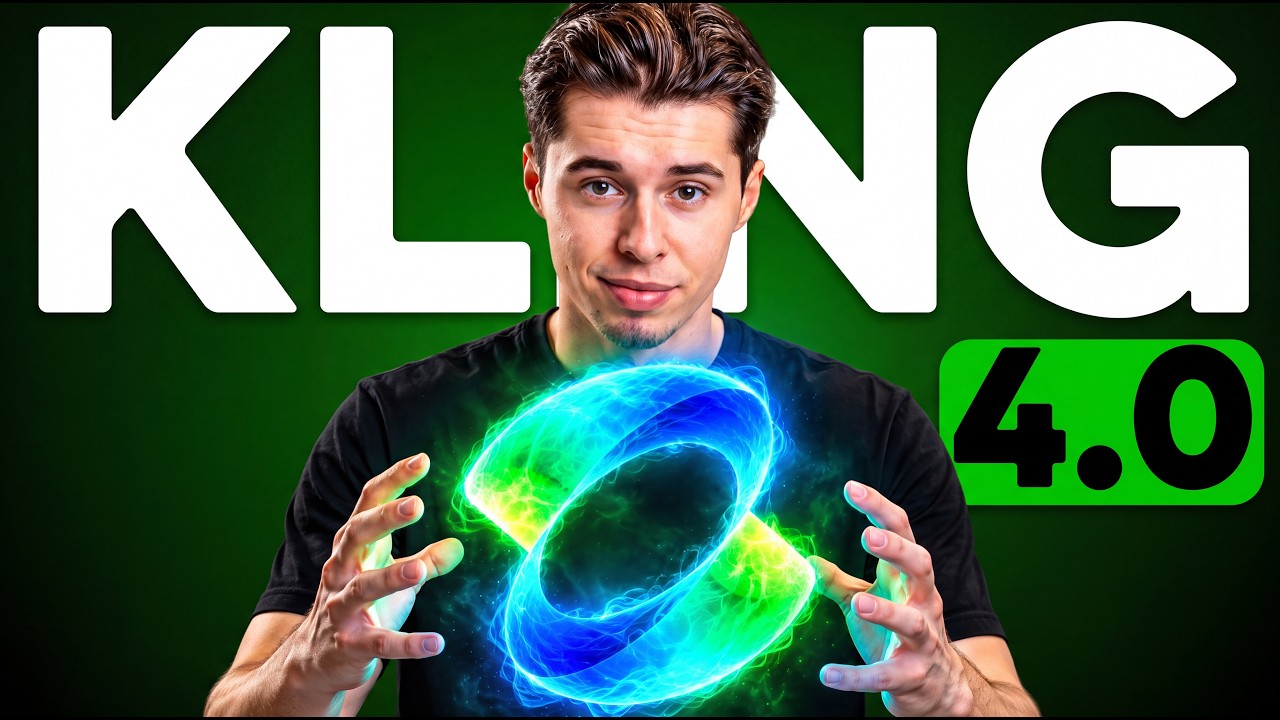
What this lesson covers
Youri van Hofwegen breaks down the new features in Kling 4.0, including native 30-second generations, integrated dialogue and lip sync, and wide 21:9 aspect ratios. He demonstrates a standardized prompt template that controls timing and camera motion to reduce failed generations and save credits.
Key takeaways from the creator
AI-extracted notes, not independently verified product claims. Timestamp links let you check each point in the original video.
- 01:08 ↗
Structuring prompts with a core style line, timestamped actions, camera moves, and negative constraints prevents the model from hallucinating unwanted elements.
- 02:26 ↗
Drafting video concepts at 720p uses 300 credits compared to 540 credits at 1080p, preserving budget until timing and composition are finalized.
- 03:56 ↗
Placing spoken lines within quotation marks directly inside a timestamp block triggers automatic lip synchronization without external tools.
- 08:10 ↗
Writing for wide 21:9 aspect ratios requires framing motion horizontally across the frame rather than keeping action centered to avoid dead screen space.
- 09:46 ↗
Keyframe mode accepts up to 10 reference images across a generation slot to govern visual transformation between start, middle, and end frames.
Workflow outlined in the video
- Open the Kling AI workspace, select the Video 4.0 model, and set the resolution to 720p for initial drafting.
- Format the prompt's first line with the overall visual style, primary subject, and key narrative action.
- Divide the prompt duration into timestamped segments, specifying exactly one action and one camera move per segment.
- Include dialogue within quotes inside the appropriate timestamp to activate native lip sync and voice generation.
- Conclude the prompt with an audio description line and explicit negative constraints to avoid common render distortions.
- Switch to keyframe mode and upload start, middle, and end images to enforce precise visual composition across longer shots.
Before you use this workflow
These notes describe the source video at its publication date. Model access, pricing, connectors and interfaces may have changed. Check the original source and the provider’s current documentation before installing an add-on, connecting an account or spending credits.
ReelStack has not independently tested this workflow. Preview one representative shot and check motion, continuity and output quality before applying it to a full production. No result, cost saving or model capability is guaranteed.
Explore the tools
How to interpret the numbers
28,149 views captured 30 October 2026. ReelStack recommendation score: 41/100. Formula: radar-v5. This is ReelStack’s calculation, not a YouTube rating or a measure of factual accuracy.
Show the calculation
- 65% performance: 0.75× views vs 4 other channel videos observed at a similar age. View-evidence factor 97% (views / (views + 1,000))
- 25% freshness: 53/100 with a 14-day half-life
- Momentum pending: collecting daily snapshots; its 20% weight goes to observed performance, not free points
- 10% engagement: 5/100; likes + 4× comments, smoothed with a 500-view neutral prior