Seedance + Blender Unlocks Advanced AI Filmmaking Techniques
Bridging LLMs with 3D software like Blender via Model Context Protocol (MCP) gives AI filmmakers precise camera composition and movement control that text prompting alone cannot reliably deliver.
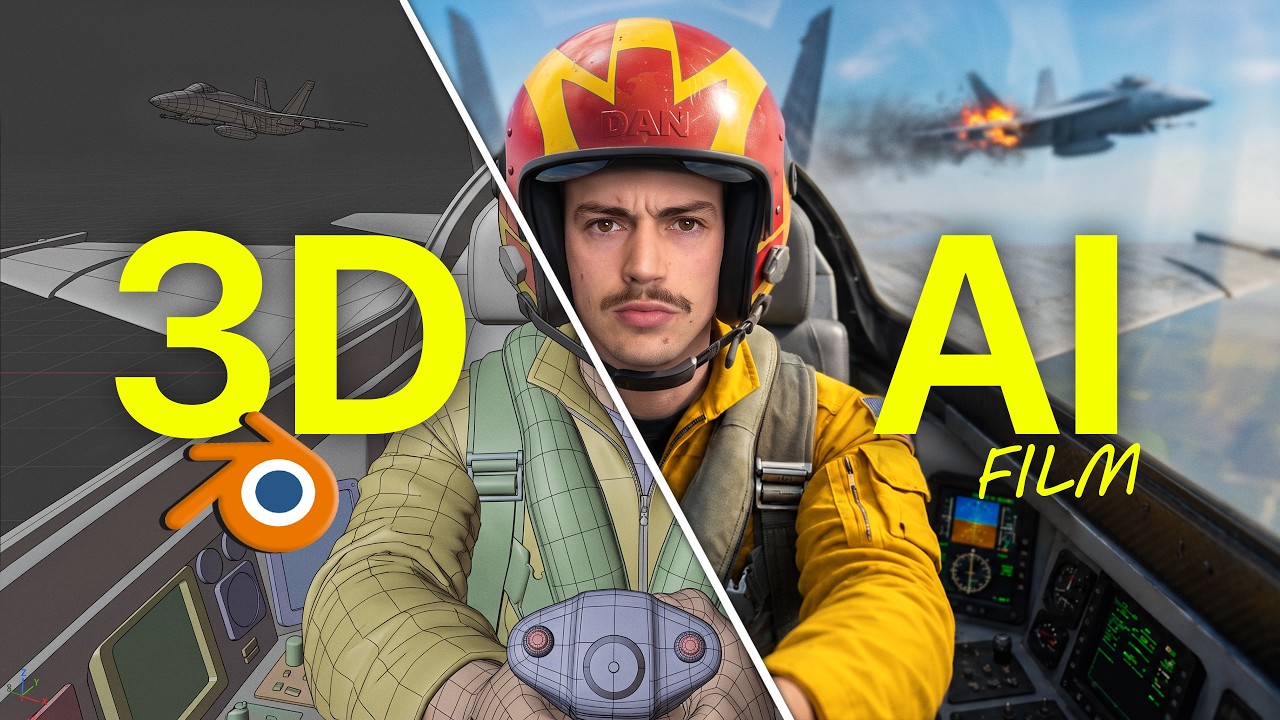
What this lesson covers
Dan Kieft demonstrates how connecting Claude to Blender via MCP enables filmmakers without prior 3D experience to automatically build and animate 3D scene mockups. These accurate 3D renders serve as deterministic camera motion references for video generation models like Seedance 2.5 inside Higgsfield.
Key takeaways from the creator
AI-extracted notes, not independently verified product claims. Timestamp links let you check each point in the original video.
- 0:16 ↗
Connecting the Blender MCP server to Claude Desktop allows Claude to automatically generate 3D environments and camera paths from text descriptions.
- 1:37 ↗
Using generated 3D reference videos eliminates camera motion guesswork and the need for manual real-world reference shooting.
- 4:04 ↗
Setup requires adding the Blender connector inside Claude Desktop settings and starting the MCP bridge server within Blender's add-on preferences.
- 5:25 ↗
Visual start frames can be created using tools like Higgsfield Soul Cinema to establish style before driving camera motion with Blender renders.
- 7:26 ↗
Feeding the rendered Blender camera reference alongside the start frame into Seedance 2.5 locks in exact camera composition while allowing the AI model to maintain photorealism.
Workflow outlined in the video
- Download and install Claude Desktop, Blender, and the Blender MCP server add-on.
- Enable network access in Blender preferences and activate the MCP bridge server.
- Add and enable the Blender connector inside Claude Desktop settings.
- Generate a cinematic start frame using Higgsfield Soul Cinema or another image generator.
- Prompt Claude Desktop to generate and animate a 3D scene in Blender matching your scene setup and camera trajectory.
- Render the 3D scene animation in Blender and pass it into Seedance 2.5 as a camera motion reference.
Before you use this workflow
These notes describe the source video at its publication date. Model access, pricing, connectors and interfaces may have changed. Check the original source and the provider’s current documentation before installing an add-on, connecting an account or spending credits.
ReelStack has not independently tested this workflow. Preview one representative shot and check motion, continuity and output quality before applying it to a full production. No result, cost saving or model capability is guaranteed.
Explore the tools
Put the lesson in context
When to use Blender previsualization for AI video →How to interpret the numbers
126,442 views captured 27 September 2026. ReelStack recommendation score: 29/100. Formula: radar-v5. This is ReelStack’s calculation, not a YouTube rating or a measure of factual accuracy.
Show the calculation
- 45% performance: 0.82× views vs 3 other channel videos observed at a similar age. View-evidence factor 99% (views / (views + 1,000))
- 25% freshness: 7/100 with a 14-day half-life
- 20% momentum: 436 views/day vs 907 channel baseline (3 comparable uploads), with the same view-evidence factor
- 10% engagement: 5/100; likes + 4× comments, smoothed with a 500-view neutral prior