Seedance 2.0 on Higgsfield (Step-by-Step Tutorial)
As multi-modal video generators like Seedance 2.0 evolve, filmmakers need structured orchestration pipelines using LLMs to manage complex multi-shot continuity.
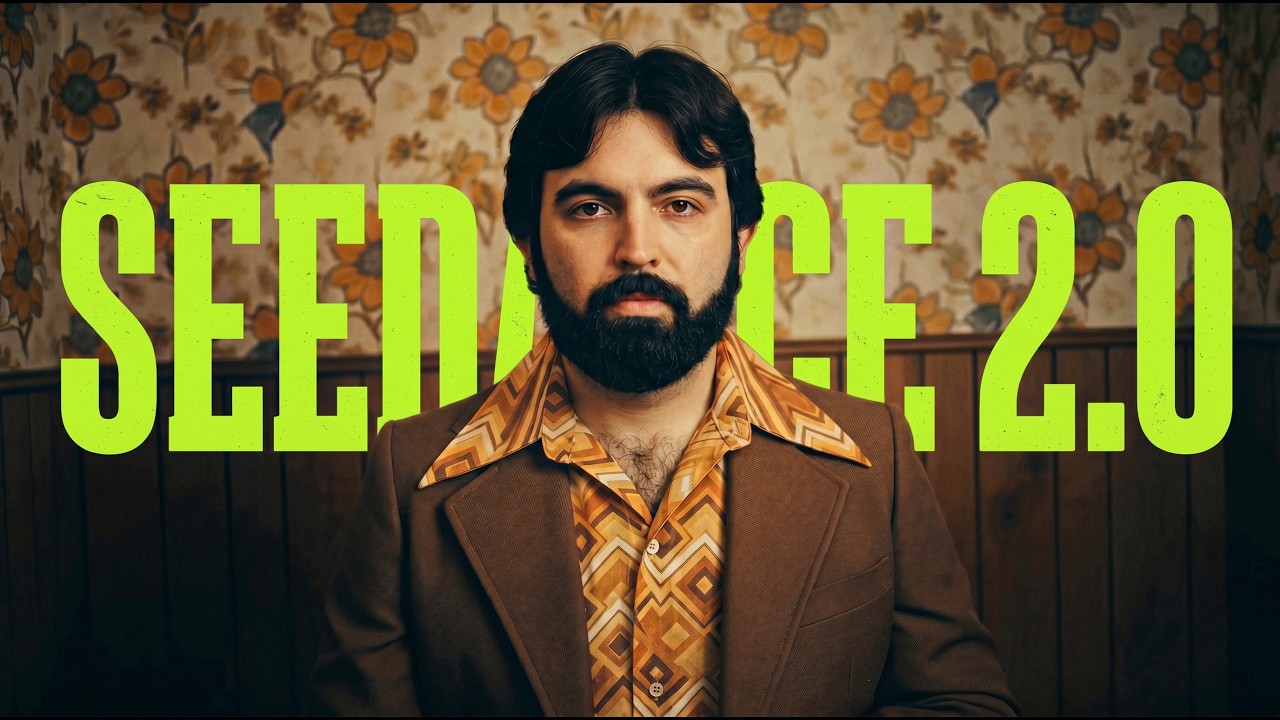
What this lesson covers
This tutorial demonstrates how to use Seedance 2.0 on Higgsfield combined with Claude and Gemini to build narrative AI videos. It walks through multimodal input features, prompt structuring, and workflow troubleshooting.
Key takeaways from the creator
AI-extracted notes, not independently verified product claims. Timestamp links let you check each point in the original video.
- 01:40 ↗
Higgsfield features Seedance 2.0 integration with options for 720p or 1080p output and adjustable generation lengths.
- 02:40 ↗
Claude can be utilized with custom skills to break down short narrative scripts into structured, timestamped prompts for AI video tools.
- 03:15 ↗
Gemini's Pass Forward app allows users to upload a single photo and generate character look variations across different decades.
- 06:40 ↗
Seedance 2.0 has a 15-second per generation limit, requiring longer narratives to be split into multiple generation passes.
Workflow outlined in the video
- Access Seedance 2.0 on the Higgsfield platform to begin a new blank project.
- Use an LLM like Claude with a specialized prompt structuring skill to convert your core story idea into shot-by-shot prompts.
- Generate or gather consistent character and asset reference images using tools like Gemini's Pass Forward app.
- Upload your reference images and media assets into Higgsfield, then tag them using @ tags within your generation prompts.
- Configure your generation settings, selecting preferred aspect ratios, quality settings, and generation duration.
Before you use this workflow
These notes describe the source video at its publication date. Model access, pricing, connectors and interfaces may have changed. Check the original source and the provider’s current documentation before installing an add-on, connecting an account or spending credits.
ReelStack has not independently tested this workflow. Preview one representative shot and check motion, continuity and output quality before applying it to a full production. No result, cost saving or model capability is guaranteed.
Explore the tools
How to interpret the numbers
5,895 views captured 22 October 2026. ReelStack recommendation score: 32/100. Formula: radar-v5. This is ReelStack’s calculation, not a YouTube rating or a measure of factual accuracy.
Show the calculation
- 65% performance: 0.89× views vs 5 other channel videos observed at a similar age. View-evidence factor 85% (views / (views + 1,000))
- 25% freshness: 0/100 with a 14-day half-life
- Momentum pending: collecting daily snapshots; its 20% weight goes to observed performance, not free points
- 10% engagement: 59/100; likes + 4× comments, smoothed with a 500-view neutral prior