Opus 5.5 Edited This Entire Intro (20+ Useful Video Examples)
Provides AI filmmakers and motion designers with actionable workflows to bypass traditional heavy render pipelines by using LLM code generation for editable, consistent graphics and 3D scenes.
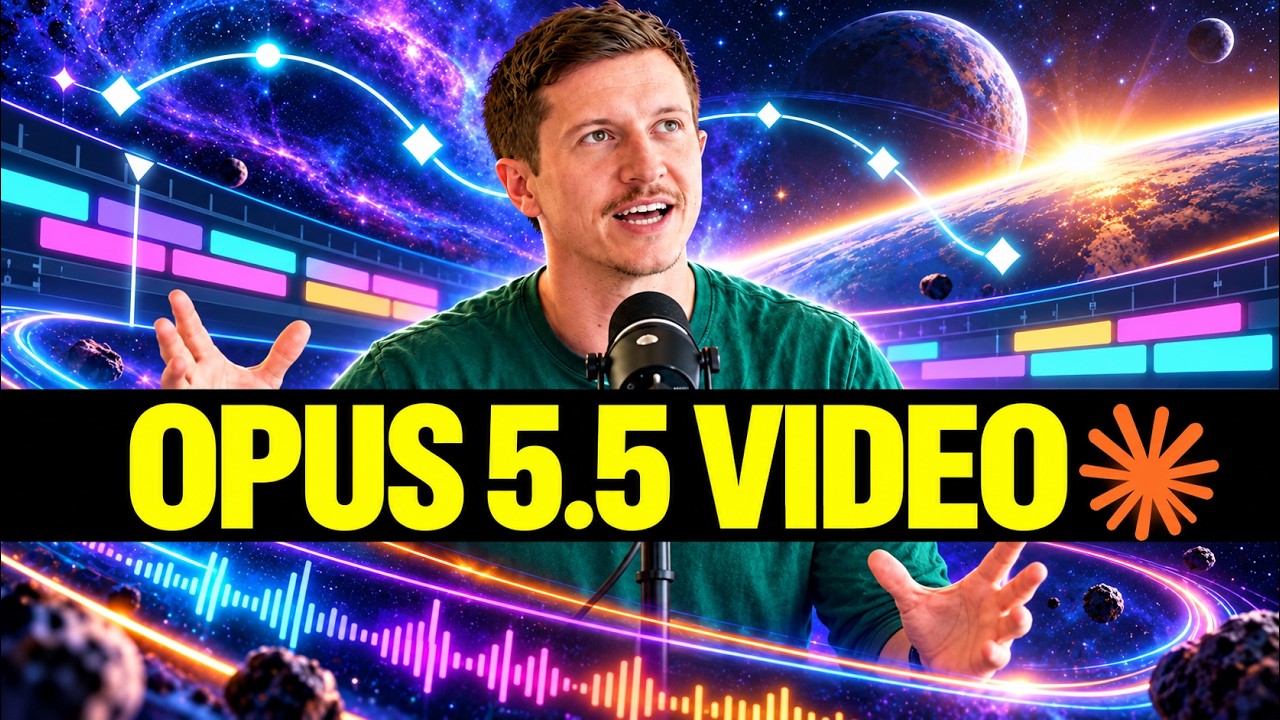
What this lesson covers
AI Samson explores how Claude Opus 5.5 and GPT-6 Astra can be used for code-based video editing, motion graphics, and content automation. He demonstrates practical implementations ranging from HTML/JavaScript animations and Three.js 3D rendering to Blender automation and MiniMax H3 post-effects.
Key takeaways from the creator
AI-extracted notes, not independently verified product claims. Timestamp links let you check each point in the original video.
- 00:33 ↗
Claude can generate complete brand animations using HTML and JavaScript inside the interface without requiring external video rendering software.
- 01:13 ↗
Running identical prompt sets through Opus 5.5 and GPT-6 Astra enables direct comparison of UI motion design and timing accuracy.
- 02:05 ↗
Code-based animations can be automated, captured, and converted into video files using JavaScript alongside Playwright and FFmpeg.
- 05:24 ↗
Opus can generate 3D animated assets using WebGL libraries like Three.js or output Python scripts to render physics and 3D scenes in Blender.
- 07:30 ↗
Raw AI video footage generated by models like MiniMax H3 can be enhanced using LLM-assisted post-production workflows in After Effects.
Workflow outlined in the video
- Prompt Opus 5.5 to write HTML and JavaScript animation code to create lightweight, editable motion graphics.
- Set up an automation script using Playwright and FFmpeg to record and export code-rendered browser animations into video formats.
- Generate Python automation scripts with LLMs to construct 3D scenes and render physics-based animations directly in Blender.
- Maintain visual consistency across scenes by creating reusable character asset templates with predefined styles, stroke widths, and expressions.
- Import generated video from MiniMax H3 into After Effects to apply targeted visual effects like particles, light rays, and datamosh transitions.
Before you use this workflow
These notes describe the source video at its publication date. Model access, pricing, connectors and interfaces may have changed. Check the original source and the provider’s current documentation before installing an add-on, connecting an account or spending credits.
ReelStack has not independently tested this workflow. Preview one representative shot and check motion, continuity and output quality before applying it to a full production. No result, cost saving or model capability is guaranteed.
Explore the tools
Put the lesson in context
When to use Blender previsualization for AI video →How to interpret the numbers
17,788 views captured 4 October 2026. ReelStack recommendation score: 45/100. Formula: radar-v5. This is ReelStack’s calculation, not a YouTube rating or a measure of factual accuracy.
Show the calculation
- 65% performance: 0.55× current views vs the channel's recent median; same-age history is not yet available. View-evidence factor 95% (views / (views + 1,000))
- 25% freshness: 79/100 with a 14-day half-life
- Momentum pending: collecting daily snapshots; its 20% weight goes to observed performance, not free points
- 10% engagement: 35/100; likes + 4× comments, smoothed with a 500-view neutral prior