OpenAI's ChatGPT Image 2 CRUSHES Nano Banana 2.0 at UGC? (Audio Fixed)
OpenAI's latest image generation capabilities offer filmmakers improved text integration and realistic rendering for prompt-based start frames and marketing assets.
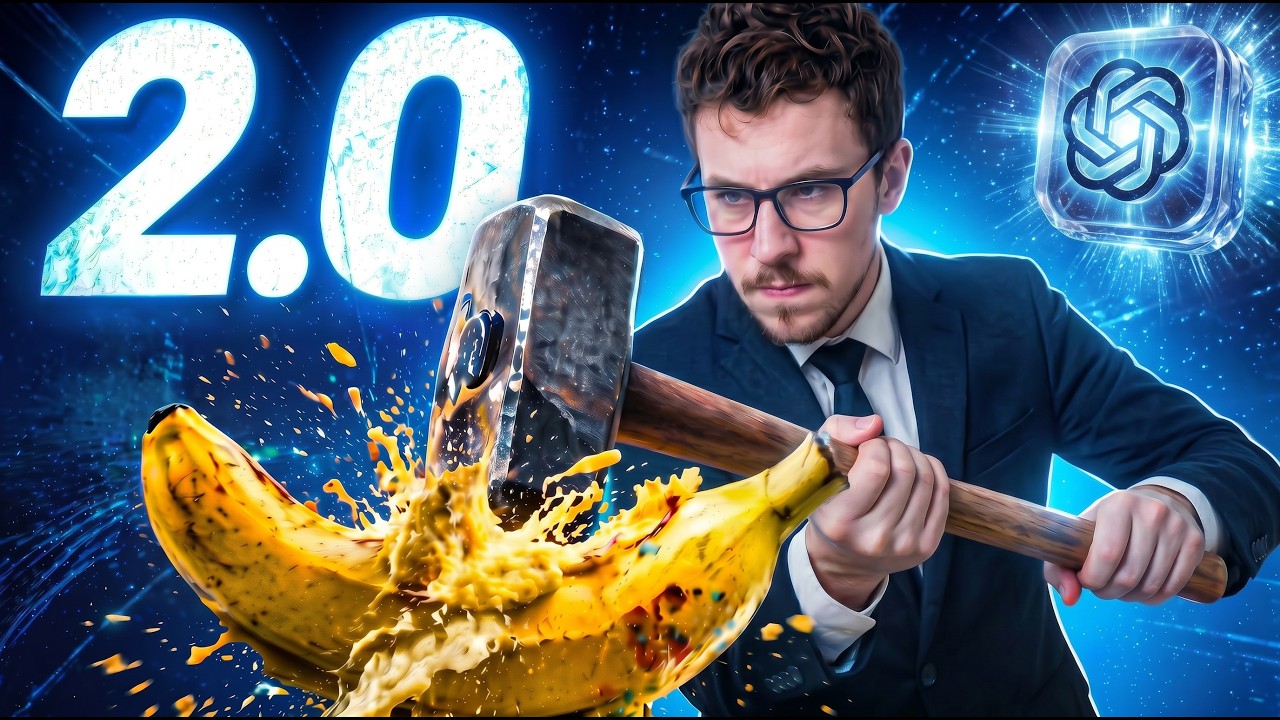
What this lesson covers
The creator reviews the newly released OpenAI ChatGPT Image 2.0 model, testing its capabilities for creating UGC-style start frames and realistic text rendering. The video compares its performance against alternative tools and examines various output categories like portraits, macro shots, and transparency handling.
Key takeaways from the creator
AI-extracted notes, not independently verified product claims. Timestamp links let you check each point in the original video.
- 0:21 ↗
ChatGPT Image 2.0 can accurately render multi-sized text on product packaging in a single generation shot.
- 1:51 ↗
The model natively supports 9:16 aspect ratios directly through chat prompts and third-party integrations like Freepik.
- 6:02 ↗
The model retains its predecessor's capability to generate transparent background images for design workflows.
- 7:10 ↗
Skin texture details and sweat rendering have noticeably improved in realism compared to previous iterations.
Workflow outlined in the video
- Test ChatGPT Image 2.0 for generating vertical start frames and marketing assets.
- Experiment with text prompts that include multi-layered sizing on product labels.
- Compare generation limits and pricing tiers across platforms like Freepik and ChatGPT.
- Utilize the model's transparency feature for creating design elements and overlays.
Before you use this workflow
These notes describe the source video at its publication date. Model access, pricing, connectors and interfaces may have changed. Check the original source and the provider’s current documentation before installing an add-on, connecting an account or spending credits.
ReelStack has not independently tested this workflow. Preview one representative shot and check motion, continuity and output quality before applying it to a full production. No result, cost saving or model capability is guaranteed.
Explore the tools
How to interpret the numbers
1,524 views captured 24 October 2026. ReelStack recommendation score: 25/100. Formula: radar-v5. This is ReelStack’s calculation, not a YouTube rating or a measure of factual accuracy.
Show the calculation
- 65% performance: 0.85× views vs 8 other channel videos observed at a similar age. View-evidence factor 60% (views / (views + 1,000))
- 25% freshness: 0/100 with a 14-day half-life
- Momentum pending: collecting daily snapshots; its 20% weight goes to observed performance, not free points
- 10% engagement: 66/100; likes + 4× comments, smoothed with a 500-view neutral prior