OpenAI Just Had a Massive Day (The Good and The Ugly)
AI filmmakers and digital creators can assess how always-on cloud agents and collaborative document spaces can automate content production pipelines, asset organization, and post-production admin tasks.
What this lesson covers
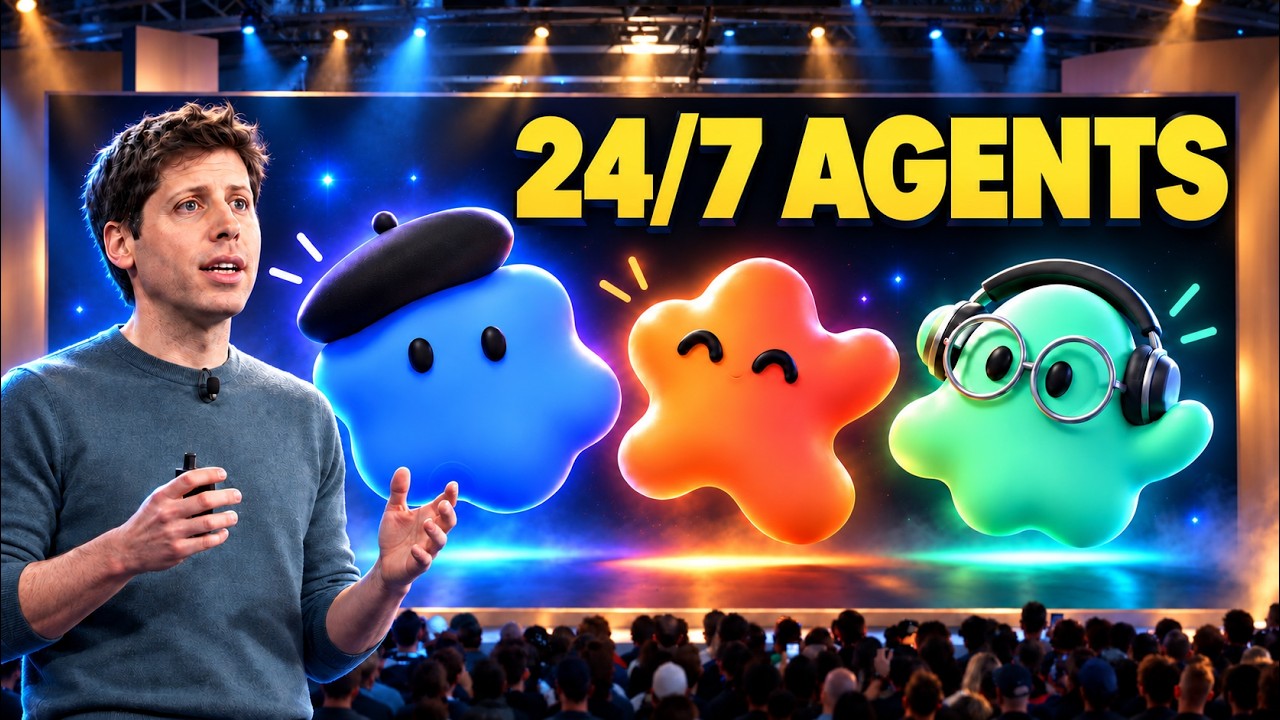
AI Samson reviews OpenAI's Demo Day announcements, detailing always-on autonomous agents called 'dots' that operate in dedicated cloud computers. He also covers new collaboration features inside ChatGPT, such as spaces and pages, alongside safety implications like prompt injection vulnerabilities.
Key takeaways from the creator
AI-extracted notes, not independently verified product claims. Timestamp links let you check each point in the original video.
- 0:00 ↗
OpenAI introduced 'dots', autonomous always-on agents running on cloud computers to complete tasks independently without requiring a local machine to remain open.
- 4:11 ↗
Dots can be accessed via ChatGPT, Slack, Teams, or direct voice calls, and can connect locally to your laptop or operate remotely in the cloud.
- 4:56 ↗
Creators can use dots to automate transcript analysis, identify clip timestamps, draft social media copy, and maintain narrative consistency across revised materials.
- 6:11 ↗
Proactive research mode limits background agent actions to read-only tasks to prevent unauthorized message sending or system control.
- 6:31 ↗
Prompt injection attacks present a core security risk when agents browse external websites containing hidden instructions designed to override agent guardrails.
- 7:08 ↗
ChatGPT Spaces and Pages provide shared environments for teams and AI agents to collaboratively generate charts, draft documents, and visualize data.
Workflow outlined in the video
- Assign a dedicated agent ('dot') specific recurring responsibilities such as monitoring app feedback, preparing slide decks, or processing transcripts.
- Set up explicit review checkpoints so the autonomous agent halts for manual approval before publishing changes or deploying code.
- Enable proactive research mode to allow background information gathering across connected apps using restricted read-only permissions.
- Utilize ChatGPT Pages within Spaces to collaborate directly with AI agents on structured documents, asset outlines, and visual planning boards.
Before you use this workflow
These notes describe the source video at its publication date. Model access, pricing, connectors and interfaces may have changed. Check the original source and the provider’s current documentation before installing an add-on, connecting an account or spending credits.
ReelStack has not independently tested this workflow. Preview one representative shot and check motion, continuity and output quality before applying it to a full production. No result, cost saving or model capability is guaranteed.
Explore the tools
How to interpret the numbers
15,792 views captured 1 October 2026. ReelStack recommendation score: 61/100. Formula: radar-v5. This is ReelStack’s calculation, not a YouTube rating or a measure of factual accuracy.
Show the calculation
- 65% performance: 1.41× views vs 3 other channel videos observed at a similar age. View-evidence factor 94% (views / (views + 1,000))
- 25% freshness: 97/100 with a 14-day half-life
- Momentum pending: collecting daily snapshots; its 20% weight goes to observed performance, not free points
- 10% engagement: 14/100; likes + 4× comments, smoothed with a 500-view neutral prior