Kling O1 is HERE: Create Cinematic AI Videos & VFX in Seconds
The introduction of Kling 01 and its robust character elements feature marks a significant step forward in achieving multi-shot cinematic consistency and VFX control for independent AI filmmakers.
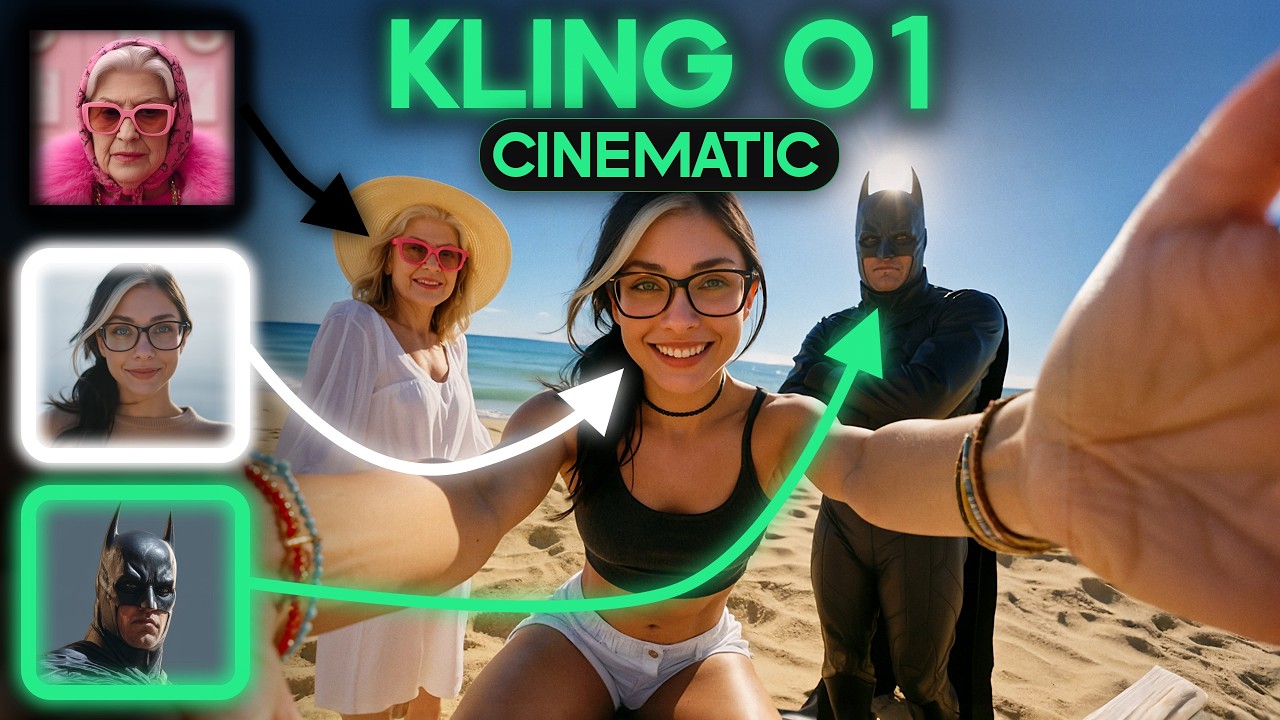
What this lesson covers
This video demonstrates the new Kling 01 video generation model, highlighting its advanced elements feature, video reference workflows, and first-frame transformations. It also explores building a self-hosted automation backend using n8n on a Hostinger VPS for content pipelines.
Key takeaways from the creator
AI-extracted notes, not independently verified product claims. Timestamp links let you check each point in the original video.
- 0:18 ↗
Kling 01 introduces a new user interface with options like Elements, Transformation, Video Reference, and Frames for handling complex VFX shots.
- 1:25 ↗
The Video Reference feature allows users to map live-action performances onto AI-generated characters by linking video inputs with reference images.
- 4:50 ↗
Running n8n on a Hostinger VPS provides a private, 24/7 always-on automation backend for managing AI pipelines without recurring hosted plan fees.
- 6:54 ↗
The Elements feature enables creating consistent 3D-accurate characters by uploading frontal reference images and generating multi-shot angle libraries.
Workflow outlined in the video
- Access the Kling 01 model via the O symbol on the Kling homepage.
- Use the Elements tab to upload a frontal image of your character and generate a multi-angle AI character library.
- Combine video reference inputs with generated character images to map live-action movements onto AI actors.
- Set up an n8n instance on a Hostinger VPS to automate your video description and publishing workflows.
Before you use this workflow
These notes describe the source video at its publication date. Model access, pricing, connectors and interfaces may have changed. Check the original source and the provider’s current documentation before installing an add-on, connecting an account or spending credits.
ReelStack has not independently tested this workflow. Preview one representative shot and check motion, continuity and output quality before applying it to a full production. No result, cost saving or model capability is guaranteed.
How to interpret the numbers
22,793 views captured 22 October 2026. ReelStack recommendation score: 50/100. Formula: radar-v5. This is ReelStack’s calculation, not a YouTube rating or a measure of factual accuracy.
Show the calculation
- 65% performance: 2.56× views vs 3 other channel videos observed at a similar age. View-evidence factor 96% (views / (views + 1,000))
- 25% freshness: 0/100 with a 14-day half-life
- Momentum pending: collecting daily snapshots; its 20% weight goes to observed performance, not free points
- 10% engagement: 47/100; likes + 4× comments, smoothed with a 500-view neutral prior