Kling 3.0 Suprised Me! Compared To Veo 3.1 & Sora 2
Longer generation times and multi-shot features in video models are drastically reducing the need for disjointed clip editing in AI filmmaking pipelines.
What this lesson covers
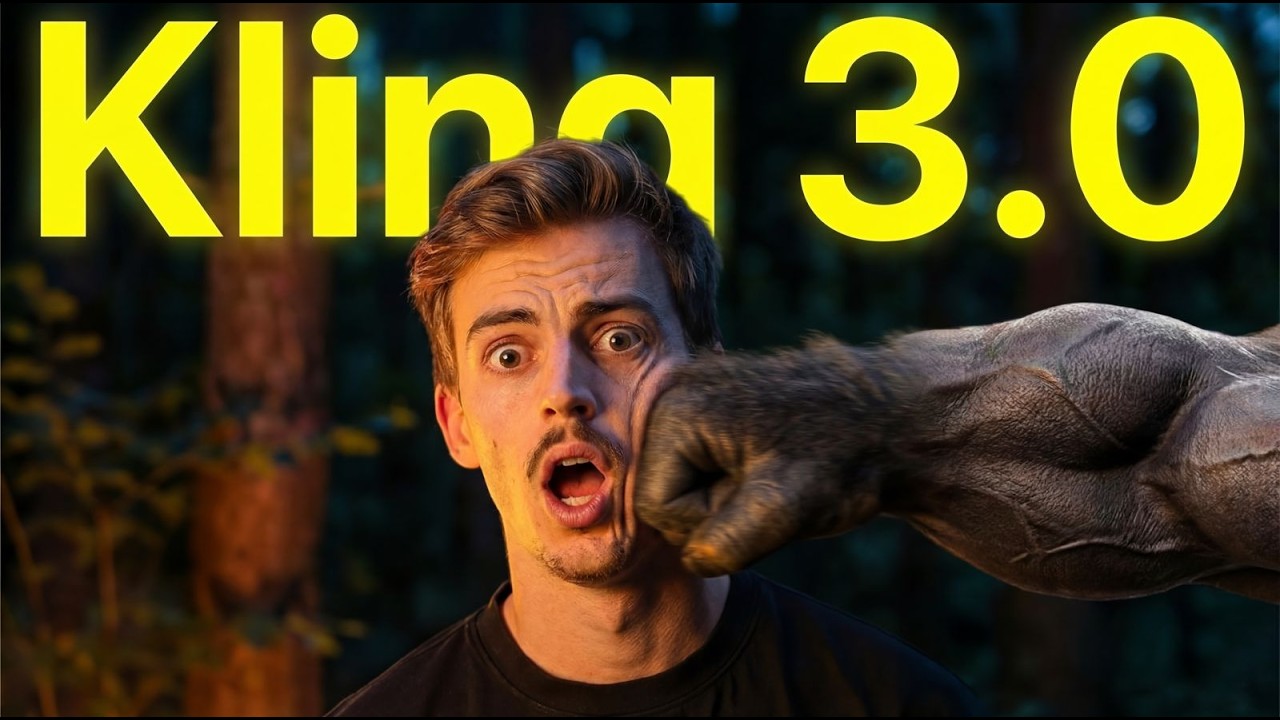
The creator reviews the newly released Kling 3.0 video generation model, highlighting its new multi-shot capabilities and 15-second generation lengths. The video compares its performance, pricing, and features against older versions and competing models like Google Veo and Sora.
Key takeaways from the creator
AI-extracted notes, not independently verified product claims. Timestamp links let you check each point in the original video.
- 01:48 ↗
Kling 3.0 introduces a multi-shot feature that allows creators to break a 15-second generation into multiple connected camera angles and scenes.
- 02:53 ↗
Using voice transcription tools like Whisper Flow can speed up the process of dictating and writing detailed multi-shot prompts.
- 06:38 ↗
Kling 3.0 supports generation lengths up to 15 seconds, enabling longer continuous scenes with fewer cuts.
- 07:16 ↗
A 15-second video generation on Kling 3.0 costs 30 credits, maintaining a similar credit pricing structure to previous versions.
Workflow outlined in the video
- Access Kling 3.0 through Higgsfield to test the new multi-shot and Omni features.
- Break your video concept into distinct 5-second shots within the multi-shot panel to direct camera movement changes.
- Use dictation software to quickly write out detailed multi-shot prompts and scene descriptions.
- Evaluate the credit costs and generation lengths when planning longer narrative sequences.
Before you use this workflow
These notes describe the source video at its publication date. Model access, pricing, connectors and interfaces may have changed. Check the original source and the provider’s current documentation before installing an add-on, connecting an account or spending credits.
ReelStack has not independently tested this workflow. Preview one representative shot and check motion, continuity and output quality before applying it to a full production. No result, cost saving or model capability is guaranteed.
Explore the tools
How to interpret the numbers
81,872 views captured 23 October 2026. ReelStack recommendation score: 28/100. Formula: radar-v5. This is ReelStack’s calculation, not a YouTube rating or a measure of factual accuracy.
Show the calculation
- 65% performance: 0.73× views vs 6 other channel videos observed at a similar age. View-evidence factor 99% (views / (views + 1,000))
- 25% freshness: 0/100 with a 14-day half-life
- Momentum pending: collecting daily snapshots; its 20% weight goes to observed performance, not free points
- 10% engagement: 5/100; likes + 4× comments, smoothed with a 500-view neutral prior