Kling 2.6 vs Veo 3.1 vs WAN 2.6: The Ultimate AI Video Comparison
As native audio generation becomes standard in text-to-video and image-to-video pipelines, filmmakers must evaluate which models actually handle production constraints without audio spillage or accent glitches.
What this lesson covers
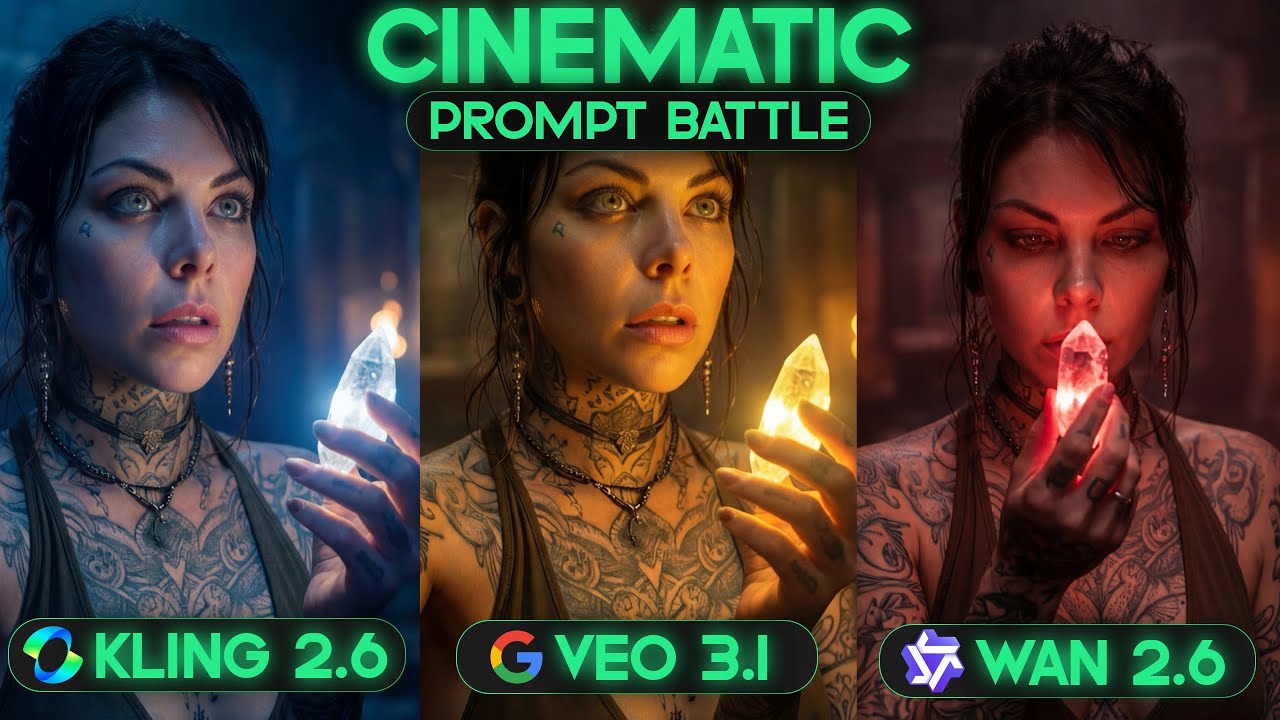
This video provides a rigorous side-by-side comparison of Kling 2.6, Google VEO 3.1, and WAN 2.6 across audio and video benchmarks. It tests native audio integration, lip-syncing, emotional realism, singing, and physics capabilities.
Key takeaways from the creator
AI-extracted notes, not independently verified product claims. Timestamp links let you check each point in the original video.
- 01:10 ↗
Kling 2.6 generally leads in dialogue pacing and mouth synchronization for side profile shots, outperforming VEO 3.1 in direct tests.
- 02:58 ↗
VEO 3.1 occasionally assigns unexpected accents like an Indian accent to characters during dialogue tests when not explicitly prompted.
- 04:24 ↗
Kling 2.6 successfully incorporates sound effects such as footsteps on wooden surfaces during solo speaking tests, whereas VEO 3.1 misses them.
- 09:28 ↗
VEO 3.1 handles emotional delivery with more natural and realistic facial renders despite minor mid-sentence pacing hiccups.
Workflow outlined in the video
- Test native audio video models using identical prompt categories covering dialogue, ASMR, and physics.
- Utilize multi-model platforms like Freepik to quickly swap between video generators depending on the specific shot requirements.
- Inspect generated clips carefully for unintended audio spillage or random accent shifts before finalizing production.
Before you use this workflow
These notes describe the source video at its publication date. Model access, pricing, connectors and interfaces may have changed. Check the original source and the provider’s current documentation before installing an add-on, connecting an account or spending credits.
ReelStack has not independently tested this workflow. Preview one representative shot and check motion, continuity and output quality before applying it to a full production. No result, cost saving or model capability is guaranteed.
Explore the tools
How to interpret the numbers
22,102 views captured 22 October 2026. ReelStack recommendation score: 33/100. Formula: radar-v5. This is ReelStack’s calculation, not a YouTube rating or a measure of factual accuracy.
Show the calculation
- 65% performance: 0.81× views vs 4 other channel videos observed at a similar age. View-evidence factor 96% (views / (views + 1,000))
- 25% freshness: 0/100 with a 14-day half-life
- Momentum pending: collecting daily snapshots; its 20% weight goes to observed performance, not free points
- 10% engagement: 50/100; likes + 4× comments, smoothed with a 500-view neutral prior