Is This the Best Way to Make AI Films?
Provides practical techniques for using GPT-6 Astra alongside Higgsfield's ChatGPT connector to maintain creative control over character consistency and visual aesthetics.
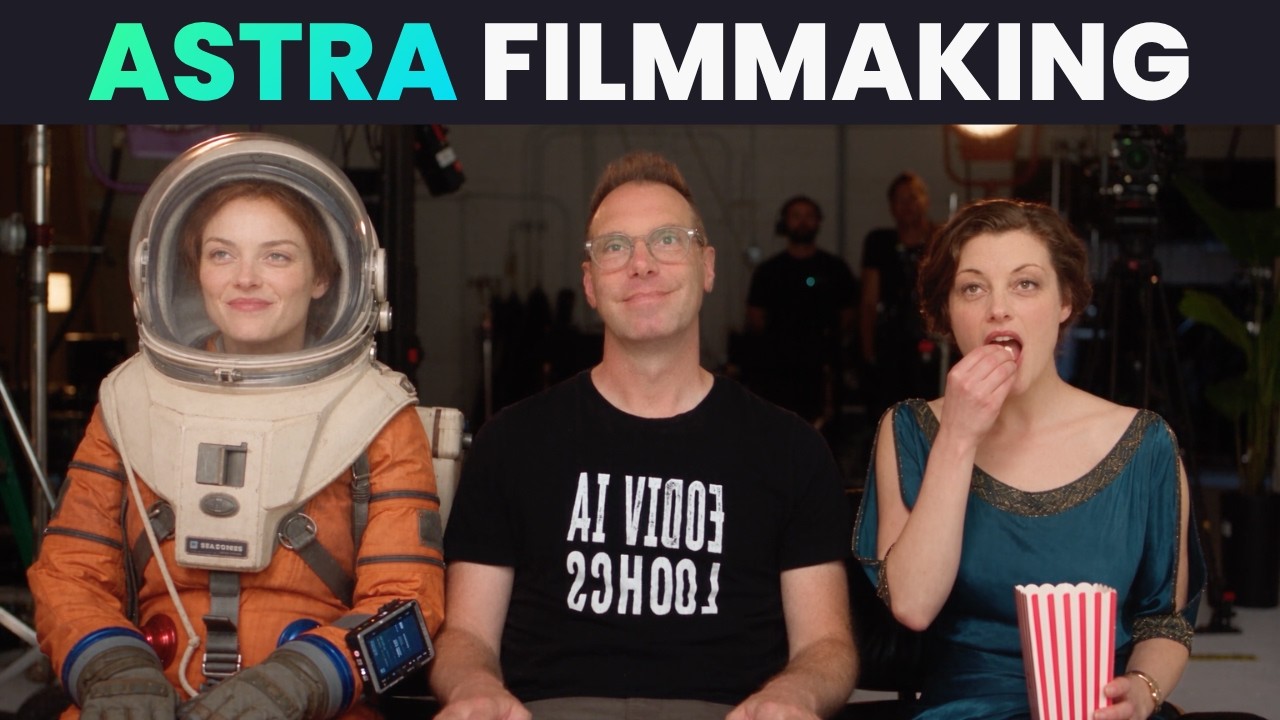
What this lesson covers
This video tests OpenAI's GPT-6 Astra model integrated with Higgsfield to direct and generate AI video scenes directly inside ChatGPT. The creator compares fully automated video generation with human-guided prompt engineering to achieve custom character styling and cinematic control.
Key takeaways from the creator
AI-extracted notes, not independently verified product claims. Timestamp links let you check each point in the original video.
- 01:52 ↗
Installing the Higgsfield plugin in ChatGPT connects GPT-6 Astra directly to video generation models like Seedance 2.5 and MiniMax H3.
- 02:38 ↗
Project parameters such as aspect ratio (16:9), narration voice, and visual style can be configured within the initial chat prompt.
- 03:42 ↗
Utilizing MiniMax H3 through the chat integration allows multi-scene generation while consuming fewer credits than higher-tier models.
- 08:02 ↗
Setting a constraint that requires the AI to pause for prompt approval before generating prevents generic AI visuals.
- 08:38 ↗
Specifying specific camera bodies (e.g., Sony FX3), facial asymmetry, and detailed backstory in prompts yields more natural, distinct character designs.
Workflow outlined in the video
- Install the Higgsfield plugin in ChatGPT and connect it to your Higgsfield account.
- Select GPT-6 Astra as the active language model to handle project research and prompt drafting.
- Define aspect ratio, subtitles, thumbnail preference, and voice persona during the initial project setup.
- Explicitly instruct the model not to initiate Higgsfield generation until you manually review and approve the text prompts.
- Add camera models, slight facial asymmetry, and character backstories to prompt templates to refine character design.
Before you use this workflow
These notes describe the source video at its publication date. Model access, pricing, connectors and interfaces may have changed. Check the original source and the provider’s current documentation before installing an add-on, connecting an account or spending credits.
ReelStack has not independently tested this workflow. Preview one representative shot and check motion, continuity and output quality before applying it to a full production. No result, cost saving or model capability is guaranteed.
Explore the tools
How to interpret the numbers
13,546 views captured 19 September 2026. ReelStack recommendation score: 64/100. Formula: radar-v5. This is ReelStack’s calculation, not a YouTube rating or a measure of factual accuracy.
Show the calculation
- 65% performance: 1.49× current views vs the channel's recent median; same-age history is not yet available. View-evidence factor 93% (views / (views + 1,000))
- 25% freshness: 92/100 with a 14-day half-life
- Momentum pending: collecting daily snapshots; its 20% weight goes to observed performance, not free points
- 10% engagement: 47/100; likes + 4× comments, smoothed with a 500-view neutral prior