I Went From Prompting to AI Cinematographer in Minutes With This App
Provides a practical, low‑cost pipeline for AI filmmakers to achieve studio‑level shot planning and multi‑character control.
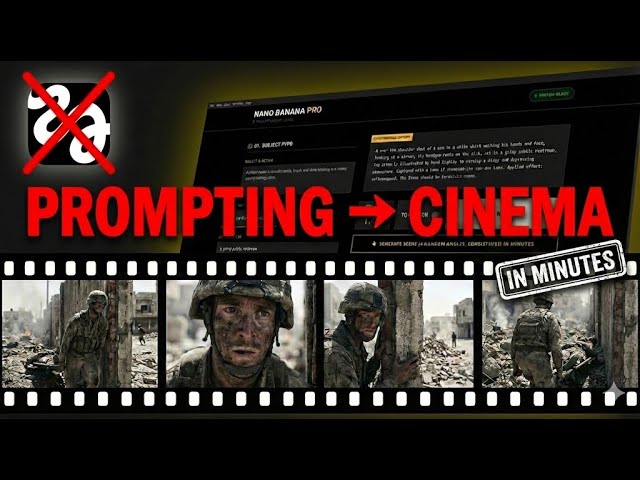
What this lesson covers
PromptGeek walks through Nano Banana Prompt Builder V2, a tool that turns textual prompts into full cinematic recipes with presets, multi‑angle coverage, and multi‑character consistency, then exports frames for video generation. The workflow bridges prompt engineering and practical filmmaking, enabling rapid ad and narrative creation without heavy software subscriptions.
Key takeaways from the creator
AI-extracted notes, not independently verified product claims. Timestamp links let you check each point in the original video.
- 0:00 ↗
The creator highlights the pain of inconsistent prompts and the need for a cinematographer‑level workflow.
- 0:51 ↗
Presets instantly configure camera, lens, film stock, lighting, and effects, demonstrating rapid look development.
- 2:12 ↗
Multi‑character scenes are managed without breaking visual consistency, a common challenge in AI generation.
- 5:08 ↗
Image‑to‑image global reference and style transfer maintain outfit and lighting continuity across edits.
- 7:30 ↗
Exported frames are fed into Kling for video assembly, showing integration of frame generation with a video model.
Workflow outlined in the video
- Open Nano Banana Prompt Builder V2 and select a preset matching your desired genre (e.g., Luxury Ad).
- Adjust camera, lens, film stock, and lighting parameters if needed, then save the custom preset for reuse.
- Add characters via the element tool, using the global reference feature to keep outfits and lighting consistent across shots.
- Generate multi‑angle coverage, then export prompts and assets labeled for easy import into Gemini or Kling.
- In Gemini, copy the formatted multi‑character prompt and upload the corresponding images for final rendering.
- Use Kling (or another video model) to animate the frame sequence, adding audio and final cuts as needed.
Before you use this workflow
These notes describe the source video at its publication date. Model access, pricing, connectors and interfaces may have changed. Check the original source and the provider’s current documentation before installing an add-on, connecting an account or spending credits.
ReelStack has not independently tested this workflow. Preview one representative shot and check motion, continuity and output quality before applying it to a full production. No result, cost saving or model capability is guaranteed.
Explore the tools
How to interpret the numbers
11,232 views captured 23 October 2026. ReelStack recommendation score: 29/100. Formula: radar-v5. This is ReelStack’s calculation, not a YouTube rating or a measure of factual accuracy.
Show the calculation
- 65% performance: 0.48× current views vs the channel's recent median; same-age history is not yet available. View-evidence factor 92% (views / (views + 1,000))
- 25% freshness: 0/100 with a 14-day half-life
- Momentum pending: collecting daily snapshots; its 20% weight goes to observed performance, not free points
- 10% engagement: 100/100; likes + 4× comments, smoothed with a 500-view neutral prior