I Turned Myself into a 3D Movie Character! | Seedance 2 AI Tutorial
It demonstrates a comprehensive pipeline for producing polished 3D short films using Seedance 2 alongside companion upscaling tools, highlighting practical steps for asset consistency and final delivery.
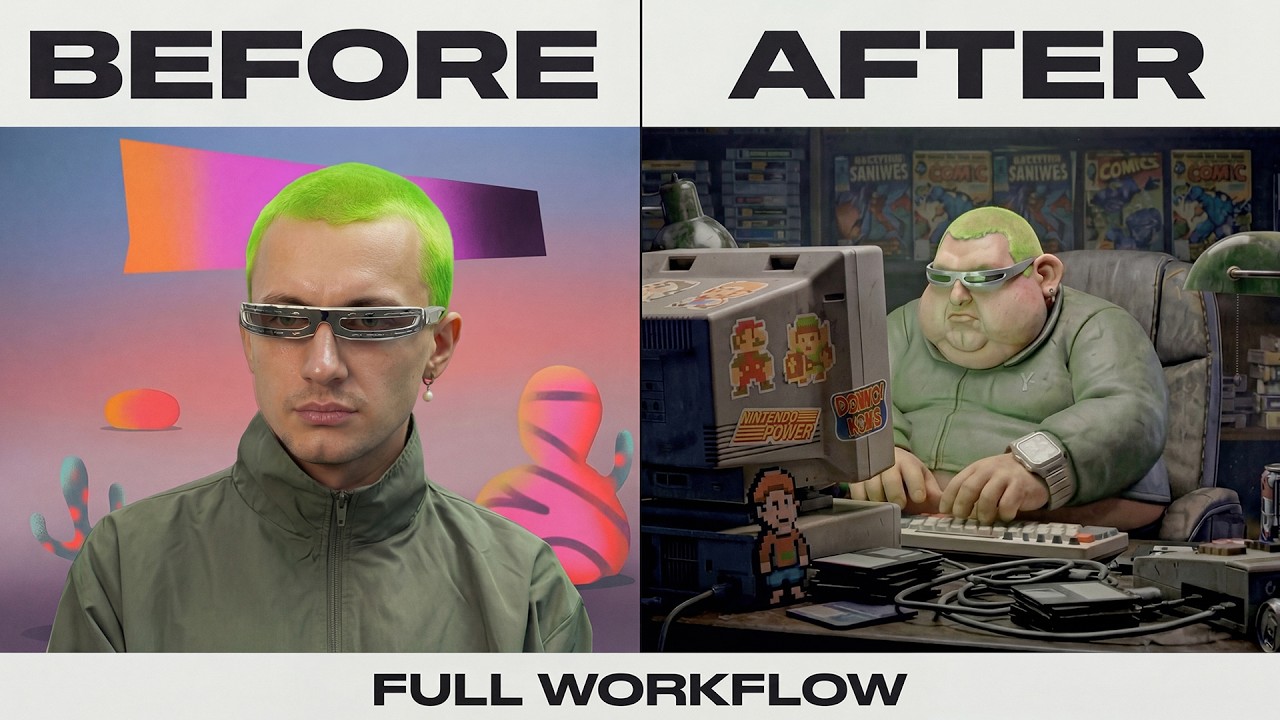
What this lesson covers
This video breaks down a complete end-to-end workflow for creating an AI-generated 3D short film using Seedance 2. It covers conceptualizing the narrative, generating consistent characters and retro environments, upscaling images, and using post-production tools for watermark removal and video enhancement.
Key takeaways from the creator
AI-extracted notes, not independently verified product claims. Timestamp links let you check each point in the original video.
- 03:12 ↗
Initial ideation relies on rough concepts and reference images to establish character style and 16:9 aspect ratios.
- 03:57 ↗
Environment generation requires iterative prompt refinement and consistent reference inputs to blend characters seamlessly into retro backgrounds.
- 05:11 ↗
Scene generation builds upon previous outputs by utilizing generated images as inputs for closer angles and side views while maintaining consistency.
- 07:14 ↗
Upscaling images to 4K resolution using specific aspect ratios like 21:9 prepares assets for cinematic video generation.
- 09:39 ↗
Post-production workflows incorporate dedicated video watermark removal and Topaz video upscaling for professional finish quality.
Workflow outlined in the video
- Generate initial character and environment concepts using broad style references.
- Refine prompts and utilize previous scene outputs as input references to maintain visual continuity.
- Upscale chosen frames to high resolutions like 4K in a 21:9 aspect ratio before video generation.
- Pass generated clips through video watermark removal tools when necessary.
- Enhance final clips using video upscaling software to achieve a professional production standard.
Before you use this workflow
These notes describe the source video at its publication date. Model access, pricing, connectors and interfaces may have changed. Check the original source and the provider’s current documentation before installing an add-on, connecting an account or spending credits.
ReelStack has not independently tested this workflow. Preview one representative shot and check motion, continuity and output quality before applying it to a full production. No result, cost saving or model capability is guaranteed.
How to interpret the numbers
15,201 views captured 24 October 2026. ReelStack recommendation score: 25/100. Formula: radar-v5. This is ReelStack’s calculation, not a YouTube rating or a measure of factual accuracy.
Show the calculation
- 45% performance: 0.56× views vs 6 other channel videos observed at a similar age. View-evidence factor 94% (views / (views + 1,000))
- 25% freshness: 0/100 with a 14-day half-life
- 20% momentum: 0 views/day vs 8 channel baseline (3 comparable uploads), with the same view-evidence factor
- 10% engagement: 100/100; likes + 4× comments, smoothed with a 500-view neutral prior