I Tried AI Video Editing for 8 Days - Here’s what DOES work
As AI video generation tools mature, integrating them directly into traditional editing workflows via plugins and automated script-to-graphics tools represents the next phase of efficiency for creators.
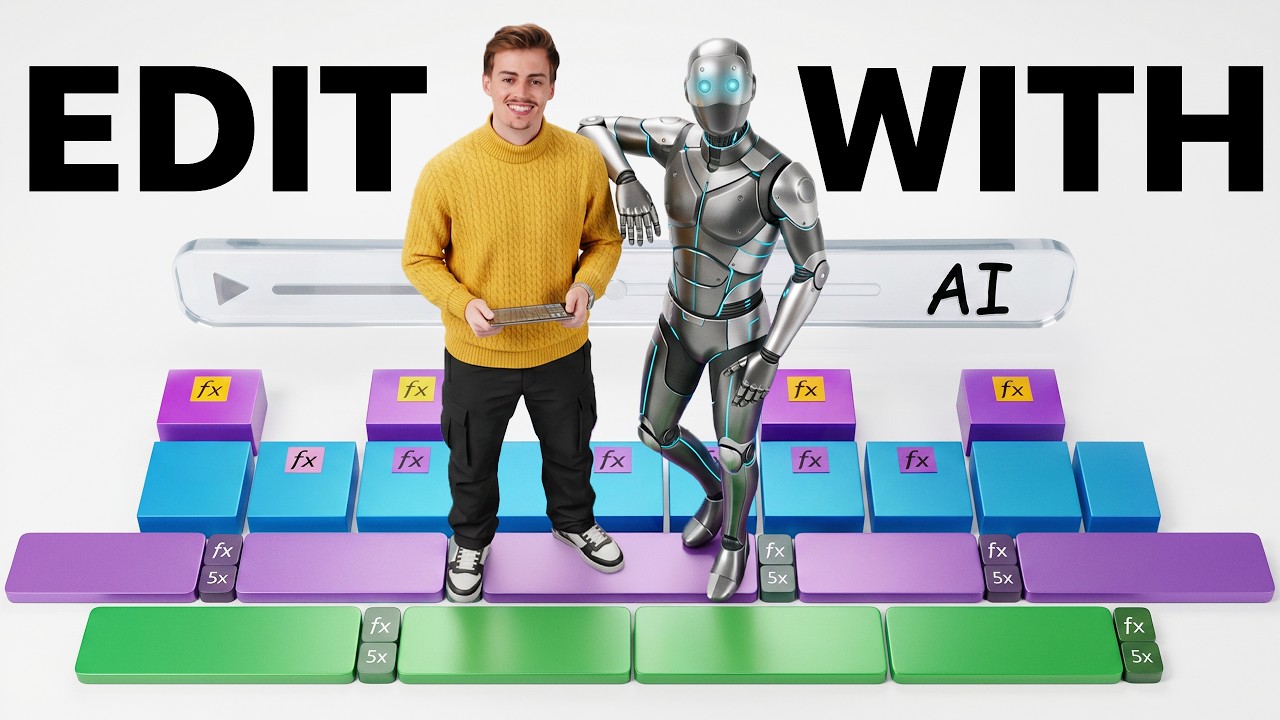
What this lesson covers
Dan Kieft explores various AI video editing tools, testing how artificial intelligence can streamline the video creation workflow. He demonstrates plugins and systems from platforms like Higgsfield and Claude to assist editors with B-roll generation, motion graphics, and reframing.
Key takeaways from the creator
AI-extracted notes, not independently verified product claims. Timestamp links let you check each point in the original video.
- 01:20 ↗
Higgsfield offers plugins for Premiere Pro, After Effects, and Figma, allowing creators to access video generation and reframing tools directly inside their editing timelines.
- 02:56 ↗
The Higgsfield plugin includes upscaling and video editing features, such as rephrasing and modifying clips using Seedance 2.5.
- 04:01 ↗
Higgsfield Supercomputer can take a reference image and a prompt to generate multi-scene introductory videos and motion graphics packages.
- 06:27 ↗
Combining Claude with HyperFrames enables creators to generate custom motion graphics, title animations, and text pop-ups simply through natural language descriptions.
Workflow outlined in the video
- Install the Higgsfield plugin into your preferred editing software like Premiere Pro or After Effects to keep generation tools inside your timeline workflow.
- Use Higgsfield Supercomputer to generate custom B-roll packages and introductory sequences from static reference images.
- Experiment with Claude and HyperFrames to automate text pop-ups, map animations, and custom UI graphics for explainer videos.
Before you use this workflow
These notes describe the source video at its publication date. Model access, pricing, connectors and interfaces may have changed. Check the original source and the provider’s current documentation before installing an add-on, connecting an account or spending credits.
ReelStack has not independently tested this workflow. Preview one representative shot and check motion, continuity and output quality before applying it to a full production. No result, cost saving or model capability is guaranteed.
Explore the tools
How to interpret the numbers
130,148 views captured 23 October 2026. ReelStack recommendation score: 40/100. Formula: radar-v5. This is ReelStack’s calculation, not a YouTube rating or a measure of factual accuracy.
Show the calculation
- 65% performance: 1.64× views vs 5 other channel videos observed at a similar age. View-evidence factor 99% (views / (views + 1,000))
- 25% freshness: 0/100 with a 14-day half-life
- Momentum pending: collecting daily snapshots; its 20% weight goes to observed performance, not free points
- 10% engagement: 3/100; likes + 4× comments, smoothed with a 500-view neutral prior