I Tested KLING 4.0 with my Blender Workflow
Provides practical guidance for AI filmmakers pairing 3D pre-visualization in Blender with generative video tools, offering concrete comparisons between Kling 4.0 and Seedance 2.5 regarding camera control and keyframe continuity.
What this lesson covers
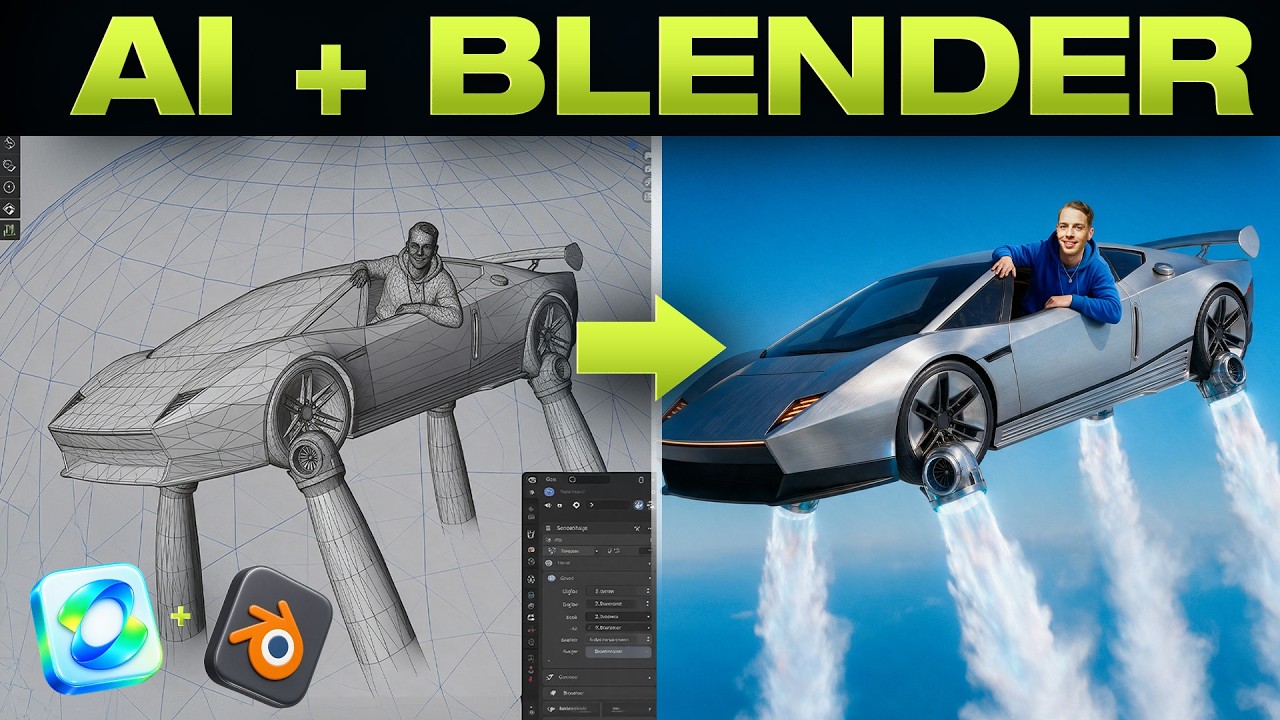
Thomas Lundström tests Kling 4.0 against Seedance 2.5 using a Blender 3D camera blocking workflow and multi-keyframe generation. He shares techniques for creating multi-angle product sheets, directing Blender sequences with Claude, and evaluating model fidelity.
Key takeaways from the creator
AI-extracted notes, not independently verified product claims. Timestamp links let you check each point in the original video.
- 02:12 ↗
Generating separate individual product angles rather than an all-in-one product sheet provides tighter angle control and higher fidelity before compositing into a sheet.
- 03:20 ↗
Selecting a soundtrack before building the 3D Blender sequence allows camera movement pacing to sync directly to musical cues during scene blocking.
- 04:04 ↗
Directing Claude to script Blender camera sequences requires multiple iterative conversational passes to refine mistakes and reach intended blocking.
- 05:45 ↗
Seedance 2.5 adheres significantly better to Blender reference camera sequences than Kling 4.0, which struggles to interpret 3D motion inputs accurately.
- 06:45 ↗
Base keyframe quality determines video realism; utilizing dedicated cinematic camera modes in Cinema Studio outperforms standard image models like GPT Image 2.5.
Workflow outlined in the video
- Generate individual product angle images separately in an image generator to ensure maximum resolution and angle precision.
- Composite the individual angle renders onto a single canvas in an image editor to form a cohesive reference product sheet.
- Provide Claude with music and asset descriptions alongside a Blender skill integration to write camera blocking script iterations.
- Iteratively instruct Claude to modify shot angles and timing until the Blender sequence accurately matches reference footage.
- Supply the rendered Blender blocking sequence and shot prompts to Seedance 2.5 or Kling 4.0 for video generation.
- Generate high-fidelity start, middle, and end keyframes using Cinema Studio's cinematic cameras feature prior to running multi-keyframe video generations.
Before you use this workflow
These notes describe the source video at its publication date. Model access, pricing, connectors and interfaces may have changed. Check the original source and the provider’s current documentation before installing an add-on, connecting an account or spending credits.
ReelStack has not independently tested this workflow. Preview one representative shot and check motion, continuity and output quality before applying it to a full production. No result, cost saving or model capability is guaranteed.
Explore the tools
Put the lesson in context
When to use Blender previsualization for AI video →How to interpret the numbers
4,319 views captured 30 October 2026. ReelStack recommendation score: 41/100. Formula: radar-v5. This is ReelStack’s calculation, not a YouTube rating or a measure of factual accuracy.
Show the calculation
- 65% performance: 0.48× current views vs the channel's recent median; same-age history is not yet available. View-evidence factor 81% (views / (views + 1,000))
- 25% freshness: 72/100 with a 14-day half-life
- Momentum pending: collecting daily snapshots; its 20% weight goes to observed performance, not free points
- 10% engagement: 55/100; likes + 4× comments, smoothed with a 500-view neutral prior