I Perfected the $50K AI Image Creative Formula (ChatGPT 1.5 + Nano Banana Pro)
Knowing which image model performs best and how to craft effective prompts lets AI filmmakers generate ad‑ready visuals instantly, cutting production time and costs.
What this lesson covers
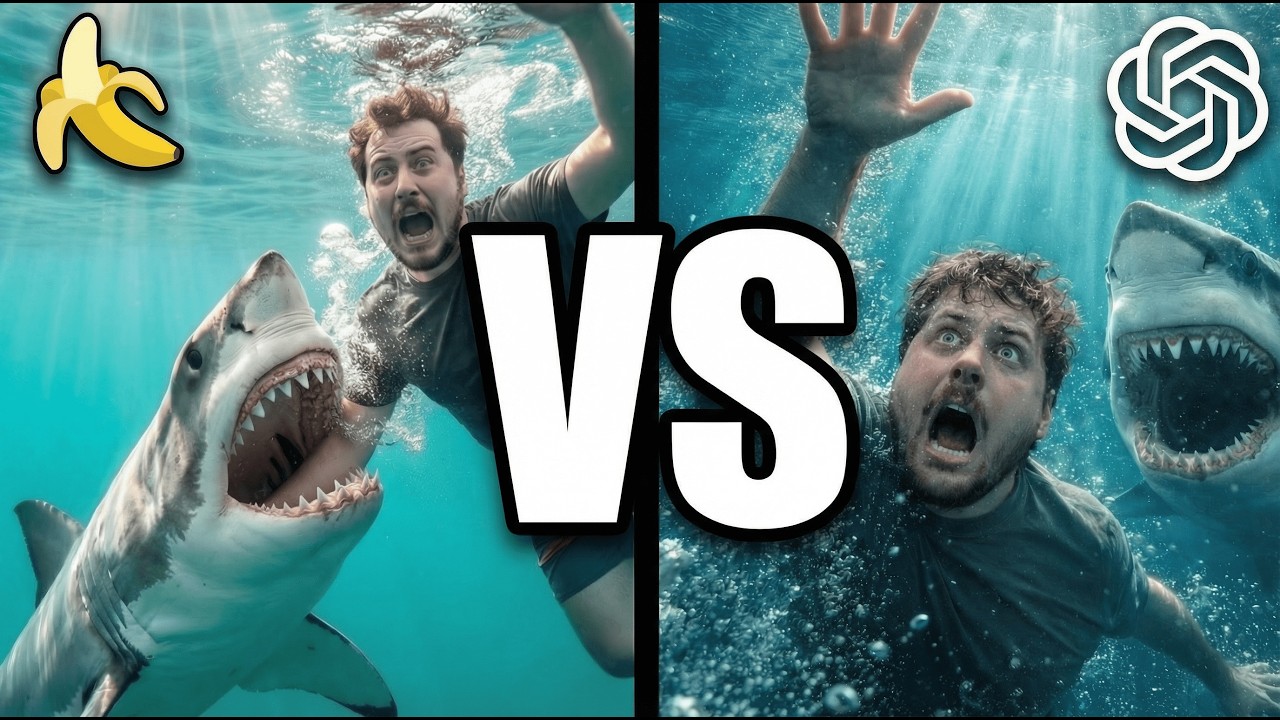
Adrian compares GPT image 1.5, Nano Banana Pro, Flux 2 Max, and Cream 4.5 for creating high‑conversion ad creatives, highlighting each model's strengths and weaknesses. He shows how prompt iteration and Freepik Spaces can streamline the workflow for marketers.
Key takeaways from the creator
AI-extracted notes, not independently verified product claims. Timestamp links let you check each point in the original video.
- 0:10 ↗
OpenAI released GPT image 1.5, adding a new option to the image‑generation toolbox.
- 1:00 ↗
The same models can be repurposed for YouTube thumbnails and UGC ad creatives.
- 3:42 ↗
Flux 2 Max struggled with lighting but remains useful for quick character generation.
- 4:06 ↗
Cream 4.5 produced the most realistic ad image, making it the preferred choice for final assets.
Workflow outlined in the video
- Run a side‑by‑side test of GPT image 1.5, Nano Banana Pro, Flux 2 Max, and Cream 4.5 on the same ad prompt.
- Iteratively refine prompts using specific adjectives for lighting, setting, and brand elements.
- Organize prompts and generated outputs in Freepik Spaces for easy visual comparison.
- Score each result on realism, brand consistency, and visual appeal before selecting the final asset.
- If needed, feed a reference image into the model to improve brand‑specific details.
Before you use this workflow
These notes describe the source video at its publication date. Model access, pricing, connectors and interfaces may have changed. Check the original source and the provider’s current documentation before installing an add-on, connecting an account or spending credits.
ReelStack has not independently tested this workflow. Preview one representative shot and check motion, continuity and output quality before applying it to a full production. No result, cost saving or model capability is guaranteed.
Explore the tools
How to interpret the numbers
1,509 views captured 24 October 2026. ReelStack recommendation score: 24/100. Formula: radar-v5. This is ReelStack’s calculation, not a YouTube rating or a measure of factual accuracy.
Show the calculation
- 65% performance: 0.84× views vs 4 other channel videos observed at a similar age. View-evidence factor 60% (views / (views + 1,000))
- 25% freshness: 0/100 with a 14-day half-life
- Momentum pending: collecting daily snapshots; its 20% weight goes to observed performance, not free points
- 10% engagement: 63/100; likes + 4× comments, smoothed with a 500-view neutral prior