I Let AI Sound-Design My Edit (Free Skill)
This tutorial demonstrates how filmmakers can integrate custom LLM skills with ElevenLabs API to automate shot-by-shot sound design generation and build an interactive, taste-adapting SFX library.
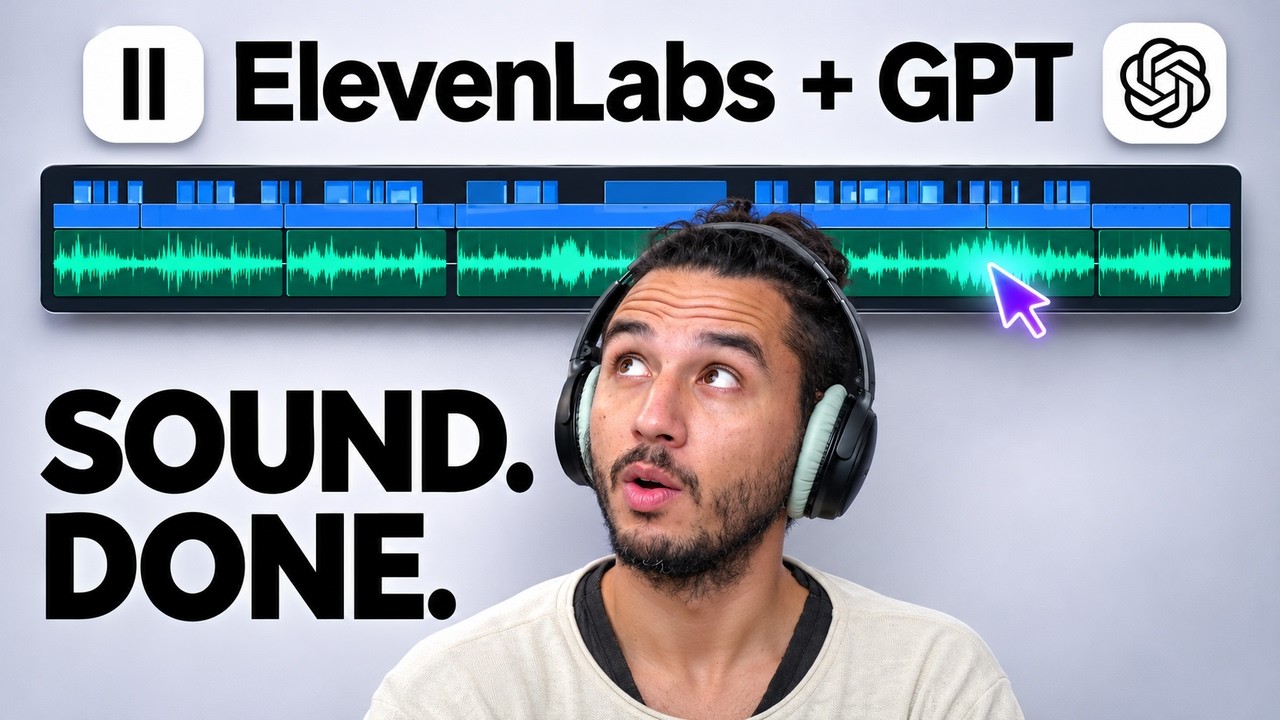
What this lesson covers
The video presents a walkthrough of SFX Lab, an open-source tool connecting ChatGPT skills with the ElevenLabs API to automate audio sound design for video edits. Creator FRMWRKD-EXPLAINED demonstrates how to install the skill, configure API keys, generate initial sound effects, and let the AI agent analyze and sound-design a commercial shot by shot.
Key takeaways from the creator
AI-extracted notes, not independently verified product claims. Timestamp links let you check each point in the original video.
- 0:17 ↗
Using the open-source SFX Lab skill allows ChatGPT to write prompts and generate sound effects via ElevenLabs directly inside a video project workflow.
- 1:26 ↗
Loading custom skills into ChatGPT using slash commands allows AI agents to guide users through tool installation and session configuration.
- 2:54 ↗
Integrating an ElevenLabs API key into the SFX Lab web interface enables direct generation and management of custom sound effects within a browser dashboard.
- 4:16 ↗
Rating generated sound effects with stars creates a self-improving taste profile that prioritizes existing high-rated sounds to optimize credit costs.
- 5:31 ↗
Inputting a finished film into ChatGPT prompts the AI agent to analyze shot transitions and automatically build a complete shot-by-shot sound design timeline.
Workflow outlined in the video
- Download and clone the open-source SFX Lab repository and load the skill into ChatGPT using slash commands.
- Obtain an API key from the ElevenLabs developer console and save it inside the SFX Lab browser interface.
- Generate an initial batch of test sound effects to build a base library inside the application dashboard.
- Review and rate generated audio clips using the star rating system to establish project-specific taste preferences.
- Upload a completed video edit to ChatGPT and prompt the agent to analyze the footage and construct a shot-by-shot sound design sequence.
- Audition alternative audio clips directly in the timeline interface using hotkeys to swap and refine sound placement.
Before you use this workflow
These notes describe the source video at its publication date. Model access, pricing, connectors and interfaces may have changed. Check the original source and the provider’s current documentation before installing an add-on, connecting an account or spending credits.
ReelStack has not independently tested this workflow. Preview one representative shot and check motion, continuity and output quality before applying it to a full production. No result, cost saving or model capability is guaranteed.
Explore the tools
How to interpret the numbers
521 views captured 9 November 2026. ReelStack recommendation score: 35/100. Formula: radar-v5. This is ReelStack’s calculation, not a YouTube rating or a measure of factual accuracy.
Show the calculation
- 45% performance: 0.61× views vs 8 other channel videos observed at a similar age. View-evidence factor 34% (views / (views + 1,000))
- 25% freshness: 87/100 with a 14-day half-life
- 20% momentum: 74 views/day vs 141 channel baseline (8 comparable uploads), with the same view-evidence factor
- 10% engagement: 54/100; likes + 4× comments, smoothed with a 500-view neutral prior