I Found a Viral AI Video Trend Getting Millions of Views (Here’s How to Make It)
This walkthrough shows creators a low‑barrier method to produce high‑engagement short‑form AI videos, a hot trend for rapid audience growth.
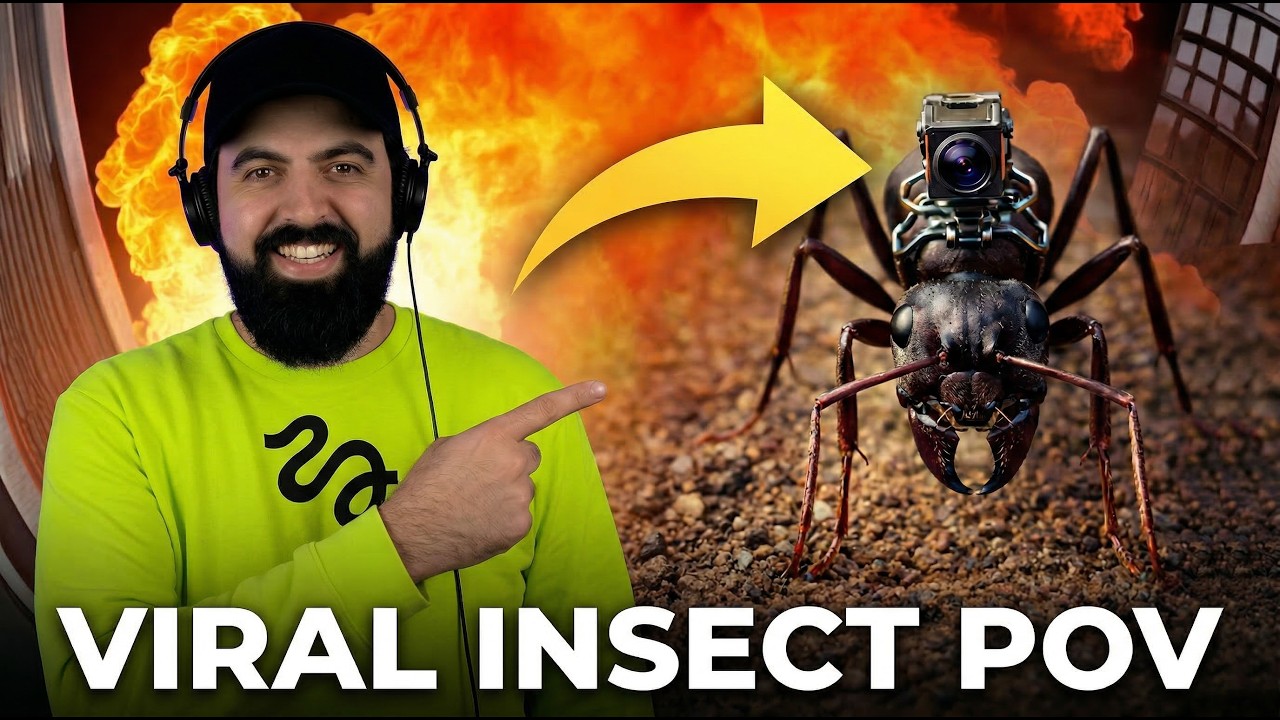
What this lesson covers
Diego demonstrates how to craft viral POV videos using Higgsfield’s Nano Banana 2 for image creation and Kling 3.0 for video animation, covering prompt crafting, aspect‑ratio setup, and multi‑shot generation. He highlights credit costs, resolution choices, and how to fine‑tune prompts for realistic results.
Key takeaways from the creator
AI-extracted notes, not independently verified product claims. Timestamp links let you check each point in the original video.
- 00:17 ↗
Viral POV videos gain millions of views across platforms due to immersive perspective.
- 00:41 ↗
Use Nano Banana 2 to generate the base image, adjusting prompts for size and realism.
- 01:15 ↗
The Explore page lets you copy existing prompts from community videos for inspiration.
- 02:22 ↗
Set the correct aspect ratio (9:16) and resolution (2K) before generating images.
- 04:38 ↗
Enable multi‑shot mode to let the AI create varied angles, then set video duration.
Workflow outlined in the video
- Open Higgsfield and navigate to the Image tab.
- Select Nano Banana 2 and craft a detailed prompt for the first frame.
- Adjust aspect ratio to 9:16 and resolution to 2K, then generate images.
- Switch to the Video tab, choose Kling 3.0, upload the chosen image as the start frame.
- Configure multi‑shot, set desired duration, and generate the POV video.
Before you use this workflow
These notes describe the source video at its publication date. Model access, pricing, connectors and interfaces may have changed. Check the original source and the provider’s current documentation before installing an add-on, connecting an account or spending credits.
ReelStack has not independently tested this workflow. Preview one representative shot and check motion, continuity and output quality before applying it to a full production. No result, cost saving or model capability is guaranteed.
Explore the tools
How to interpret the numbers
887 views captured 22 October 2026. ReelStack recommendation score: 10/100. Formula: radar-v5. This is ReelStack’s calculation, not a YouTube rating or a measure of factual accuracy.
Show the calculation
- 65% performance: 0.25× views vs 4 other channel videos observed at a similar age. View-evidence factor 47% (views / (views + 1,000))
- 25% freshness: 0/100 with a 14-day half-life
- Momentum pending: collecting daily snapshots; its 20% weight goes to observed performance, not free points
- 10% engagement: 42/100; likes + 4× comments, smoothed with a 500-view neutral prior