I Created an EPIC B-Roll Commercial Using AI… Here’s How
Demonstrating end-to-end AI commercial production without traditional cameras highlights the rapid viability of synthetic media for product marketing.
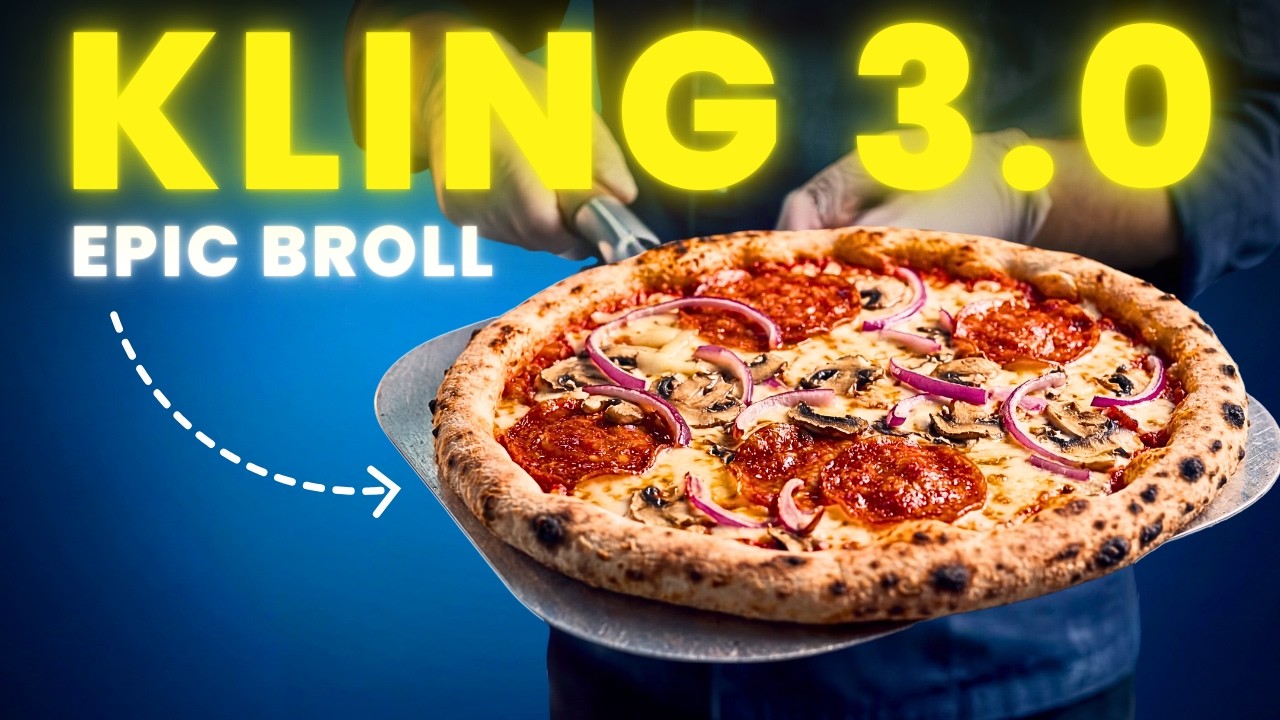
What this lesson covers
Thomas Lundström breaks down how he created a professional pizza B-roll commercial entirely with AI tools. He shares workflows for generating consistent frames, handling difficult camera angles, and animating clips in slow motion.
Key takeaways from the creator
AI-extracted notes, not independently verified product claims. Timestamp links let you check each point in the original video.
- 01:31 ↗
Taking screenshots from professional reference commercials and having ChatGPT describe them helps generate useful prompt bases for your own brand.
- 02:47 ↗
When an AI struggles to understand a complex physical angle or hand position, photographing yourself holding an object and converting it to a sketch provides a clear compositional guide.
- 04:31 ↗
Time-lapse transitions between unbaked and baked states can be easily generated in post-production when editing reveals a storytelling gap.
- 05:25 ↗
Generating video clips in slow motion gives you greater flexibility to re-time and adjust clips in the editing software without introducing visual artifacts.
- 07:16 ↗
Treat AI video clips like raw footage by extracting the best 2 to 5-second slices from slightly wonky generations rather than expecting perfection from the entire clip.
Workflow outlined in the video
- Analyze professional reference videos and use ChatGPT to translate their visual style into text prompts matching your brand.
- Take reference photos of specific hand poses or props, convert them to sketches, and use them alongside style references to fix composition struggles.
- Generate video clips using slow-motion settings to retain editing flexibility in post-production.
- Scrub through imperfect AI generations to find clean multi-second slices that fit your commercial timeline.
Before you use this workflow
These notes describe the source video at its publication date. Model access, pricing, connectors and interfaces may have changed. Check the original source and the provider’s current documentation before installing an add-on, connecting an account or spending credits.
ReelStack has not independently tested this workflow. Preview one representative shot and check motion, continuity and output quality before applying it to a full production. No result, cost saving or model capability is guaranteed.
Explore the tools
How to interpret the numbers
42,138 views captured 24 October 2026. ReelStack recommendation score: 61/100. Formula: radar-v5. This is ReelStack’s calculation, not a YouTube rating or a measure of factual accuracy.
Show the calculation
- 65% performance: 4.79× current views vs the channel's recent median; same-age history is not yet available. View-evidence factor 98% (views / (views + 1,000))
- 25% freshness: 0/100 with a 14-day half-life
- Momentum pending: collecting daily snapshots; its 20% weight goes to observed performance, not free points
- 10% engagement: 87/100; likes + 4× comments, smoothed with a 500-view neutral prior