I Built the AI Cinematography Tool I Wish Existed
Shows how independent tools can give AI filmmakers granular creative control while cutting recurring platform costs.
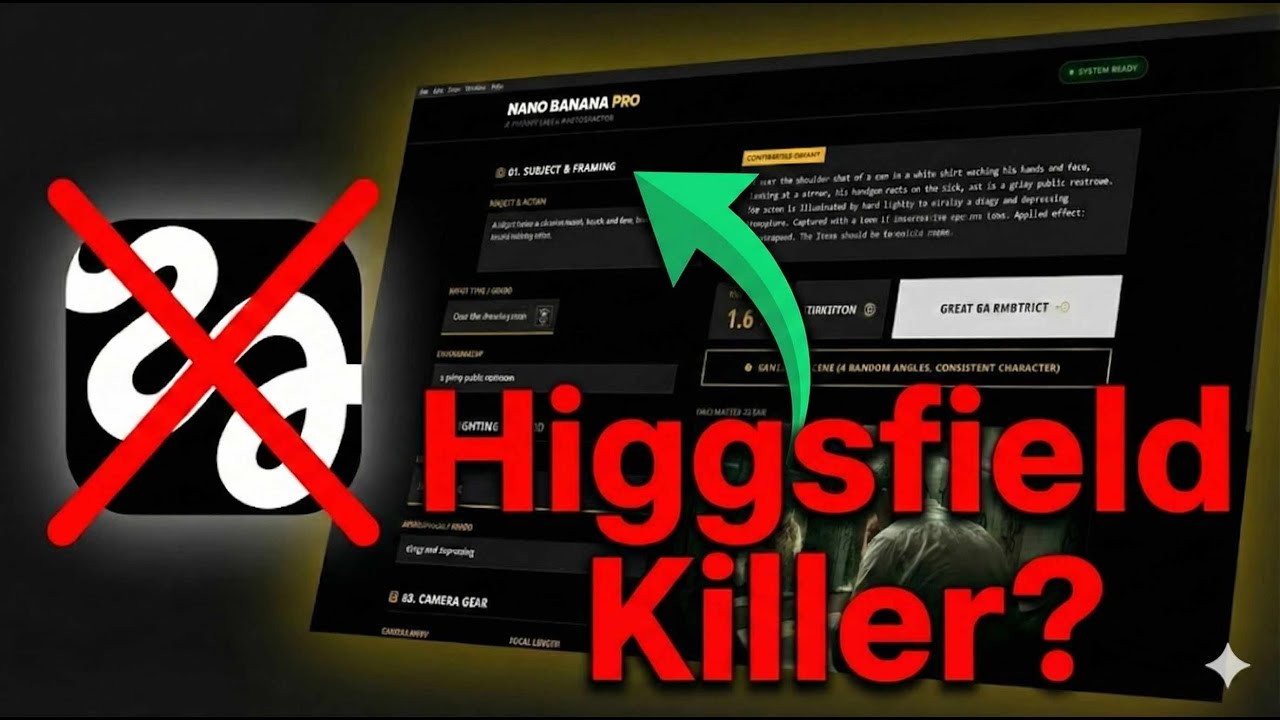
What this lesson covers
PromptGeek critiques Higgsfield's limited AI cinematography tools and showcases his own Nano Banana Pro Prompt Builder, a desktop app that offers hundreds of camera, lens, lighting, and framing options with real‑time prompt construction. The video emphasizes ownership over subscription models and introduces an Elements system for reference‑image‑driven consistency.
Key takeaways from the creator
AI-extracted notes, not independently verified product claims. Timestamp links let you check each point in the original video.
- 00:05 ↗
Higgsfield’s $249/month subscription limits creative freedom and adds hidden guardrails.
- 01:10 ↗
Nano Banana’s UI builds full prompts for you, turning prompt‑engineering into a visual workflow.
- 02:14 ↗
Hundreds of lenses, camera bodies, lighting styles, and aspect ratios let you emulate any film aesthetic.
- 04:18 ↗
Owning the tool means a one‑time purchase and unlimited API usage—no recurring rent.
- 05:29 ↗
The Elements feature lets you upload reference images to enforce character and environment consistency across shots.
Workflow outlined in the video
- Assess the limitations of your current AI cinematography platform.
- Download and install Nano Banana Pro Prompt Builder (now RenderZero Studio).
- Connect your own API key from Google AI Studio within the app.
- Select camera body, lens, focal length, lighting style, and aspect ratio to match your desired look.
- Use the Elements panel to upload reference images for characters, outfits, or sets.
- Generate prompts, review the output, and iterate by tweaking UI selections.
- Export the final prompts or JSON to your preferred image generator or video pipeline.
Before you use this workflow
These notes describe the source video at its publication date. Model access, pricing, connectors and interfaces may have changed. Check the original source and the provider’s current documentation before installing an add-on, connecting an account or spending credits.
ReelStack has not independently tested this workflow. Preview one representative shot and check motion, continuity and output quality before applying it to a full production. No result, cost saving or model capability is guaranteed.
Explore the tools
How to interpret the numbers
112,610 views captured 23 October 2026. ReelStack recommendation score: 63/100. Formula: radar-v5. This is ReelStack’s calculation, not a YouTube rating or a measure of factual accuracy.
Show the calculation
- 65% performance: 4.86× current views vs the channel's recent median; same-age history is not yet available. View-evidence factor 99% (views / (views + 1,000))
- 25% freshness: 0/100 with a 14-day half-life
- Momentum pending: collecting daily snapshots; its 20% weight goes to observed performance, not free points
- 10% engagement: 100/100; likes + 4× comments, smoothed with a 500-view neutral prior