Hyper-Realistic AI Influencers in 5 Minutes | Free Workflow
Integrating AI generation pipelines directly into traditional motion design software like After Effects speeds up asset creation for virtual influencer projects.
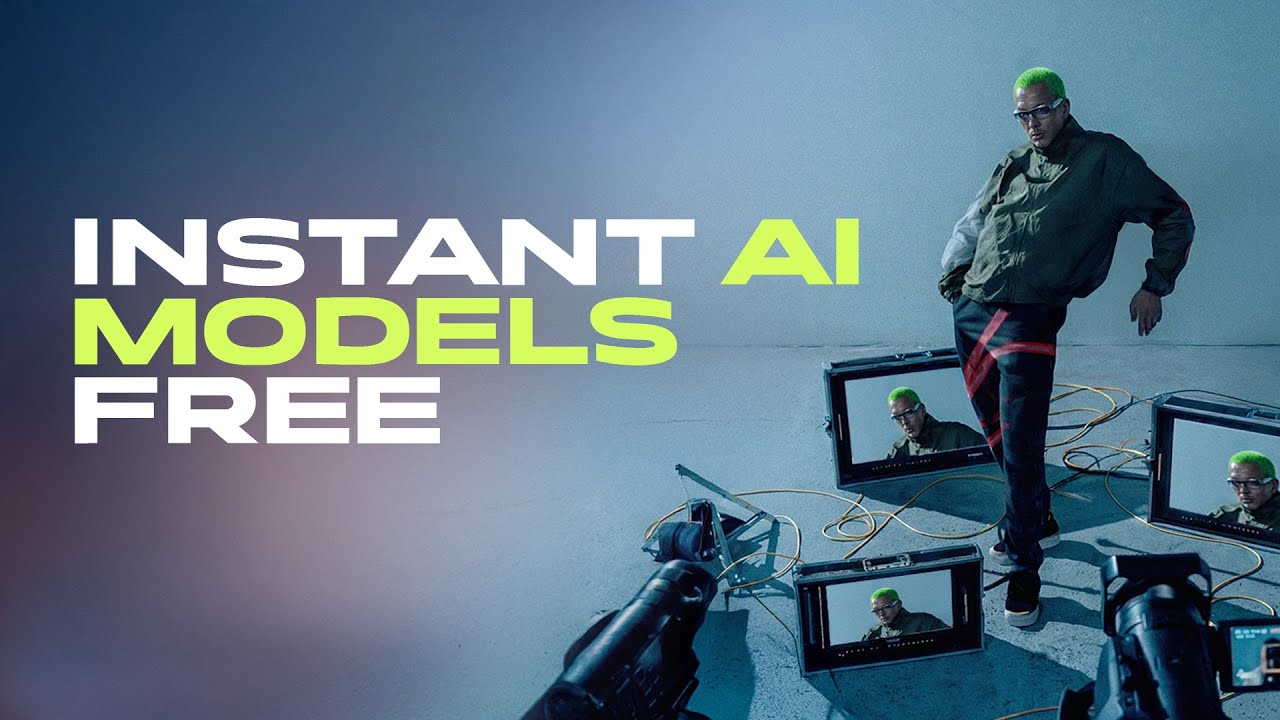
What this lesson covers
This tutorial introduces FlashBoards, an After Effects extension designed to streamline AI-powered character generation, outfit changes, and face-swapping workflows. It demonstrates how to utilize various RunningHub backends to create consistent virtual models and cinematic storyboards efficiently.
Key takeaways from the creator
AI-extracted notes, not independently verified product claims. Timestamp links let you check each point in the original video.
- 00:35 ↗
FlashBoards operates directly inside Adobe After Effects through a custom window extension panel linked to RunningHub workflows.
- 01:41 ↗
Characters are generated with a gray background mask to make subsequent face swapping and blending much cleaner and more consistent.
- 02:35 ↗
Utilizing a specialized close-up face swap tool yields significantly more realistic and detailed facial preservation compared to faster low-resolution alternatives.
- 05:59 ↗
An 18-plus mode undresses the model completely underneath, allowing for accurate clothing layering and outfit replacements.
- 08:39 ↗
The storyboard generator feature can create multiple camera shots and varied compositions based on a single base image.
Workflow outlined in the video
- Install the ZXP installer and load the FlashBoards extension into Adobe After Effects.
- Select your base character models and poses within the FlashBoards panel to establish your initial compositions.
- Run the outfit change and generation steps to build out your character's wardrobe and scenes.
- Apply the face swap for close-ups tool to ensure facial consistency across generated shots.
- Use the storyboard generator to produce multiple camera angles and select the best frames for video generation.
Before you use this workflow
These notes describe the source video at its publication date. Model access, pricing, connectors and interfaces may have changed. Check the original source and the provider’s current documentation before installing an add-on, connecting an account or spending credits.
ReelStack has not independently tested this workflow. Preview one representative shot and check motion, continuity and output quality before applying it to a full production. No result, cost saving or model capability is guaranteed.
How to interpret the numbers
3,789 views captured 24 October 2026. ReelStack recommendation score: 20/100. Formula: radar-v5. This is ReelStack’s calculation, not a YouTube rating or a measure of factual accuracy.
Show the calculation
- 65% performance: 0.25× views vs 3 other channel videos observed at a similar age. View-evidence factor 79% (views / (views + 1,000))
- 25% freshness: 0/100 with a 14-day half-life
- Momentum pending: collecting daily snapshots; its 20% weight goes to observed performance, not free points
- 10% engagement: 100/100; likes + 4× comments, smoothed with a 500-view neutral prior